




![IM608 PRO II Full Kit<br>[2-Year Free Update]](http://www.obdprice.com/cdn/shop/files/Autel_IM608S_II_Full_Kit_1_600x600.webp?v=1755662636)

![IM508S PRO<br>[2-Year Free Update]](http://www.obdprice.com/cdn/shop/files/Autel_MaxiIM_IM508S_Pro_600x600.webp?v=1755662755)
![IM508S<br>[2-Year Free Update]](http://www.obdprice.com/cdn/shop/files/AUTEL_MAXIIM_IM508S_600x600.webp?v=1755662895)







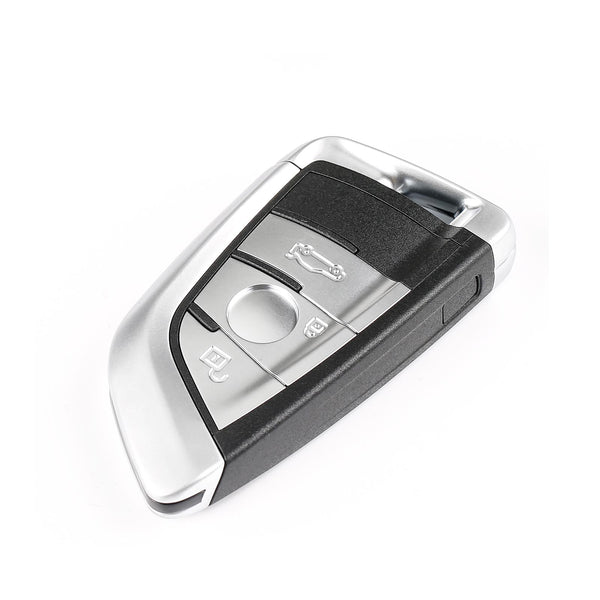
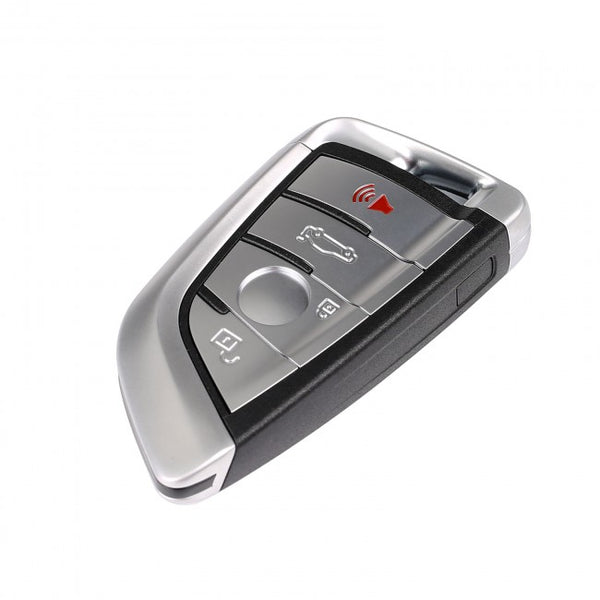
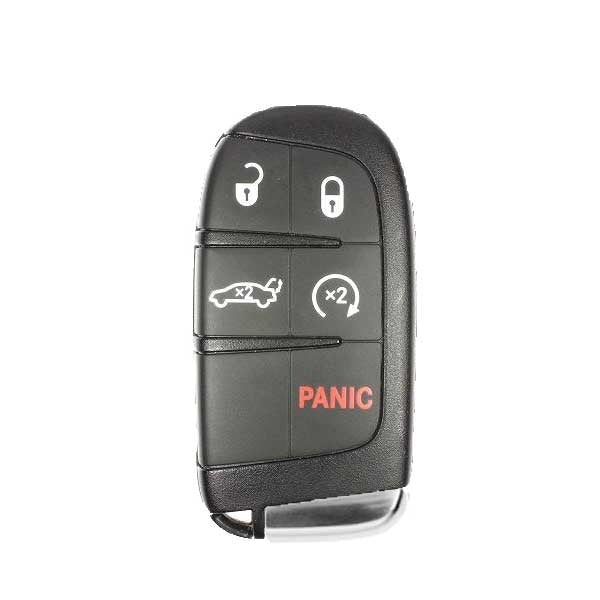
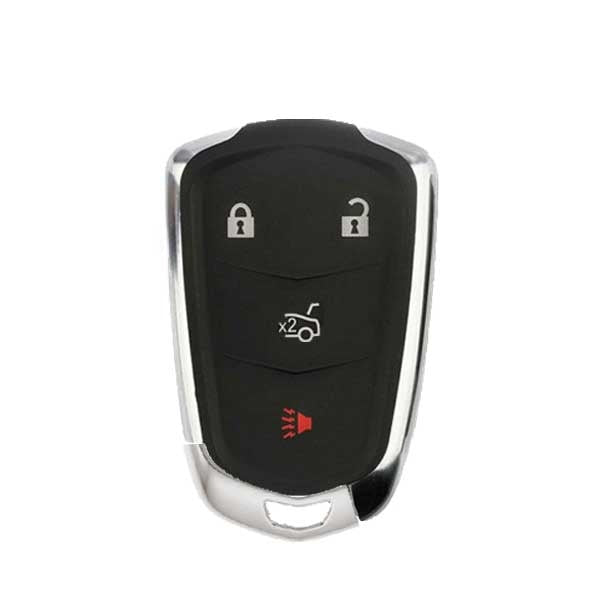
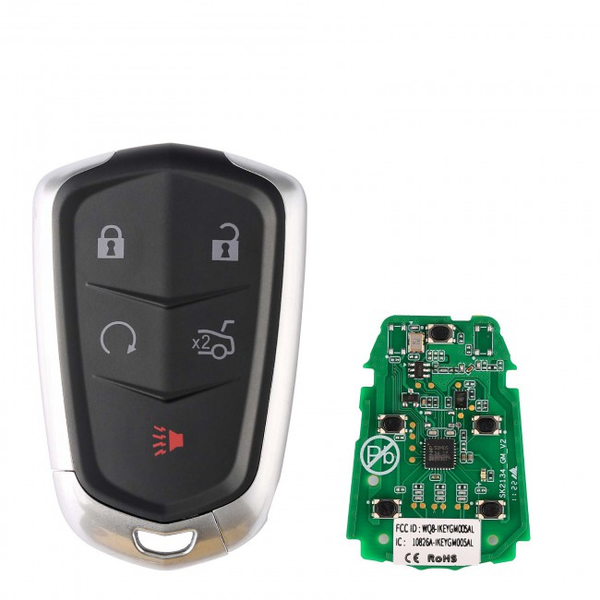




What should you do if you’ve lost all your Toyota car keys? This situation often involves a very complex key fob programming process, so you cannot add a new key using the key cloning method mentioned in our previous article.
The Autel key programming tool and the Autel APB112 can help you program your key fob, so you no longer need to spend a lot of time and money visiting a dealership—you can do it right at home. However, this method is not compatible with all Toyota keys. This guide will show you how to use the Autel key programming tool and the APB112 to program certain Toyota 8A/4A key models in the event of a total loss, allowing you to add a new key.

What Is Toyota All Keys Lost?
What does it mean to have lost all your keys? Simply put, it means you’ve lost all of your original keys. Unlike adding a new key, when you’ve lost all your keys, you can’t simply duplicate an old key. Instead, you’ll need to use a key programming tool to extract the key’s information from the car’s anti-theft system and store it in a brand-new key.
The process of dealing with a complete loss of keys is more complicated because car anti-theft systems have a very high level of security. Sometimes you may encounter obstacles when programming a key—for example, you might need to know the PIN code, or the anti-theft system’s security level might be so high that external tools cannot obtain the necessary authorization to retrieve the information.
What Is the Autel APB112?
The Autel APB112 is a smart key simulator. It can resolve the issues mentioned above. Since it collects data directly from the ignition coil, it does not require you to enter a PIN code and is not affected by overly stringent anti-theft system security measures.
The Autel APB112 is a smart key simulator designed to work with compatible Autel diagnostic tools for advanced key programming and IMMO functions. It supports Toyota 4D and H-series smart key simulation, Toyota/Lexus All Keys Lost applications, 46 and 4D data collection, password calculation, chip simulation and decoding, and ignition coil data collection and troubleshooting.
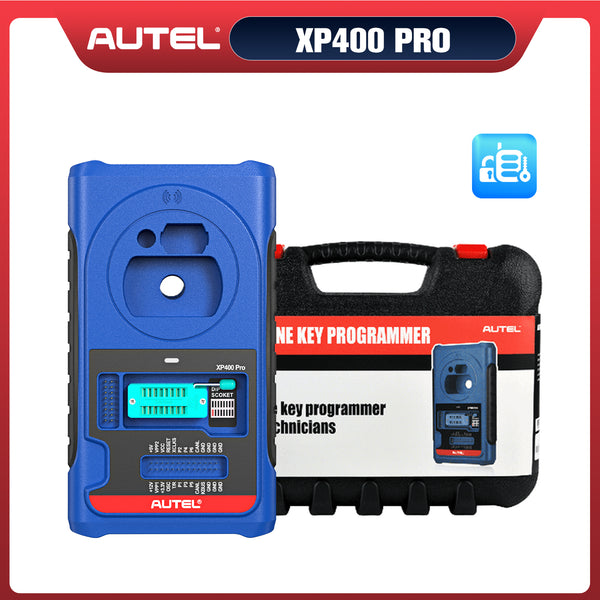
The compact APB112 must be used with a compatible Autel diagnostic tool and XP400, and is compatible with devices such as the IM608, IM508, MX808IM, IM100, and IM600, but not the XP200. However, the APB112 currently supports only a limited number of chip types. It is best to consult customer service to confirm compatibility before purchasing.
 $70 OFF
Autel APB112
$279.00
Smart Key Simulator Fit For Autel MaxiIM IM508 / IM608 , Auro Otosys IM100 / IM600
Toyota Key Types Supported in This AKL Procedure
From the information above, we know that the Autel APB112 Smart Key Simulator is not compatible with all key fob chips. So, for which types of Toyota key fobs can the Autel APB112 be used to simulate and program the keys in the event of a total loss?
8A Key Types
The 8A key family includes applications identified as A8, A9, and AA. These key types are commonly associated with Toyota smart key systems where the appropriate key data must be processed and the vehicle must recognize the newly programmed key.
When working on an 8A Toyota AKL procedure:
- Confirm that the vehicle uses a supported 8A/A8/A9/AA key type.
- Make sure the replacement key is compatible with the vehicle's immobilizer system.
- Follow the Autel diagnostic tool's on-screen instructions for the specific Toyota.
- Use the APB112 when the procedure requires smart key simulation or related key data processing.
- After programming, verify both the remote functions and engine-start authorization.
4A Key Types
Some Toyota applications use 4A-related key systems, including the 4A-AA type covered by this procedure. These systems should not be treated as identical to 8A applications because the key data and immobilizer procedure can differ.
For a 4A Toyota AKL job, first verify the vehicle and key type in the Autel diagnostic tool. If the application is supported, the tool will guide you through the corresponding All Keys Lost procedure. The APB112 can then be used as required by the procedure to assist with the smart key simulation and key-learning process.
How to Perform Toyota All Keys Lost with APB112
This procedure uses the example of completely losing the keys to a 2020 Toyota RAV4 HV and employs the Autel IM608 Pro 2 and APB112 to carry out the process:
Step 1: Check the Vehicle and Key Type
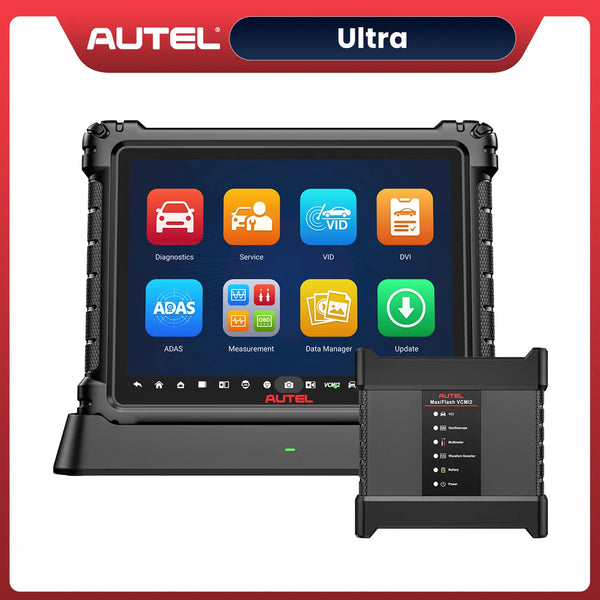
Before beginning the process, you need to check whether your vehicle and key model are compatible with this procedure. In addition, you’ll need to have the necessary tools on hand, such as the Autel IM608S II, the Autel APB112, and a blank original key.
Step 2: Connect the Autel Diagnostic Tool
Use the included cable to connect the Autel IM608 Pro 2 and MaxiFlash JVCI+ to the vehicle’s OBD port, allowing the Autel key programming tool to communicate properly with the vehicle.
 $2211 OFF
Autel MaxiIM IM608S II
$4999.00
2026 Autel All-in-One IMMO & Key Programming Tool with Advanced IMMO Functions, ECU Coding & 1 Years Free Updates
Step 3: Select the Correct Path to Access the Keyless System
Specific path: MaxiIM > IMMO > Toyota > Manual Selection > Other > RAV4 HV > Smart Key > AXAH5#(8A) > Control Unit > Keyless System > Keyless System(CAN)

Choose the Right Vehicle Type
Step 4: Back up IMMO Data and Obtain EEPROM Bin File
Select “Backup IMMO Data” to continue. Follow the on-screen prompts: turn the hazard warning lights on and off once, press the start button five times, and keep the engine off.
Select the OBD backup option and continue with the steps described above, such as turning the warning lights on and off. Save the EEPROM file. This file will be used to generate a simulated key without needing the PIN code.
Warning: You must turn off Bluetooth on your device and connect the VCI to the diagnostic tool using a USB cable; otherwise, this feature may not work!

Back Up IMMO Data
Step 5: Generate Analog Key
Return to the Keyless System (CAN) page, select “Generate Analog Key,” and proceed. Select the EEPROM data file. Connect the Autel APB112 key simulator to the IM608S II using a data cable, and wait for the firmware to update. The analog key generation is complete.
Align the simulated key with the Start/Stop button, then press the Start/Stop button. If the instrument lights up successfully, click “Yes” to continue. If the instrument does not light up, click “No” to proceed to the next simulated key. The screen displays a message indicating that the simulated key was successfully generated.
Note: Analog key must be powered on, never cut off.
Step 6: Add Key
Click “Add Smart Key” to continue. Follow the on-screen instructions and use the generated simulated key to turn the ignition switch on. Enter the vehicle’s VIN. Turn the ignition switch off and turn on the hazard lights. Select the previously saved EEPROM data file to begin adding the key.
Hold the pre-programmed key near the start button; the buzzer will beep once. Then hold the unprogrammed blank key near the start button; the buzzer will beep twice briefly.
Turn on the ignition switch and hold the programmed smart key near the start button. When programming is complete, you will hear a buzzer sound.

Add Smart Key
Step 7: Testing the New Key
Once all of the above steps are complete, test whether the newly programmed key fob works properly. Check to see if functions such as starting the vehicle and unlocking the doors work as expected.
Toyota All Keys Lost: Important Tips
When performing a Toyota All Keys Lost procedure with the APB112 Autel, a few basic checks can help avoid programming failures:
- Confirm vehicle compatibility: Check the exact Toyota model, year, immobilizer system, and key type before starting.
- Use the correct key: Make sure the replacement key matches the supported 8A or 4A application.
- Keep the battery stable: Maintain sufficient vehicle voltage throughout the programming process.
- Follow the Autel prompts: Complete each step in the order shown on the diagnostic tool.
- Avoid interruptions: Do not disconnect the diagnostic tool or APB112 while key data is being processed.
- Test the key afterward: Check locking/unlocking, keyless entry, and engine starting to confirm successful programming.
Most importantly, always verify compatibility before beginning an AKL procedure, since Toyota key systems can vary by model, year, and market.
APB112 for Toyota All Keys Lost: What You Need to Know
The Autel APB112 is designed to work with compatible Autel key programming tools during supported Toyota/Lexus All Keys Lost procedures. It can assist with smart key simulation and related immobilizer data processing, including supported 8A and 4A key applications.
Before starting, confirm the vehicle, immobilizer system, and key type are supported. The APB112 must be used with a compatible Autel diagnostic tool and XP400 Pro, and the programming process should always follow the instructions displayed by the programming tool. After programming, test the new key to make sure the remote, keyless entry, and engine-start functions work correctly.
Conlusion
In summary, the Autel APB112 Smart Key Simulator is a valuable tool for performing Toyota All Keys Lost procedures on supported 8A and 4A key types. By following the outlined steps and ensuring compatibility, you can successfully program a new key fob without needing to visit a dealership, saving both time and money.


Leave a comment