











A diagnostic scanner can read information from a vehicle's computers, help you investigate warning lights, and, on supported vehicles, run tests or service procedures. It cannot automatically identify every failed part, repair a mechanical fault, or guarantee that a vehicle is safe to drive.
The useful question is which information and functions your particular scanner can access on your particular vehicle. A basic OBD-II reader, an enhanced diagnostic tablet, and a programming setup have different jobs. Understanding those differences helps you choose a tool and avoid replacing parts based on a code alone.

Diagnostic Scanner Capabilities at a Glance
|
Task |
What a scanner can do |
What still needs checking |
|
Investigate a check engine light |
Retrieve supported emissions-related codes and data |
The actual cause of the detected condition |
|
Read ABS or airbag faults |
Access supported modules with enhanced software |
Exact vehicle and system coverage |
|
Examine operating conditions |
Display available live data and freeze frame |
Whether readings are plausible and why they changed |
|
Test a component |
Command supported actuators with active tests |
Physical response, circuit condition, and test prerequisites |
|
Perform maintenance functions |
Run supported resets, registrations, or relearns |
The required physical service and vehicle procedure |
|
Clear diagnostic information |
Erase clearable records when conditions allow |
Repair quality, readiness, and permanent-code status |
|
Program a module or key |
Perform explicitly supported programming operations |
Equipment, authorization, software, and vehicle requirements |
These are capability categories, not promises that every scanner supports every row. Even two tools that list the same vehicle brand can provide different functions for different model years or modules.
What a Diagnostic Scanner Can Do
Read Trouble Codes and Their Status
A diagnostic trouble code, or DTC, records a condition detected by a control module. A scanner retrieves that code and usually supplies a description. Depending on the system, it may also distinguish pending, confirmed, history, or permanent records.
Those statuses help establish what the module has observed. They do not independently prove that a named component has failed. Record the full code, its status, the module reporting it, and the symptoms before deciding what to test.
Manufacturer-specific descriptions and diagnostic procedures also matter. A short description in a generic reader is a starting point; the correct service information explains the conditions that set the code and the checks that follow.
Display Live Data and Freeze Frame
Live data shows values reported by the vehicle, such as engine speed, coolant temperature, or fuel-trim information when supported. Comparing related readings can help identify when a problem appears and guide the next test.
Freeze frame preserves selected operating values around the time an emissions fault was recorded. It can help distinguish a fault that occurred during a cold start from one recorded under load. Save that information before clearing diagnostic records.
Treat the displayed values as evidence to interpret. A sensor, its wiring, or a calculated value can produce misleading information. The vehicle also determines which parameters exist; a scanner cannot display a measurement that the module does not provide. See Snap-on's OBD-II service-mode documentation for the distinction between current data, freeze frame, and stored codes.

Access Additional Vehicle Systems
Enhanced diagnostic tools can communicate with supported systems beyond generic emissions diagnostics, including ABS, airbags, transmission, and body electronics. This is useful when a warning light belongs to a system that a basic reader cannot access.
“All-system diagnostics” describes a tool's intended coverage category. It does not establish access to every module or every function on every vehicle. Check the exact model year, market, powertrain, module, and task instead of relying on the phrase alone.
Run Active Tests and Service Functions
A bidirectional scanner can request actions from supported modules. An active test might command a cooling fan or another actuator, allowing a technician to compare the command with the physical response. Availability and prerequisites depend on the vehicle and software.
Service functions serve a different purpose. An oil-service reset updates a maintenance reminder; a battery registration or relearn may be required after a supported replacement procedure. These operations do not perform the physical repair.
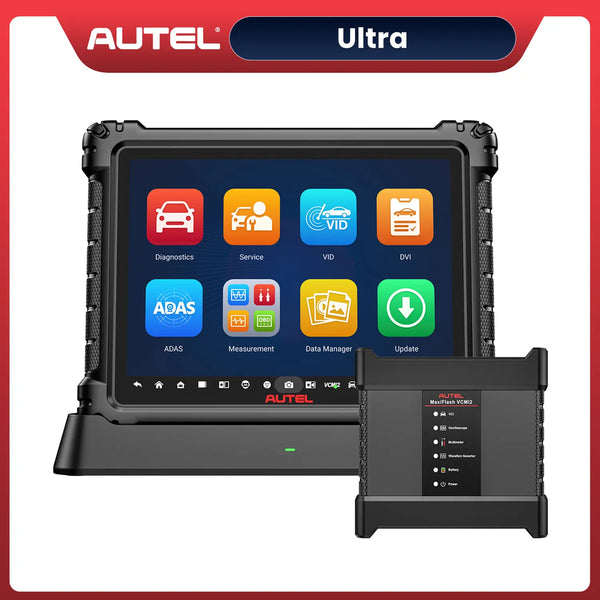
For example, Autel's MK808S/MK808Z specifications list module code access, live-data graphing, active tests, and service functions. That feature list still needs a vehicle-specific coverage check. A listed service category is not a guarantee that the procedure is available on your car.
What a Diagnostic Scanner Cannot Do
Identify Every Failed Part from a Code
A code description can name a circuit, a measured condition, or a system performance problem. The underlying cause may involve the component itself, wiring, connectors, power supply, a leak, or another condition that affects the monitored result.
Consider a hypothetical sensor-circuit fault. Buying a replacement sensor immediately skips important questions: Is the connector secure? Does the circuit have the required power and ground? Is the signal consistent with the actual operating condition? The appropriate checks come from the vehicle's diagnostic procedure.
A scanner narrows the investigation. Confirmation may require a multimeter, oscilloscope, pressure gauge, smoke test, or mechanical inspection. Choose the test that can distinguish the remaining possible causes.
Detect Every Mechanical or Intermittent Problem
A vehicle can have a noise, fluid leak, worn component, or intermittent drivability problem without storing a useful code. Some conditions are not directly monitored; others have not met the module's criteria for recording a fault.
A clean scan therefore does not certify the whole vehicle. If symptoms remain, document when they occur and continue diagnosis. Our guide to what 0 DTC means explains why an empty code list needs context.
The same applies to a used-car inspection. A scan can contribute valuable evidence, but it cannot replace checking tires, brakes, leaks, structural condition, service history, and how the vehicle behaves.
Fix a Fault by Clearing Codes
Clearing codes removes eligible diagnostic information. It does not seal a leak, restore a damaged wire, or replace a worn component. If the fault remains, the vehicle may detect it again when the relevant conditions occur.
Clearing emissions information can also remove freeze frame and reset readiness monitors. Save the evidence first, then follow the repair and verification procedure. Repeatedly erasing a returning fault can make the original problem harder to investigate.
Standard permanent emissions DTCs cannot be erased by a normal clear command or battery disconnection. The vehicle's OBD system must verify that the relevant defect is no longer present, as explained by the California Bureau of Automotive Repair.

Save diagnostic evidence before clearing; an erased record does not establish a completed repair.
Guarantee an Emissions Pass or Safe Driving
Readiness indicates whether supported emissions self-tests have completed. It does not mean every vehicle system is healthy. A scanner can help you review readiness and codes, but the inspection program determines the applicable requirements and result.
Do not assume that clearing a warning light makes a vehicle ready for testing. Check the relevant monitors after repair and use the appropriate vehicle procedure. There is no universal mileage that completes every monitor. Our I/M readiness guide explains the displayed status in more detail.
Likewise, a scan result alone cannot establish safe driving. Severe shaking, overheating, abnormal braking, or other serious symptoms require assessment of the physical condition. Follow the owner's manual and obtain qualified help when the fault affects safety.
Provide Universal Coding or Programming
Code clearing, service resets, coding, and ECU programming are different operations. A tool that reads engine codes or performs maintenance functions does not automatically support installing module software or adding keys.
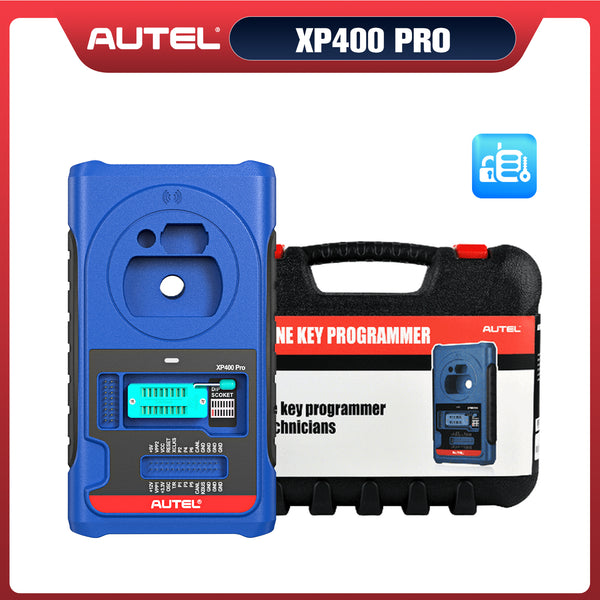
Programming may require a specific interface, manufacturer software, subscriptions, stable power, and authorized access. Immobilizer work can also require dedicated equipment and proof of authorization. Confirm the exact operation and supported vehicle before purchasing; a general “programming” label is insufficient.

How to Turn a Scan into a Useful Diagnosis
Use the scanner to build a testable explanation of the symptom. The following workflow organizes the investigation without substituting for the vehicle's service instructions.
1. Identify the vehicle and complaint. Record the year, model, powertrain, warning lights, and conditions in which the symptom occurs. Confirm that the scanner has the required system coverage.
2. Save the initial evidence. Record accessible codes, statuses, freeze frame, and relevant data. Note any systems the tool could not access rather than treating them as fault-free.
3. Choose a confirming test. Use the correct diagnostic procedure to distinguish likely causes. Compare related data and perform physical or electrical checks where needed.
4. Repair the confirmed cause. Complete the physical repair and any required supported registration, reset, or relearn. Follow the procedure's prerequisites.
5. Verify the result. Recheck the original symptom, relevant data, codes, and applicable monitor status under suitable conditions. A clear screen immediately after erasure is incomplete evidence.
Keep records of what changed. If the symptom returns, the earlier data helps establish whether the same condition remains or a different issue has appeared.
How to Choose the Right Scanner
Start with a specific task: reading emissions codes, investigating an ABS warning, running a particular active test, or completing a documented service procedure. Then check whether the tool supports that task on the exact vehicle.
For basic check engine investigations, a reader with the required code, data, and readiness functions may be sufficient. For multiple modules and supported service work, an enhanced tablet may be more useful. Someone who needs module programming should evaluate the complete required setup separately.
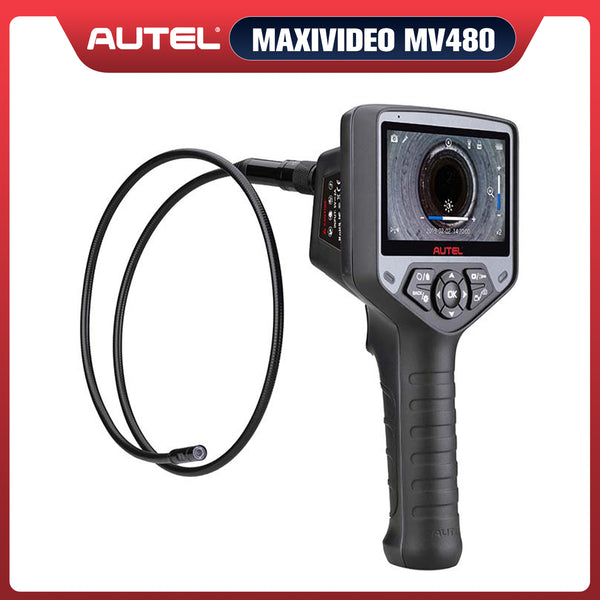
Autel MK808S/MK808Z provides an example of an enhanced diagnostic tablet to investigate for module access and service work. Confirm the exact function by VIN, vehicle market, and current software coverage before ordering. Do not infer key programming or ECU flashing support from its general diagnostic functions.
Also check required accessories, connection method, update terms, and any authorized access requirements. A larger advertised vehicle count is less useful than confirmation that your vehicle and intended operation are supported.
 22% OFF
Autel MaxiCOM MK808S / MK808Z
$499.00
2026 Autel Entry-Level Diagnostic Scanner with OE-Level All System Diagnostics, Active Tests & 28+ Service Functions
FAQs
Can a diagnostic scanner tell me exactly what is wrong with my car?
It can identify detected conditions and provide data that helps narrow the cause. A trouble code alone usually cannot confirm the failed part; follow the vehicle's diagnostic procedure and use appropriate physical or electrical tests.
Can a scanner fix a check engine light?
A scanner can clear eligible codes after the required diagnostic and repair work. Clearing the light does not repair the cause, and the light may return if the vehicle detects the fault again.
Will an OBD-II scanner read ABS and airbag codes?
Generic emissions OBD-II support does not establish ABS or airbag access. You need enhanced coverage for the relevant module on your exact vehicle, and supported functions vary by tool and software.
Can a scanner erase permanent trouble codes?
A normal code-clear command cannot erase standard permanent emissions DTCs. The vehicle's OBD system clears them after its required checks verify that the relevant defect is no longer present.
Does no code mean the car has no problems?
No. A scan only reports information available from the systems and functions accessed. Mechanical faults, intermittent conditions, and faults outside that coverage can exist without a retrieved code.
Can every diagnostic scanner program keys or ECUs?
No. Key programming and ECU programming require explicitly supported equipment, software, vehicle coverage, and any necessary authorized access. Basic code reading, active tests, and service resets do not establish those capabilities.


Leave a comment