




![IM608 PRO II Full Kit<br>[2-Year Free Update]](http://www.obdprice.com/cdn/shop/files/Autel_IM608S_II_Full_Kit_1_600x600.webp?v=1755662636)

![IM508S PRO<br>[2-Year Free Update]](http://www.obdprice.com/cdn/shop/files/Autel_MaxiIM_IM508S_Pro_600x600.webp?v=1755662755)
![IM508S<br>[2-Year Free Update]](http://www.obdprice.com/cdn/shop/files/AUTEL_MAXIIM_IM508S_600x600.webp?v=1755662895)


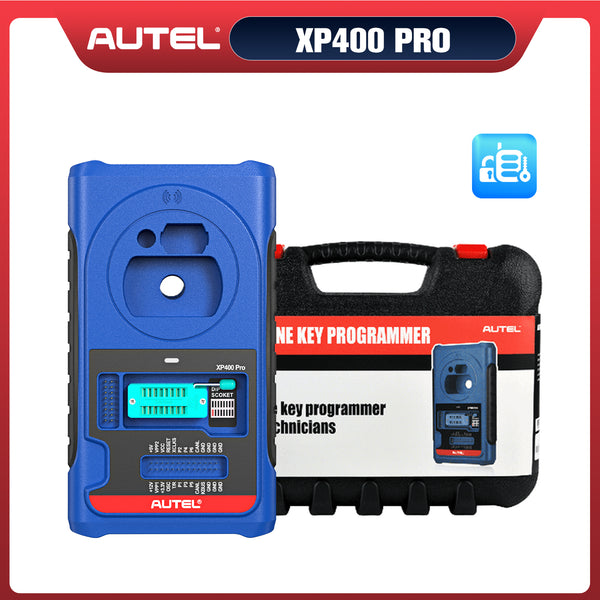






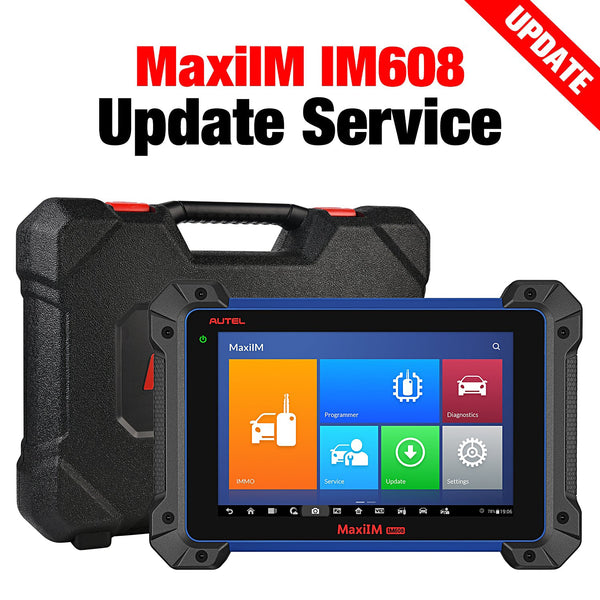


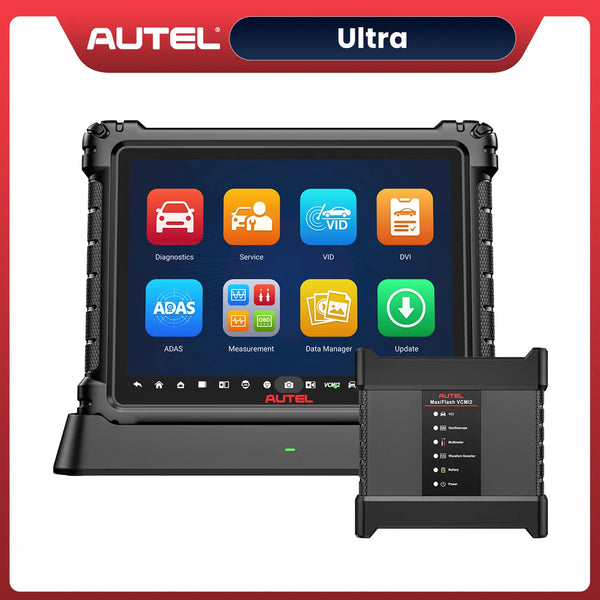
For automotive technicians and locksmiths, Autel key programming tools such as the MaxiIM KM100, MaxiIM IM508S, and MaxiIM IM608Pro II are essential devices for vehicle diagnostics, key learning, and immobilizer programming. Like smartphones and tablets, these devices allow users to set screen lock passwords to protect personal settings, customer information, and device security.
However, forgetting the screen lock password can become a frustrating problem. When the device is locked, users may be unable to access key programming functions, diagnostic software, or important settings.
If you forgot the screen lock password on your Autel KM100, IM508S, or IM608Pro II, don't worry. This guide explains why this issue happens and the available methods to restore access to your Autel tool.

Why Does the Autel Screen Lock Password Problem Happen?
The screen lock feature on Autel key programming tablets is designed to protect the device from unauthorized access. However, several situations can cause users to lose access.
1. Forgotten Password After Long-Term Storage
Many automotive technicians do not use every diagnostic tool every day. If an Autel device has been stored for several months, users may forget the password they previously created.
This is especially common for workshop owners who have multiple diagnostic tablets.
2. Multiple Technicians Use the Same Device
In repair shops, several technicians may share one Autel key programming tool. One technician may change the screen lock password without informing others, causing access problems later.
3. Buying a Used Autel Device
When purchasing a second-hand Autel KM100, IM508S, or IM608Pro II, the previous owner may have left an active screen lock password.
Without the original password, the new owner cannot access the device normally.
4. Password Changes After System Updates
After firmware or system updates, some users may update their security settings and create a new password. Over time, remembering the new password can become difficult.
How to Fix Forgotten Screen Lock Password on Autel KM100, IM508S & IM608Pro II
Applicable Scope: These instructions apply only to 64-bit devices, like KM100, IM508S & IM608Pro II. The procedure is intended for devices where the user forgot the screeen lock password and did not back up to the cloud.
Step 1: Select the “Reset” icon to go to the password reset page
When you forget your screen lock passcode, the first icon in the lower-left corner of the screen is the reset icon. Press and hold that icon, then drag it toward the upper-right corner until you reach the screen lock passcode reset screen.

Step 2: Enter your email address to receive a code
On the password reset page, enter your email address and click the “Get Code” button below. Enter the verification code sent to your email.
Note: If the device is already logged into the Autel User Center, the account email address will be automatically filled in and cannot be changed. You must use this account to continue.

Step 3: Complete the Reset
Click the “Reset Password” button to complete the reset and access the main interface. You can then set a new lock screen password.
If you are still unable to reset the device after trying the steps above, please contact Autel Support for assistance.
How to Prevent Forgetting Your Autel Screen Lock Password Again
1. Store Your Password Securely
Use a reliable password manager or keep a secure record of workshop device passwords. Avoid creating passwords that are too complicated to remember.
2. Create a Standard Workshop Password Policy
For repair shops with multiple technicians:
- Use a shared password management system.
- Record password changes.
- Assign responsibility when changing device settings.
This prevents unexpected lockouts.
3. Regularly Use and Update Your Autel Device
Using your diagnostic tool regularly helps you remember the password and keeps the device familiar.
Regular updates also ensure:
- Better system stability
- Improved compatibility
- Access to the latest vehicle software
Conclusion
Forgetting the screen lock password on an Autel KM100, IM508S, or IM608Pro II can interrupt important diagnostic and key programming work. Fortunately, users can restore access by trying previous passwords, performing a factory reset, or contacting Autel technical support.
To avoid future problems, technicians should keep passwords securely recorded and regularly back up important device information.
With the correct recovery method, your Autel key programming tool can quickly return to normal operation and continue supporting vehicle diagnostics and immobilizer programming tasks.


