




![IM608 PRO II Full Kit<br>[2-Year Free Update]](http://www.obdprice.com/cdn/shop/files/Autel_IM608S_II_Full_Kit_1_600x600.webp?v=1755662636)

![IM508S PRO<br>[2-Year Free Update]](http://www.obdprice.com/cdn/shop/files/Autel_MaxiIM_IM508S_Pro_600x600.webp?v=1755662755)
![IM508S<br>[2-Year Free Update]](http://www.obdprice.com/cdn/shop/files/AUTEL_MAXIIM_IM508S_600x600.webp?v=1755662895)







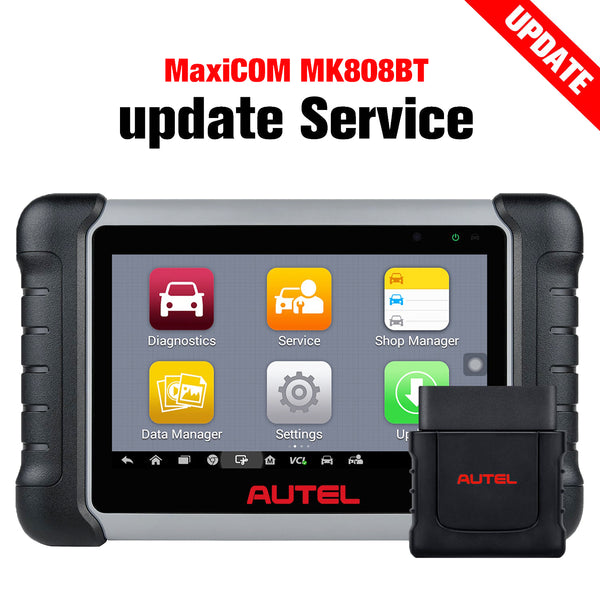
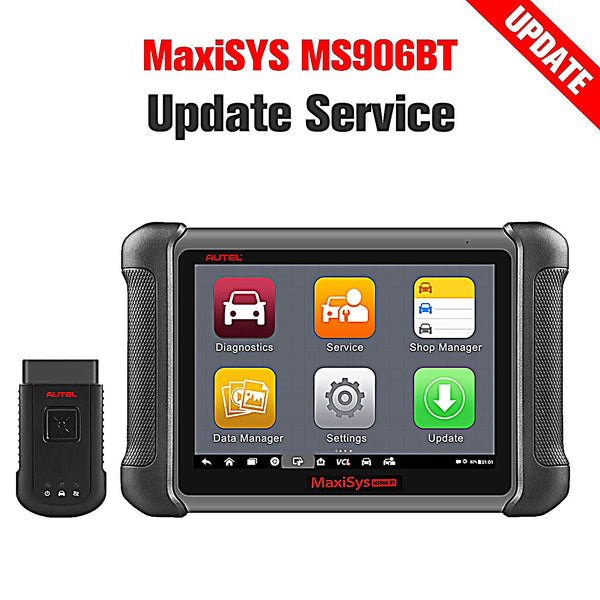


When scanning your vehicle with an OBD2 scanner, you may occasionally encounter an “N/A” code. While it might seem concerning at first glance, this code doesn’t necessarily mean something is wrong. Understanding what an N/A code means and how to respond can save you time, money, and unnecessary repairs.

What Is an OBD2 Code?
The OBD2 diagnostic system (On-Board Diagnostics II) monitors key vehicle systems like the engine, emissions, and fuel system. When a fault is detected, the system stores a diagnostic trouble code (DTC) to help you or a technician identify the issue. Typical codes like P0420 or P0301 are specific and point to clear problems.
However, an N/A code is different—it means the system couldn't retrieve data for a certain test or module.
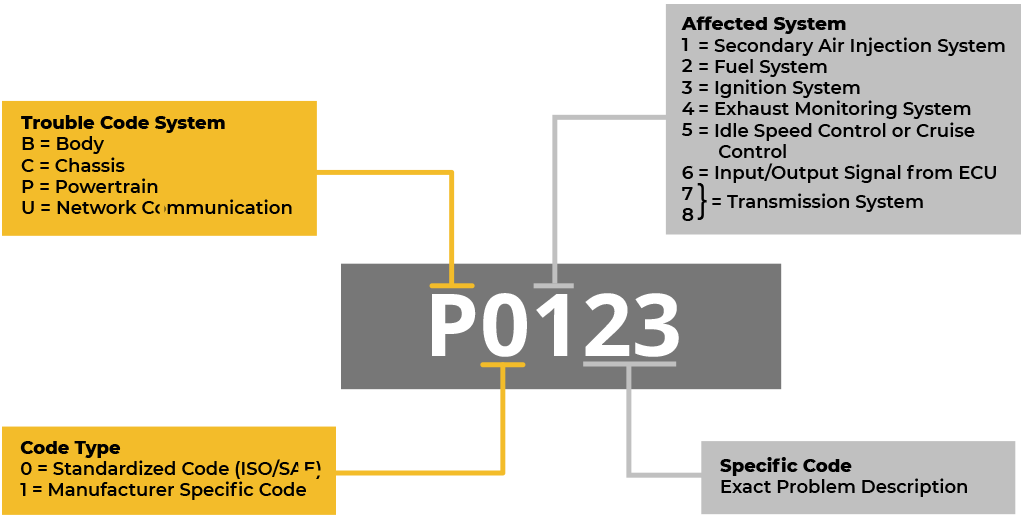
OBD2 codes are stored diagnostic trouble codes (DTCs) pinpointing specific vehicle faults.
What Does an N/A Code Mean?
In OBD2 terminology, N/A stands for “Not Applicable” or “Not Available.” This means that the diagnostic scanner failed to get results from a specific system or sensor. It does not indicate a malfunction—it simply shows that the system couldn’t complete a certain test or access the data needed.
This usually happens in the following scenarios:
- The test has not been completed by the vehicle’s ECU.
- The scanner is not compatible with your vehicle model.
- The sensor or component involved is faulty or unresponsive.
- There’s a communication issue between the OBD2 scanner and the car’s ECU.

An N/A code on an Autel scanner means "Not Applicable."
Why You Might See an N/A Code
Let’s take a closer look at why your OBD2 scanner may show N/A codes:
1. Incomplete System Tests
Some emissions or system readiness tests only complete under specific driving conditions. If the vehicle hasn’t completed those cycles, the scanner will display N/A for those tests.
2. Faulty or Missing Sensors
A malfunctioning oxygen sensor, mass air flow sensor, or EGR valve may not send proper data to the system. If a sensor fails to report, the module becomes unreadable to the scanner.
3. Incompatible OBD2 Scanner
Not all scanners support full system diagnostics on every vehicle. Using an entry-level tool on a newer or hybrid car may result in N/A readings.
4. Communication Problems
If the scanner doesn’t establish a stable connection with the ECU (especially over Bluetooth), you might see N/A results even when no mechanical issue exists.

Communication problems can cause N/A result.
What to Do When You See an N/A Code
Seeing an N/A code doesn’t always require immediate action. However, you can follow these steps to verify whether further inspection is necessary:
- Check Sensor Health
Start by checking major sensors like oxygen, MAF, and coolant temperature sensors. If any appear dirty, disconnected, or damaged, repair or replace them.
- Upgrade Your Scanner
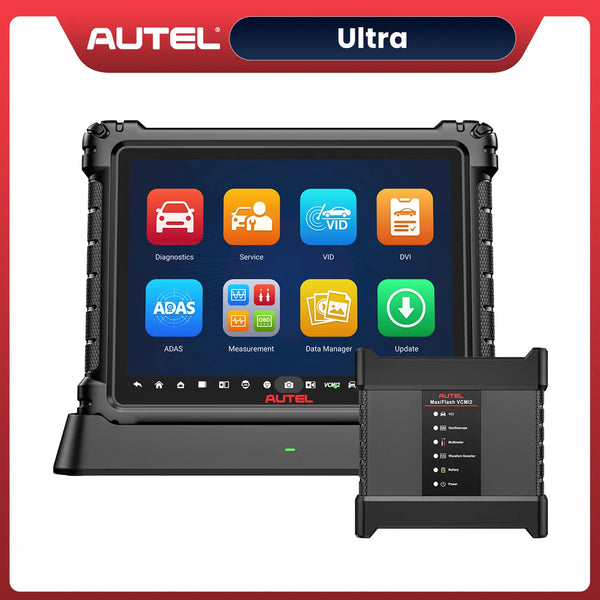
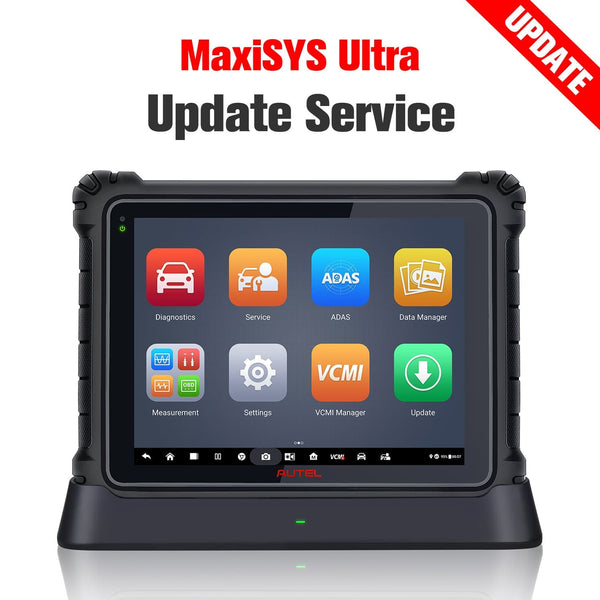
Basic scanners are great for reading generic codes, but an advanced OBD2 diagnostic scanner is better suited for retrieving manufacturer-specific data. Tools like the Autel MK808S or Autel MaxiSys Ultra provide more comprehensive coverage.
- Reset and Recheck
Try clearing the codes with your scanner, drive the car for a few days, and scan again. If the N/A code reappears, a deeper issue may exist.
- Visit a Mechanic
If you repeatedly see N/A codes or if multiple unreadable modules appear, have a professional technician run a full-system diagnostic scan using a high-end automotive scan tool.
Does an N/A Code Affect Vehicle Performance?
Generally, an N/A code doesn’t affect how your car drives. It simply reflects missing or unavailable data. However, repeated N/A codes could mask underlying issues. If your check engine light is also on, or if your car feels sluggish, it’s time to take the situation more seriously.
Conclusion
An N/A code from your OBD2 scanner doesn’t always mean something’s broken—it simply means data is missing or unavailable. While it’s not a critical warning, you should still investigate it. Start with checking your sensors and scanner compatibility.
If necessary, reset the system or visit a mechanic for a full inspection. Staying proactive with diagnostics helps you maintain performance and avoid costly repairs later.


