




![IM608 PRO II Full Kit<br>[2-Year Free Update]](http://www.obdprice.com/cdn/shop/files/Autel_IM608S_II_Full_Kit_1_600x600.webp?v=1755662636)

![IM508S PRO<br>[2-Year Free Update]](http://www.obdprice.com/cdn/shop/files/Autel_MaxiIM_IM508S_Pro_600x600.webp?v=1755662755)
![IM508S<br>[2-Year Free Update]](http://www.obdprice.com/cdn/shop/files/AUTEL_MAXIIM_IM508S_600x600.webp?v=1755662895)







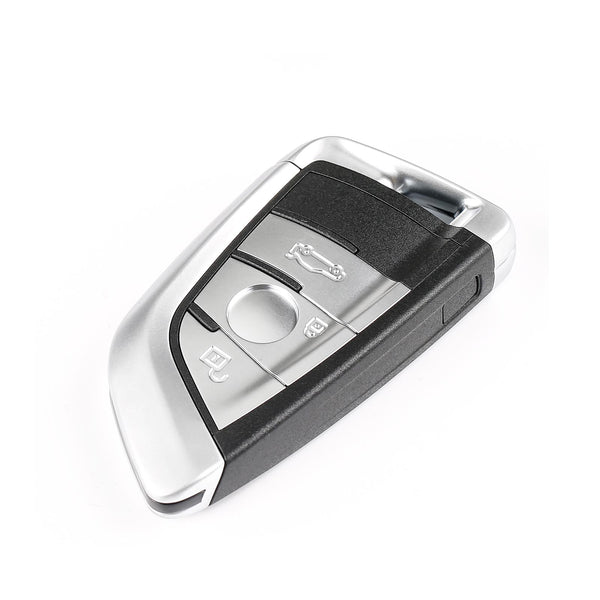
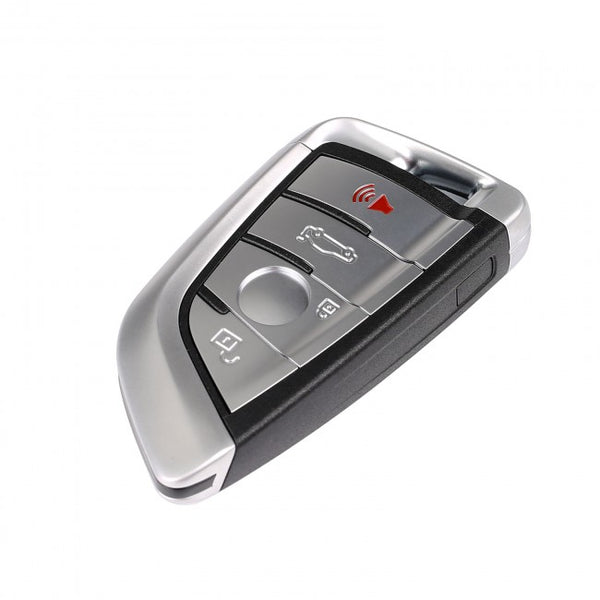


In a previous article, we introduced some basic information about the Autel APB300 key programmer, which will be available in 2026. The Autel APB300 can cover all models from Volkswagen, Audi, Porsche, Bentley, and Lamborghini based on the MQB/MLB platform. So how should this Autel key programmer be used?
This article, using an Audi as an example, demonstrates how to add a car key to your vehicle using the Autel APB300 and Autel key programming tool. Let's take a look.

Preliminary Preparations
Essential Tools
Before performing the function of adding a key, you need to prepare the following essential tools:
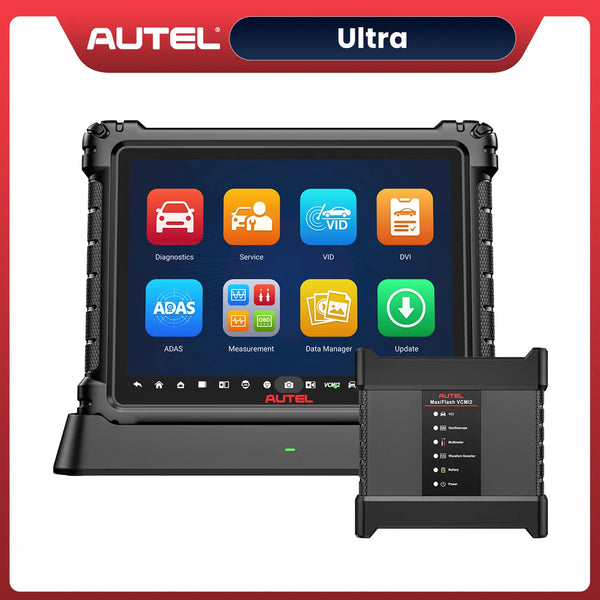
- Autel key programming tools: Such as Autel IM608S II, Autel IM508S Pro.
- Original key
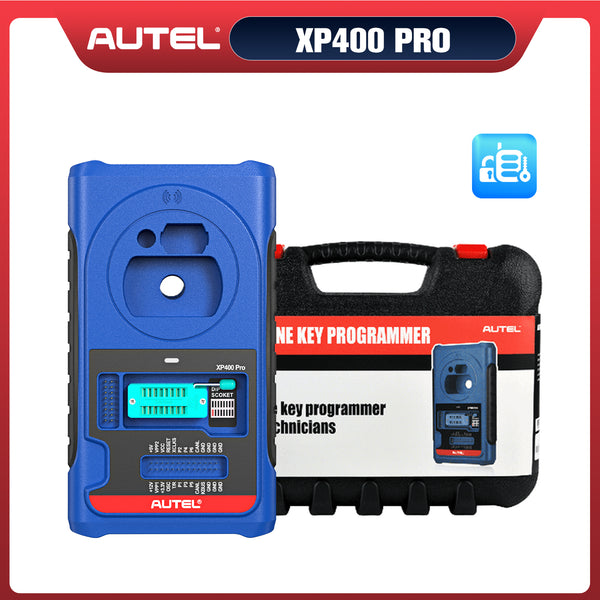
- Autel APB300 Key Programmer
- blank Key
- OEM key printed circuit board
Preparation
After preparing the necessary tools, before adding a key, ensure that the Autel key programming tool has a stable Wi-Fi connection and sufficient power. Also, make sure your blank key has batteries installed; otherwise, the subsequent operations will not be possible.
Autel APB300 MQB & MLB Key Adding Guide
Step 1: Correctly connect the Autel scanner and the car
Connect the Autel scanner to the car using the included data cable via the MaxiFlash JVCI+ and OBD ports to establish communication.
Step 2: Select and confirm vehicle information
Open the Autel Key Programming Tool main menu, click "IMMO" to enter, and select the car brand. Autel IM608 and IM508 series scanners generally support automatic selection. You can also manually select the car model, production year, and other information. Finally, confirm that the information is correct.

Step 3: Access the control unit and determine the immobilizer model
After confirming the vehicle's basic information, enter the main menu, select the control unit to access it, confirm and enter the MLB EVO-Immobilizer for subsequent operations.

Step 4: Read Vehicle Immobilizer Information
Read the vehicle anti-theft system information. Place the original factory key—a key that functions normally—in the vehicle's sensor area and turn on the ignition switch, but do not start the vehicle. Proceed with the relevant information verification.

Step 5: Recognize Key Information
Connect the Autel APB300 key programmer to the scanner. Place the original key within the identification area of the Autel APB300 to read its information and verify that it matches the data stored in the immobilizer system.

Step 6: Calculate IMMO Data
To add further functionality to the key, the most important step is to calculate the IMMO system data, which serves as the foundational data file for adding and learning the key.
Disassemble the original key and remove its printed circuit board, then remove the capacitor in the T1 area (this capacitor must be returned to its original position after the function is complete). Then follow the on-screen instructions to connect, insert the Autel APB300, read the data, calculate, and save.

Step 7: Universal Key Generation
Confirm the key generation frequency, place a blank key in the Autel APB300 sensing area, and wait for a universal key to be generated.

Step 8: Modify ID
Place the generated universal key into the Autel APB300 key slot, click Modify ID, enter the ID number you want to set, and finally complete the setup.
Step 9: Make Dealer Key
Select the IMMO data file to be loaded, insert the blank key into the programmer's key slot, and then click "OK".
Step 10: Key Learing
Open the hood and turn off the air conditioning. Place the key to be programmed near the sensor coil, then turn on the ignition switch (if the ignition switch cannot be turned on, activate the hazard lights).
Select the IMMO data file and confirm the number of keys to be programmed. Place each key to be programmed on the ignition coil in sequence as prompted, and wait for programming to complete.

Step 11: Check IMMO Status and Test Key Fucntion
Click “IMMO Status” to view the current number of vehicle keys and confirm whether the addition process has been completed. Simultaneously, test whether the newly added key functions properly, including starting the vehicle and locking/unlocking the doors.

Note: The Autel APB300 is not yet available for sale. The above operation process is from the official tutorial video. The specific process of adding keys may vary slightly depending on the Autel key programming tool used. Please refer to the actual operation for details.
Conclusion
To better meet the needs of owners of Audi, Volkswagen, and Porsche vehicles using the MQB & MLB platforms and solve the problem of difficult key programming, Autel has launched the Autel APB300 key programmer.
Whether you are a car owner, a professional locksmith, or a general auto repair shop, owning this Autel key programmer can help you expand into the high-end vehicle market, improve key programming efficiency, and solve everyday problems.


Leave a comment