




![IM608 PRO II Full Kit<br>[2-Year Free Update]](http://www.obdprice.com/cdn/shop/files/Autel_IM608S_II_Full_Kit_1_600x600.webp?v=1755662636)

![IM508S PRO<br>[2-Year Free Update]](http://www.obdprice.com/cdn/shop/files/Autel_MaxiIM_IM508S_Pro_600x600.webp?v=1755662755)
![IM508S<br>[2-Year Free Update]](http://www.obdprice.com/cdn/shop/files/AUTEL_MAXIIM_IM508S_600x600.webp?v=1755662895)







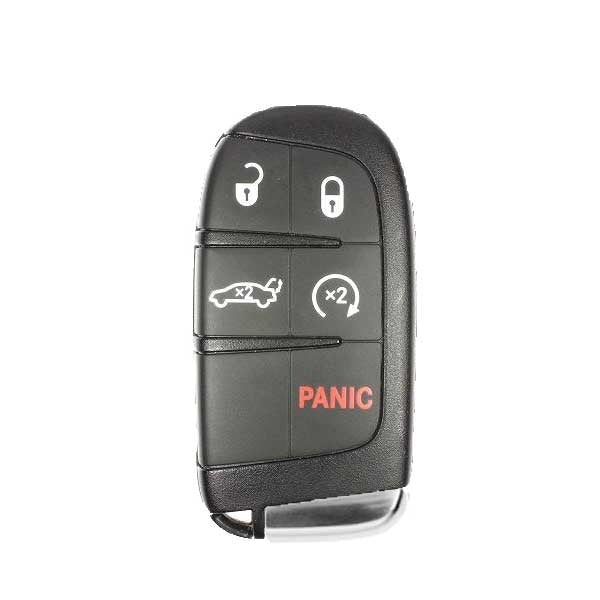
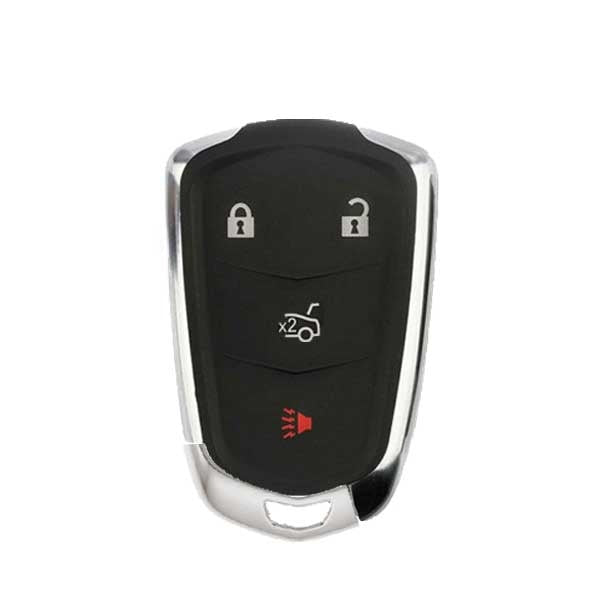
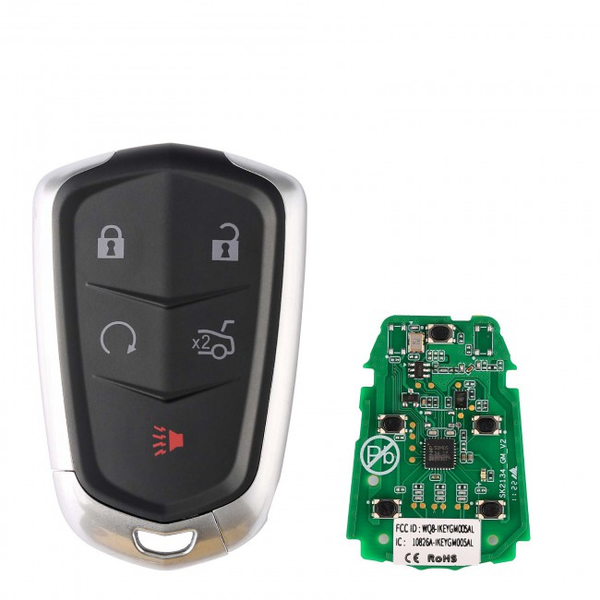


As the most common mode of transportation, cars have brought tremendous convenience to people’s lives. However, with increasingly sophisticated car anti-theft systems, losing your keys has become quite a hassle. Not only do you have to pay a hefty fee to have a replacement key made, but you also waste time and face security risks.
To meet this need, the Autel key programming tool features a key programming function that allows you to add new keys. You can complete the key addition process right at home, saving you both time and money.
Today, we’ll use the Ford brand as an example to demonstrate how to program a Ford key fob using the Autel IM508S Pro key programming tool to add a new key.

Understanding Ford Key Fobs
Types of Ford Key Fobs
Ford car key fobs vary depending on the model and year of the vehicle. The programming process for different Ford key fobs also varies, and the difficulty of programming increases as the keys have been upgraded over time.
1. Standard Transponder Keys
This is the most basic type, commonly found in Ford models from the early 2000s.
- Appearance: A standard metal key with a black plastic-wrapped grip.
- Principle: A PATS (Passive Anti-Theft System) chip is embedded inside the plastic head. The key must first be mechanically cut to match the lock cylinder, and then the chip must be programmed using Autel equipment before the vehicle can be started.
- Representative Models: Older F-150, Escape, Focus.
2. Integrated Keyhead Transmitters (IKT)
This type of key combines a mechanical key and a remote control (for locking, unlocking, and the alarm) into a single unit.
- Appearance: A large plastic handle with 3 to 4 buttons.
- Important Notes: This type of key typically involves two programming steps: first, chip programming (to start the engine), and second, remote control pairing (to enable the buttons to lock and unlock the doors).
- Representative Models: 2010–2015 Explorer, Fusion, and Expedition.

A type of Ford key fob
3. Flip Keys (Switchblade Style)
This is currently the best-selling type of replacement key on the aftermarket, as its folding mechanism is prone to wear and damage.
- Appearance: There is a button on the side; when pressed, the metal key blade pops out like a "switchblade".
- Programming Requirements: The chip and remote for this type of key are typically programmed simultaneously; Autel tools (such as the IM508) can complete this very quickly.
- Representative Models: Newer F-150, Ranger, and Focus.
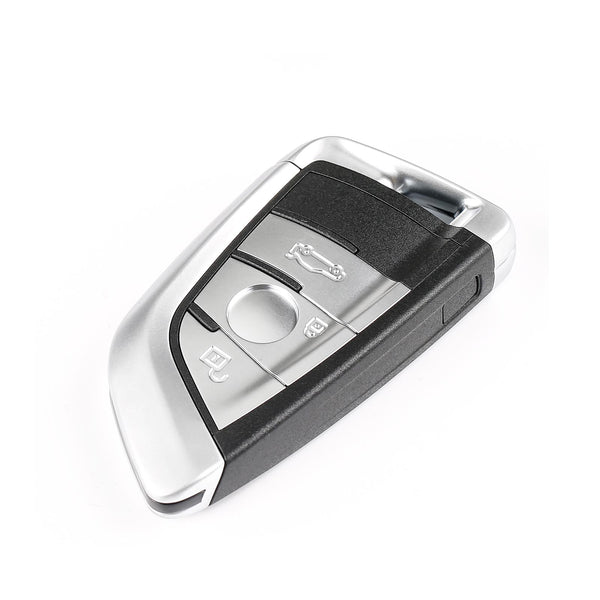
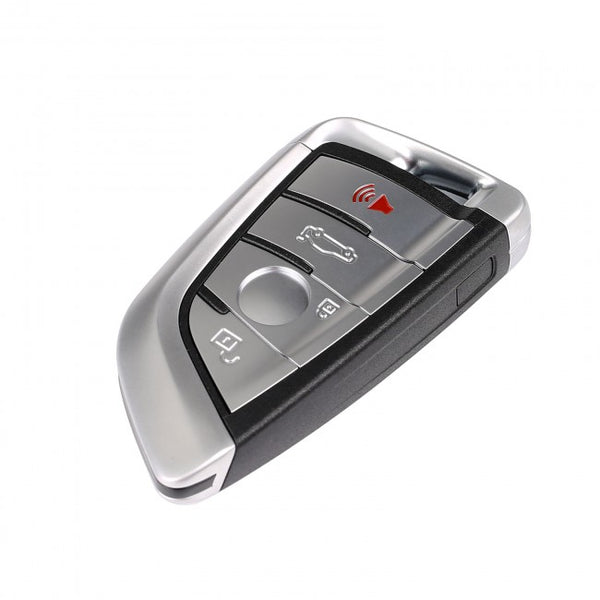
4. Intelligent Access (IA) / Proximity Fobs
Suitable for vehicles equipped with push-button start.
- Appearance: No exposed metal blade; typically an oval or rectangular sensor.
- Principle: The vehicle detects the key’s presence via wireless signals.
-
Version Evolution:
- First Generation: More square in shape, with a built-in emergency mechanical key.
- Second Generation (Current): More elongated and symmetrical (commonly used in Mustangs, F-150s, etc., from 2015 onward).
- Autel Key Programming Tool Usage: When programming, place the key in the vehicle’s “Backup Slot” or sensing area.

Different types of Ford key fobs
When You Need to Program a New Key Fob
Your key fob is crucial to your car; without it, you won't be able to enter or start your vehicle. If you lose or damage your key and need a spare, you'll often need to program a new one.
Because of the key fob's unique chip and its ability to control the car, you can program it yourself or use an advanced key programming tool like the Autel key programmer.
Preparation Before Programming
-
Check your vehicle’s compatibility:
There are many different Ford models. Different car models and different production years correspond to different key fobs, which often involve different programming processes. Some older models may not support key programming.
Therefore, you will need to check your vehicle manual or manufacturer's instructions to ensure everything is working correctly.
⚠️ Note:
In August 2025, Ford requested Autel to remove key programming and anti-theft functions for certain Ford vehicles from its iM series tools in North America. Autel complied to maintain cooperation with Ford.
Important: All Ford diagnostic functions remain fully available.
The supported Ford models and available key programming functions with Autel tools are listed in the table. -
Tools you may need:
- Original key: If you haven't lost all of your key fobs, you'll need to prepare an original key, which will make the programming process very simple.
- New key Fob: In addition to the original key, you also need to prepare a factory-grade blank key fob for programming and writing into the car programming system.
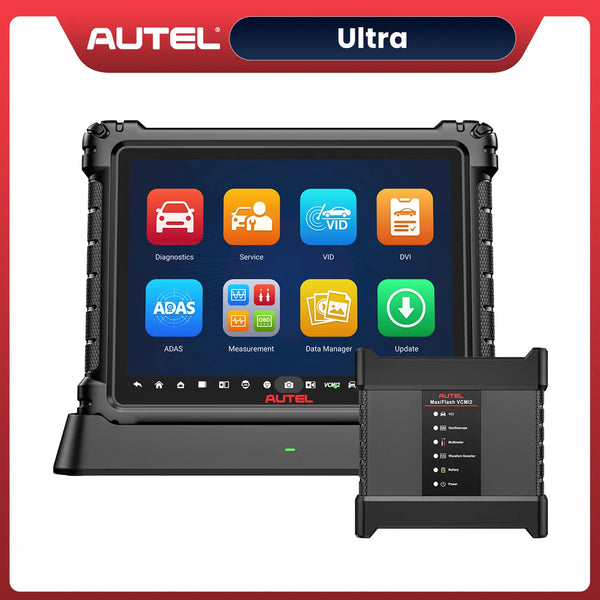
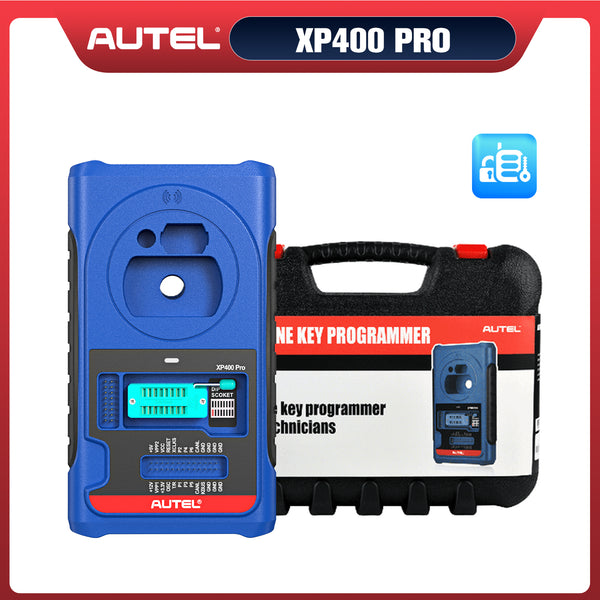
- Autel key programmer: You'll need to use a professional key programming tool. Autel offers several excellent key programmers, such as the Autel KM100, Autel IM508S Pro, or Autel IM608 Pro II. Before purchasing, be sure to confirm that the selected programmer supports your vehicle model and function requirements.
- Safety tips before starting: When programming, we need to avoid losing control of the vehicle or triggering false alarms. Please follow each step carefully and pay attention to your surroundings to avoid any problems.

Autel IM508S Pro Key Programmer Highlight Features
How to Program Ford Key Fobs with Autel IM508S Pro?
Programming a new key using the Autel key programmer is very straightforward, as nearly all Autel IM series tablets feature step-by-step guidance. However, the steps for adding a new key vary slightly depending on the vehicle model. In this guide, we’ll walk you through the process using the 2017 Ford Transit as an example.
The steps may vary slightly depending on the car model; the following instructions are for reference only:
Step 1: Connect the vehicle and the key programming tool properly
Regardless of which vehicle you’re adding a key to, the first step is usually to connect the vehicle to the key programming tool—a necessary step before programming. Connect the Autel IM508S Pro to the OBD port using the included cable to establish a connection with the vehicle, allowing you to diagnose and program the IMMO system.
Step 2: Go to the IMMO menu and identify the vehicle model
Select “IMMO” on the main screen, then select “FordEU.” The system will automatically detect the vehicle's VIN to retrieve specific vehicle information, including the model year and engine type, and verify that the details are correct. Before proceeding, make sure the ignition switch is turned on, but do not start the engine.

Ford Key Fob Programming Step 2
Step 3: Check the IMMO system and clear the trouble codes
Before adding a key, ensure that there are no fault codes in the IMMO system; only then should you proceed with key programming. Otherwise, the process may fail or result in other malfunctions. If fault codes are present, troubleshoot and repair the issue first, then clear the fault codes. However, if the situation is urgent, you may temporarily clear the codes and perform diagnostics again later.
Step 4: Go to the key programming interface to program the key
This is the most critical step in the entire process. The Autel IM508S Pro features a guided setup process; simply follow the on-screen instructions.
- Go to the “Add Key” (guide) section, follow the prompts to verify the alarm status, and take the appropriate action.
- Insert a blank key and turn the ignition switch to the ON position. Gain secure access to the IMMO system.
- Turn off the ignition, reinsert the key you want to program, and turn on the ignition.
- Key learned and added successfully

Ford Key Fob Programming Step 4
Step 5: Testing the new key feature
Test the new key to see if it can unlock and lock the car properly, and if it can start the vehicle normally.
Reference Video
Conclusion
Losing your keys is certainly frustrating, but finding a solution is the best course of action. The Autel key programming tool can help you resolve this issue, but Ford owners should verify that it is compatible with their vehicle before purchasing.
Those are all the steps for adding a key using the Autel key programmer. You can complete the process right at home, and if you’re a locksmith, this is also a great tool to have.


Leave a comment