




![IM608 PRO II Full Kit<br>[2-Year Free Update]](http://www.obdprice.com/cdn/shop/files/Autel_IM608S_II_Full_Kit_1_600x600.webp?v=1755662636)

![IM508S PRO<br>[2-Year Free Update]](http://www.obdprice.com/cdn/shop/files/Autel_MaxiIM_IM508S_Pro_600x600.webp?v=1755662755)
![IM508S<br>[2-Year Free Update]](http://www.obdprice.com/cdn/shop/files/AUTEL_MAXIIM_IM508S_600x600.webp?v=1755662895)









What Is Write Key via Dump on Autel MaxiIM?
“Write Key via Dump” is a feature used in car key programming. Its core principle involves using data read from and saved by the vehicle's anti-theft system (dump file) to generate or program a key transponder that can be recognized by the vehicle's anti-theft system.
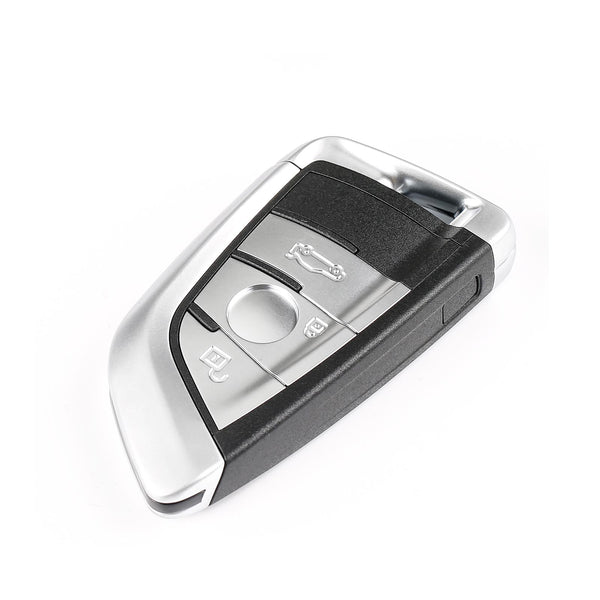
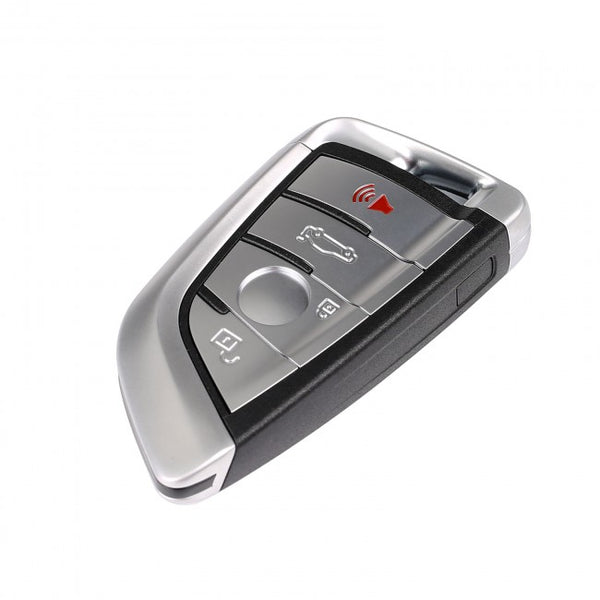
Compared to standard key cloning procedures, the “Write Key via Dump” method does not necessarily require you to have the original key; instead, it relies primarily on reading the vehicle’s anti-theft data. You can use the Autel key programming tool and the AT100 Super Transponder to complete the key programming process using this method and add a new key to the vehicle.

Tools and Preparation Before Key Cloning
This tutorial demonstrates how to program keys for Mazda vehicles using Autel key programmers, such as the Autel IM608 Pro 2 or Autel AT100. Before you begin the key cloning process, please ensure you have the following tools ready:
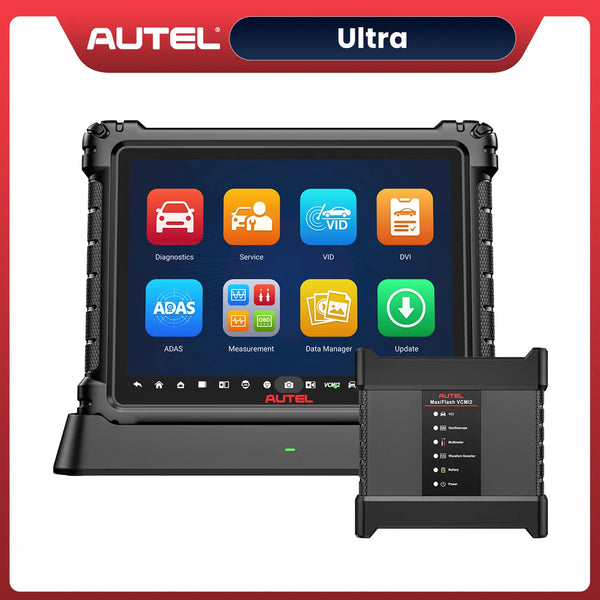
- Autel IM608 Pro 2
- Autel AT100 Transponder Chip
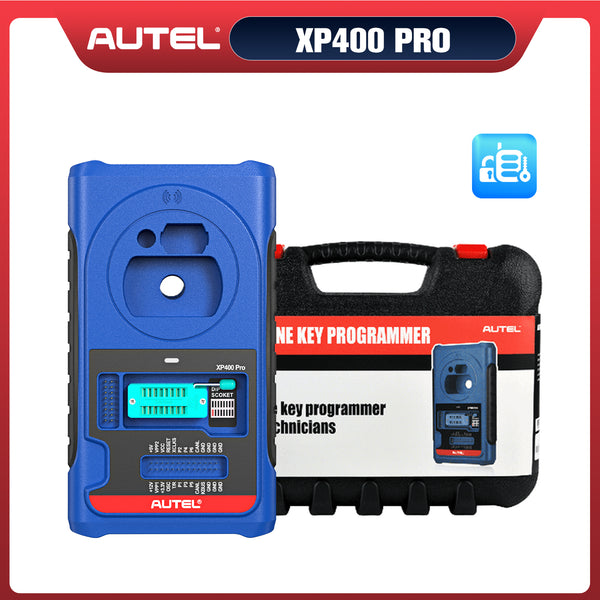
- Autel XP400 Pro Key Programmer
- A key with a replaceable chip
In addition to these tools, you also need to know specific details about the vehicle—such as its make, model, and year of manufacture—and ensure the vehicle is positioned stably so that subsequent procedures, like key cloning, can be carried out properly.
 40% OFF
Autel MaxiIM IM608S II Full Kit
$5499.00
2026 Autel All-in-One IMMO & Key Programming Tool with IMKPA Accessories, Advanced ECU Coding & 1 Years Free Updates
Although this tutorial uses a Mazda as an example, if you want to clone a key using Dump, you’ll need to further verify whether the Autel key programmer and AT100 transponder chip support key programming for your vehicle. You can check the Autel key programmer vehicle coverage guide or contact official customer service via the “Contact Us” page.
How to Write a Key via Dump Using Autel AT100
Step 1: Connect the Autel IM608 Pro 2 to the Car
Connect the Autel IM608 Pro 2 and the JVCI to the vehicle's OBD port using a data cable; this allows the key programming tool to communicate with the vehicle and retrieve data related to its immobilizer (IMMO) system.
At the same time, connect the XP400 Pro key programming tool to the Autel IM608 Pro 2; you’ll need it later as an intermediary to retrieve and clone the relevant data.
Step 2: Open the Write Key via Dump Function
Turn on the Autel IM608 Pro 2, select “Write Key via Dump” on the screen, and press Enter.
This feature uses previously extracted immobilizer data to generate a compatible transponder. Unlike conventional key cloning, it does not necessarily require reading an existing working key.

Step 3: Select the Vehicle and Chip Type
Select options step by step based on the car's model, year, and other information. You'll need to know the chip type of the original key and other relevant vehicle information in advance. The main selection path is: Asia --> Mazda --> 3 --> 93C66
The 93C66 selection refers to the memory type associated with the demonstrated immobilizer data. It is not a universal setting for every Mazda 3. The correct selection depends on the vehicle's model year, immobilizer system, and supported memory configuration.

Step 4: Load the Immobilizer Data File
After selecting the appropriate system, tap Load Data and choose the previously saved immobilizer data file.
The Autel software uses this information to identify supported key data and available key positions. An incorrect or incompatible file may prevent successful transponder generation.
Before proceeding, you need to read the EEPROM data from the vehicle's immobilizer system and save it as a file for use in the Write Key via Dump process.

Step 5: Review the Key Information
Once the file has been loaded, the tablet displays the available key information. Depending on the system, different key positions may be marked as used or unused.
Step 6: Prepare the Autel AT100 and Generate the Transponder
Place the AT100 Super Transponder in the designated reading and writing area of the compatible transponder programming equipment.
Click the AT100 Transponder to clone the key until “Function Complete” appears on the screen.
Step 7: Test the Generated Key on the Vehicle
Insert the Autel AT100 transponder chip into the key and test whether the vehicle starts normally and whether the key's buttons function properly. If the key is not recognized, review the vehicle compatibility, data file, transponder type, and programming result before attempting further work.
Veido Guide:
Common Problems When Using Write Key via Dump
When using the Write Key via Dump function with the Autel AT100, programming issues may occur due to incorrect EEPROM data, incompatible transponders, or vehicle-specific requirements. Here are five common problems and what to check.
1. Immobilizer Data File Not Recognized
If the Autel MaxiIM tablet cannot load the EEPROM dump file, check whether the file is complete and matches the selected immobilizer system. Incorrect file formats, corrupted data, or mismatched memory types can prevent the software from reading it.
2. Incorrect Vehicle or Chip Selection
Selecting the wrong vehicle model or EEPROM type may cause programming errors. Always confirm the vehicle's model year, immobilizer system, and memory configuration before loading the data file.
3. Autel AT100 Transponder Not Detected
If the programming equipment cannot detect the AT100 Super Transponder, check its placement in the reading and writing area. Make sure the transponder is compatible and the programming equipment is properly connected.
4. Transponder Generation Failed
Generation may fail because of incompatible immobilizer data, unsupported transponder configurations, or communication errors. Check the error message on the Autel MaxiIM tablet and follow the recommended troubleshooting instructions.
5. Key Generated Successfully but Vehicle Won't Start
A successful generation message does not always mean the vehicle will recognize the new key. Check transponder compatibility, immobilizer-related diagnostic trouble codes, and whether the vehicle requires additional authorized key registration.
Before repeating the process, verify the EEPROM data, vehicle information, and transponder compatibility. Proper preparation can help reduce programming errors and avoid unnecessary changes to the immobilizer system.
Final Thoughts: Is Autel AT100 Useful for Key Cloning?
The advantage of programming keys via “dump” is that it does not require modifying ECU data, making the process safer and more convenient. The use of the Autel key programmer and the AT100 chip simplifies this key cloning process. However, before performing this function, you must first verify whether the vehicle supports data overwriting and back up the EEPROM data to facilitate loading the cloned data later.


Leave a comment