




![IM608 PRO II Full Kit<br>[2-Year Free Update]](http://www.obdprice.com/cdn/shop/files/Autel_IM608S_II_Full_Kit_1_600x600.webp?v=1755662636)

![IM508S PRO<br>[2-Year Free Update]](http://www.obdprice.com/cdn/shop/files/Autel_MaxiIM_IM508S_Pro_600x600.webp?v=1755662755)
![IM508S<br>[2-Year Free Update]](http://www.obdprice.com/cdn/shop/files/AUTEL_MAXIIM_IM508S_600x600.webp?v=1755662895)


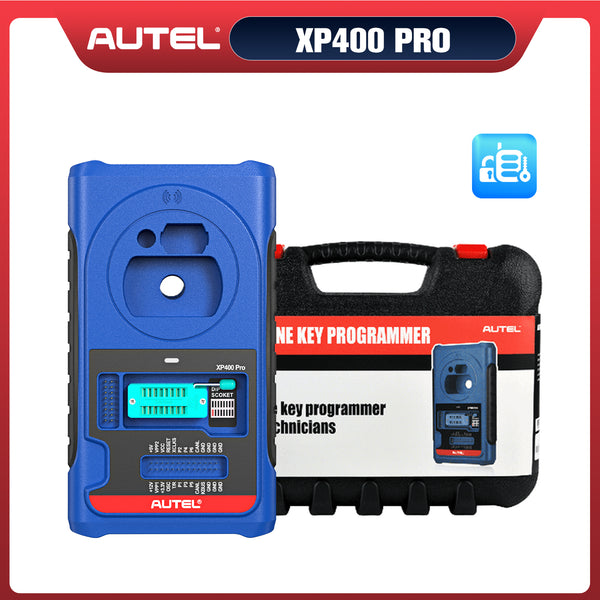


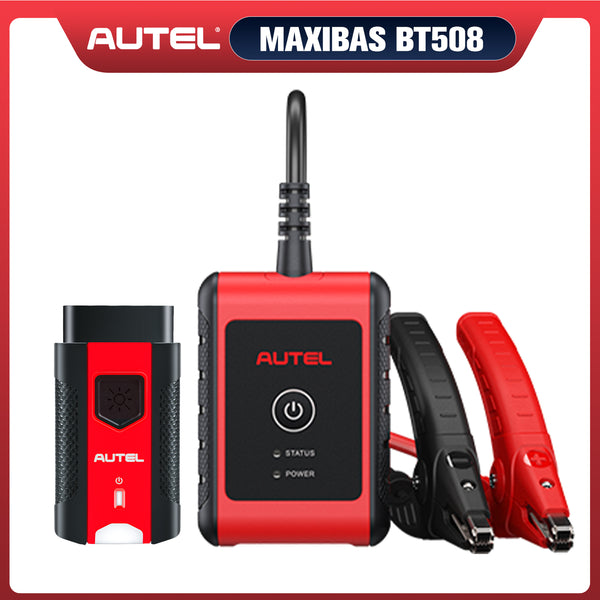
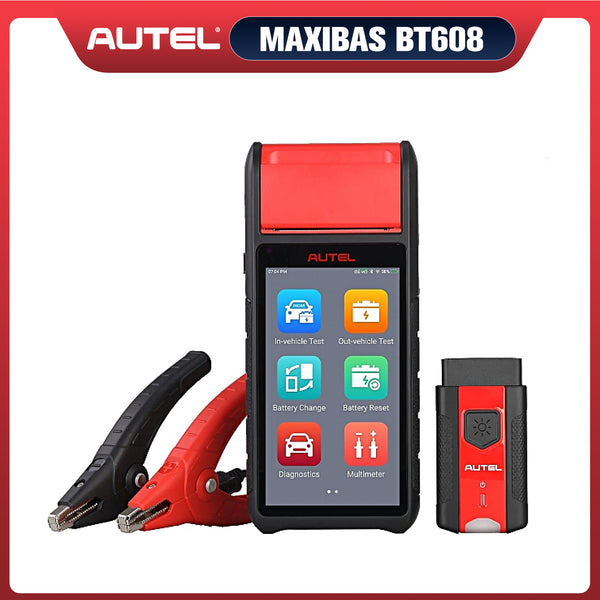



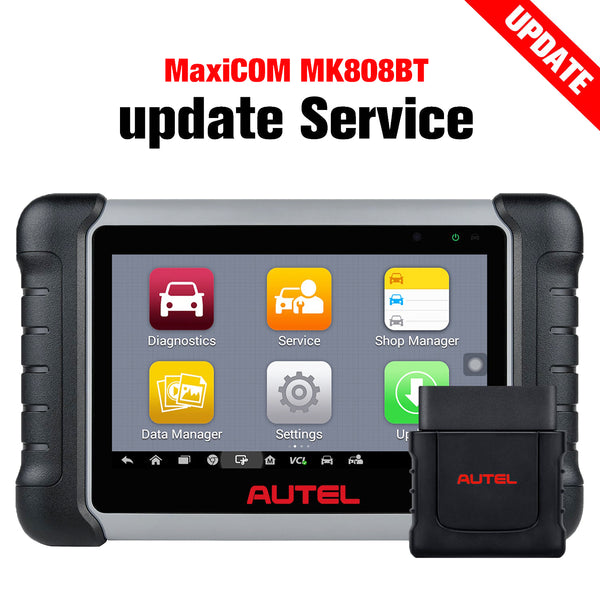
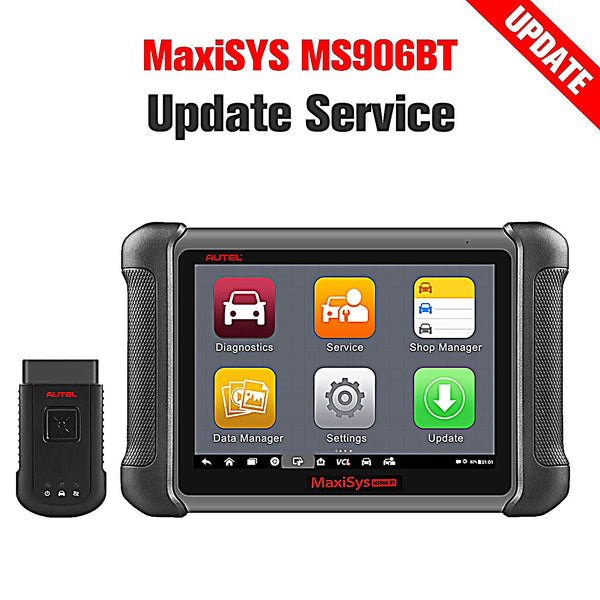


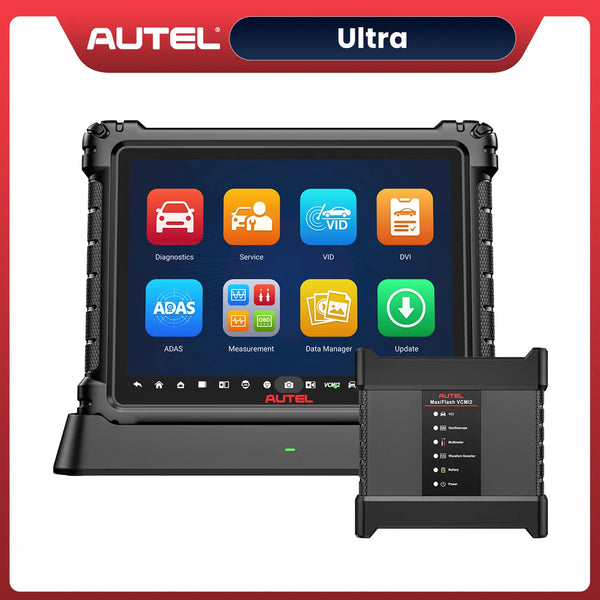
What You'll Learn in This Guide
This guide explains why keeping your Autel scanner software updated is important, what features you may lose after your subscription expires, and what limitations an Autel scan tool may have without active updates. You’ll also learn how to choose the correct software upgrade service, why many users purchase updates from OBDPRICE, and the complete step-by-step process for activating and using the Autel paid software update service successfully.
When you purchase an Autel scan tool, it typically comes with one or two years of free software updates. During this free update period, you’ll not only enjoy broader support for new vehicle models and coverage for updates to older models, but you’ll also benefit from optimized diagnostic performance and new service features.
In a previous article, we discussed four ways to renew your Autel scanner software subscription, including purchasing directly on the tablet and purchasing an upgrade from an authorized Autel dealer or retailer. The renewal process varies depending on the method.
Today, we’ll focus on how to use the one-year software update service purchased from OBDPRICE—an officially authorized dealer. We’ll also cover how to choose the right software update service, the discounts available when purchasing from OBDPRICE, and the benefits of performing regular software updates. Let’s take a look!

Why Should You Purchase a Software Update Service?
What Happens When I Lose a Software Update?
When you lose the software update service, your current version of the Autel scanner will be retained, the Autel diagnostic tablet will still function normally with diagnostic and service features, no software will be deleted, and your downloads will still be present and functioning properly.
However, when the subscription expires, Autel scanners will no longer support online functionality, and automatic authentication and server subscriptions will become unavailable. The topology features supported by the Ultra series scanners also require a valid software subscription to access the server, which can affect diagnostic accuracy.
What Can't an Autel Scanner Do Without a Subscription?
Once you lose your subscription, all your online features will be unavailable, including online programming. Furthermore, some vehicles have higher safety ratings and may not even be able to perform these simple functions, as they may require a safety gateway such as the FCA for subsequent diagnostics. Obtaining a safety gateway is only possible during the subscription period.
At the same time, some advanced features such as topology mapping and Motor TruSpeed Repair are also unavailable.
Why Buy Update Service From OBDPRICE?
Even Better Prices
We are Autel Authorized Dealer, we offer better price than others.
Note: The table below shows only a selection of software update subscriptions available for purchase.
| Extra 1YR Update | MSRP Manufacturer's Suggested Retail Price |
Our Price | Where to buy |
|---|---|---|---|
| MaxiSys Ultra S2 | $999.00 | $999.00 | Shop Now |
| Maxisys Ultra EV | $1,899.00 | $919.00 | Shop Now |
| Maxisys Elite II | $899.00 | $899.00 | Shop Now |
| Maxisys Ultra | $1,695.00 | $899.00 | Shop Now |
| Maxisys MS908P/ MS908S Pro | $1,295.00 | $799.00 | Shop Now |
| Maxisys MS919 | $1,295.00 | $799.00 | Shop Now |
| MaxiCOM Ultra Lite S | $759.00 | $759.00 | Shop Now |
| MaxiCOM Ultra Lite | $1,295.00 | $759.00 | Shop Now |
| MaxiIM IM608 Pro II | $699.00 | $699.00 | Shop Now |
| MaxiSys MS909 S2 | $699.00 | $699.00 | Shop Now |
| MaxiIM IM608S II | $699.00 | $699.00 | Shop Now |
| Maxisys MS909EV | $699.00 | $699.00 | Shop Now |
| MaxiIM IM608 PRO | $895.00 | $699.00 | Shop Now |
| Maxisys MS909CV | $1,899.00 | $699.00 | Shop Now |
| Maxisys MS909 | $1,295.00 | $659.00 | Shop Now |
| MaxiSYS Pro | $645.00 | $645.00 | Shop Now |
| MaxiCOM MK908 Pro II | $645.00 | $645.00 | Shop Now |
| MaxiSys MS908S Pro II | $645.00 | $645.00 | Shop Now |
| Maxisys Elite II Pro | $645.00 | $645.00 | Shop Now |
| MaxiCOM MK906S Pro-TS | $529.00 | $375.00 | Shop Now |
| MaxiPRO MP808Z-TS | $599.50 | $375.00 | Shop Now |
| MaxiDAS DS900BT | $375.00 | $375.00 | Shop Now |
| MaxiDas DS808S-TS | $599.50 | $259.00 | Shop Now |
| Maxisys MS906 Pro | $259.00 | $259.00 | Shop Now |
| MaxiPRO MP808/ MP808K | $349.50 | $259.00 | Shop Now |
Authorized Dealer
When purchasing software upgrade services for electronic devices, the biggest concerns are paying for the service but never receiving confirmation that the subscription has been extended, and the risk of buying counterfeit, unauthorized products. As an officially authorized Autel dealer, OBDPRICE sells only genuine, official products.
Although the software upgrade service cards sold by OBDPRICE are digital products, we provide prompt service to extend your subscription period, minimizing your wait time as much as possible.
A wide range of models available
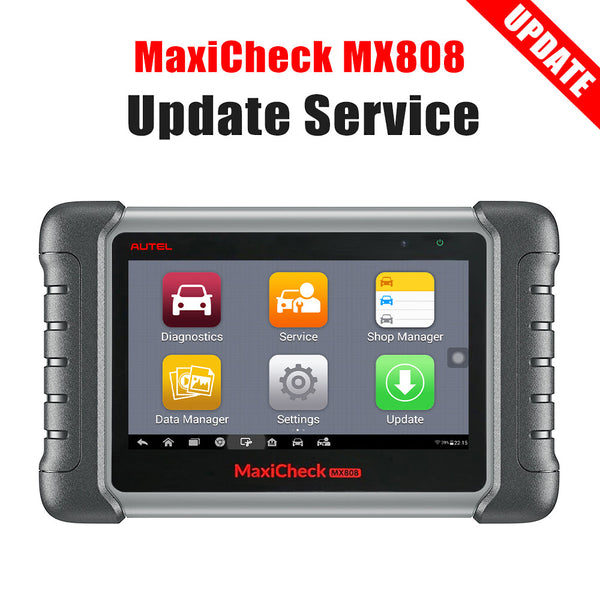
Whether you have the latest Autel Ultra S2 model or the oldest MX808 model, you can find the corresponding software update service on the OBDPRICE website. Software update services are available for both anti-theft scanners and tire pressure diagnostic tools.
How to Purchase the Right Software Upgrade Service
Since there are many different models of Autel scan tools, there are also numerous corresponding software update card service options available, including update services for scanner models that are no longer sold on some websites. Therefore, it is crucial to choose the correct software update service; selecting the wrong one will waste your time and effort and may even result in financial loss.
The key to choosing the right software update service can be summed up in one sentence: Choose the software update service model that matches the model of your Autel scan tool.
Step 1: Confirm the prefix series
Autel scanners are available in various series, including MaxiSys, MaxiCOM, MaxiDAS, MaxiCheck, MaxiPRO, and MaxiIM, which correspond to the prefixes MS, MK, DS, MX, MP, and IM, respectively. Determining which series your scanner belongs to will help you narrow down your options quickly.

Different Autel Scanners Series
Step 2: Determine the number
The prefix of an Autel scanner is immediately followed by a number. These numbers include 708, 808, 900, 906, 908, 909, 919, 508, 608, and so on. In addition, there are models such as Elite and Ultra. This step will essentially help you narrow down the options to just a few possibilities.
Step 3: Determine the suffix
After completing the two steps above, you have narrowed down your options, and some of you may have already identified the correct software update service model. However, some Autel scan tools have suffixes, such as X, BT, BT Pro, and so on; different suffixes represent different models. For example, the Autel MX808 and the Autel MX808S correspond to two different software update service models.
You can search for these steps in the OBDPRICE search bar or on the software update page to help you identify the correct upgrade card model for your Autel scanner.
Note: This update service is only applicable to devices purchased through online platforms. Please make sure the software update you purchase matches your current device model.
How to Use the Paid Software Update Service
People often wonder: Once I’ve purchased this online product, how do I use it? How can I extend my subscription period? People often wonder: Once I’ve purchased this online product, how do I use it? How can I extend my subscription period? Here are the steps to follow after payment.
Conclusion
If you're interested in purchasing software update services, we invite you to visit our website. We offer officially authorized products at competitive prices and carry a full range of models. The process is also very simple: just provide your serial number and order ID, and we'll activate the update service for you and extend your subscription period.
FAQs
Q: Can diagnostics continue for all vehicle models after the subscription expires?
Answer: No. Only car brand software downloaded during your subscription period, and cars that you've diagnosed with using an Autel scanner, can perform these basic functions. After losing your subscription, you will not be able to download plugins for new car brands or receive the latest model updates.
Q: Do I really need to renew my Autel scanner subscription?
Answer: No. It all depends on your needs, and you have the right to choose whether to continue your subscription. If you need more advanced diagnostic functions such as ECU programming, topology mapping, or if your vehicle requires a security gateway unlock, it's best to renew your subscription to use these functions properly.
Q: My Autel subscription expired more than two years ago. Can I still update it to the latest version after purchase?
Answer: Yes. After purchasing the correct 1-year update service, your device can still be renewed and updated to the latest available version.
Q: How long does it take for the software update to become active?
Answer: After purchase, please send us your order number and device S/N. Once we receive the information, the update is usually completed within 1 business day.


Leave a comment