




![IM608 PRO II Full Kit<br>[2-Year Free Update]](http://www.obdprice.com/cdn/shop/files/Autel_IM608S_II_Full_Kit_1_600x600.webp?v=1755662636)

![IM508S PRO<br>[2-Year Free Update]](http://www.obdprice.com/cdn/shop/files/Autel_MaxiIM_IM508S_Pro_600x600.webp?v=1755662755)
![IM508S<br>[2-Year Free Update]](http://www.obdprice.com/cdn/shop/files/AUTEL_MAXIIM_IM508S_600x600.webp?v=1755662895)









8 Steps to Clone VW ECU with Autel IM608S II and G-BOX3
Follow this professional technical workflow to ensure a successful Volkswagen ECU data migration:
- Identify Vehicle: Select the specific Vehicle Model, Year, and Engine Type in the Autel menu.
- Hardware Setup: Correcty connect the Autel Key Programmer, G-BOX3, and the original ECU.
- Data Backup: Read the original EEPROM and FLASH data and save the files securely.
- Swap Hardware: Prepare the donor/new ECU and connect it to the G-BOX3.
- Donor Reading: Read the new ECU's EEPROM and FLASH data and save these backup files.
- Data Processing: Upload the files to generate the new EEPROM data for cloning.
- Data Writing: Write the newly generated/saved data onto the replacement ECU.
- Installation: Reinstall the cloned ECU into the vehicle and verify system communication.
In today’s automotive industry, electronic control units (ECUs) are essential components that play a critical role in vehicle performance and functionality. These sophisticated devices manage various systems within the vehicle, including engine management, transmission control, braking systems, and safety features such as airbags and stability control.
ECU cloning is the process of copying the data and configuration from an existing electronic control unit (ECU) to a new or replacement unit. ECU cloning is often necessary when an ECU fails and needs to be replaced, or when data recovery is required.
ECU cloning can be a very complex process. If you go to an authorized dealer to have this done, it can cost anywhere from $120 to $600, and for some high-end models, the cost can even exceed $1,000. Therefore, using an Autel key programming tool for ECU cloning is a more convenient and cost-effective option.
In this article, we will provide a step-by-step guide on how to clone a VW ECU using Autel programming tools. This guide is intended for automotive technicians and enthusiasts who have a basic understanding of ECU cloning and are looking to perform the process using Autel key programming tools.
Preparations Before Getting Started
1. Confirm the Model of the Autel Key Programming Tool
Before performing the ECU cloning function, the first thing you need to confirm is whether your tool supports this feature, or which Autel key programming tools support it. This will prevent failures due to lack of support or the hassle of having to return or exchange the product.
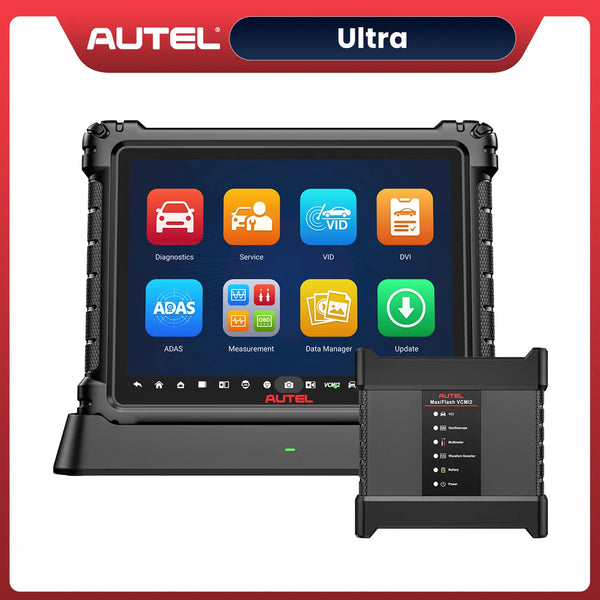
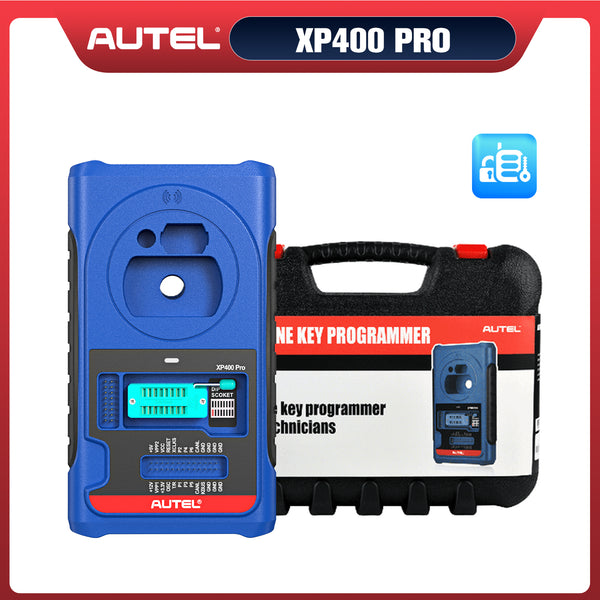
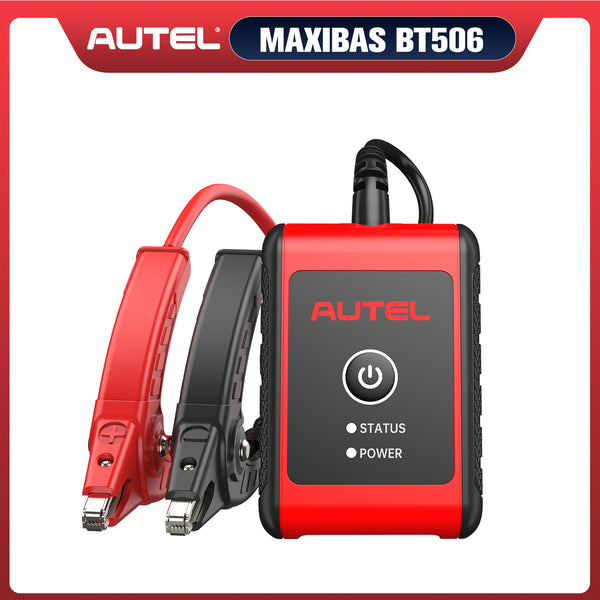
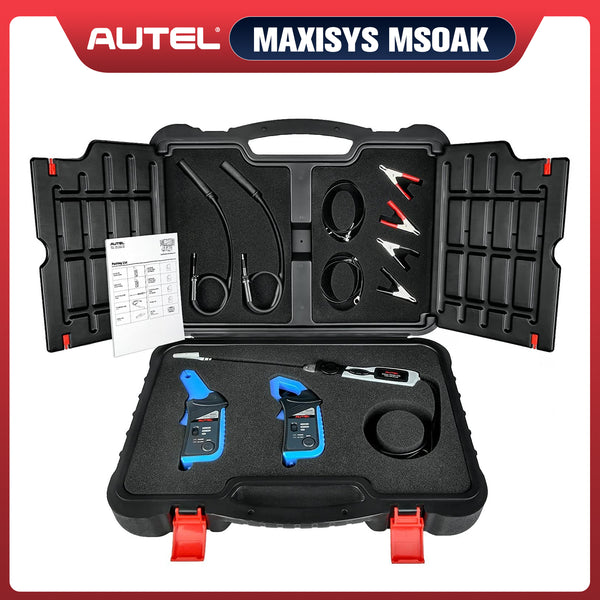
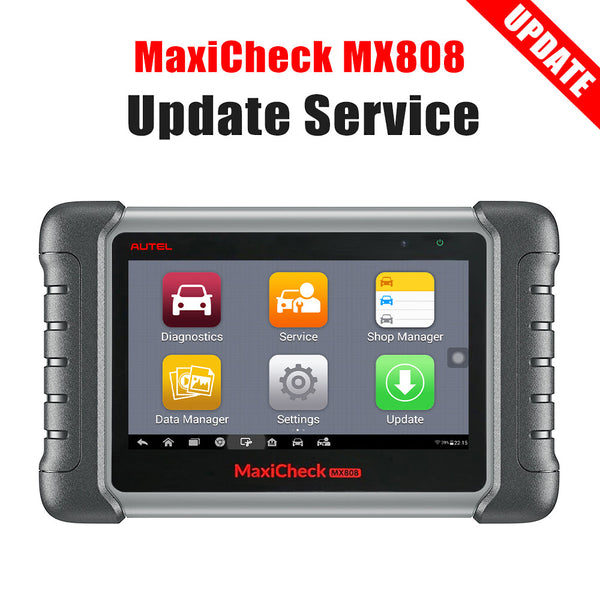
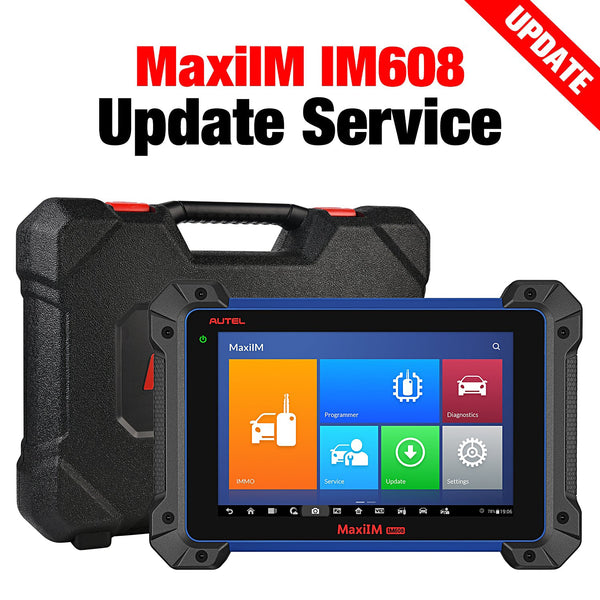
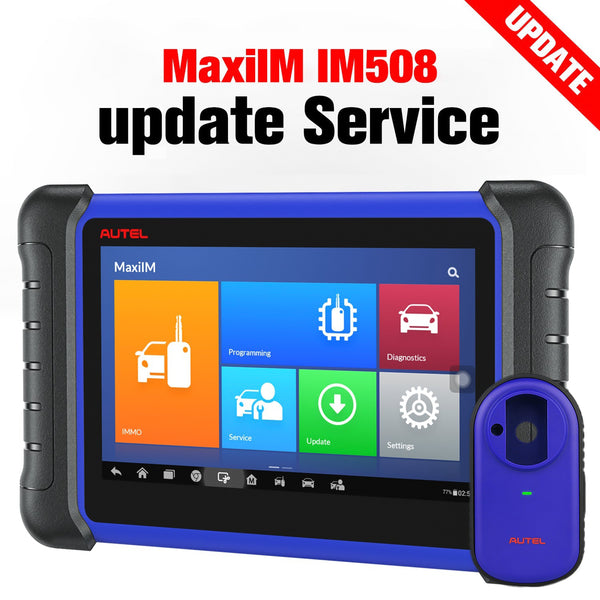
Autel key programming tools include the Autel IM508S, IM508S Pro, and IM608S II, as well as accessories such as the XP400 Pro and G-BOX 3. Therefore, before you begin cloning an ECU, you need to confirm that your tools support this feature.
There are three ways to check whether your Autel key programming tool supports your vehicle and supports ECU cloning: via a network search, using a lookup table, or via the tablet interface.
2. Confirm the Decryption Tool
In addition, due to the high level of security in VW vehicles, in addition to the Autel diagnostic tool, you will also need to have the Autel MaxiFlash JVCI + and G-BOX3 decryption and programming tools on hand to assist with the cloning process and ensure it proceeds smoothly.
3. Prepare a Brand-New ECU
You must verify the exact model of your original ECU module and ensure you have a brand-new ECU module of the same model to hand. If the models do not match, this will result in data corruption, causing the cloning process to fail and rendering the data irretrievable; therefore, it is essential to ensure that the model of the new ECU matches that of the original.

VW ECU Module Model
4. Safety Preparations
Before beginning operations such as ECU cloning, it is best to completely remove the faulty ECU and perform the work on a workbench. Working inside the vehicle can be cramped, and it is difficult to perform tasks such as soldering wires during the process. For safety and ease of operation, it is recommended that you completely remove the ECU module before proceeding.
Step-by-Step Guide to VW ECU Cloning via Autel IM608S II
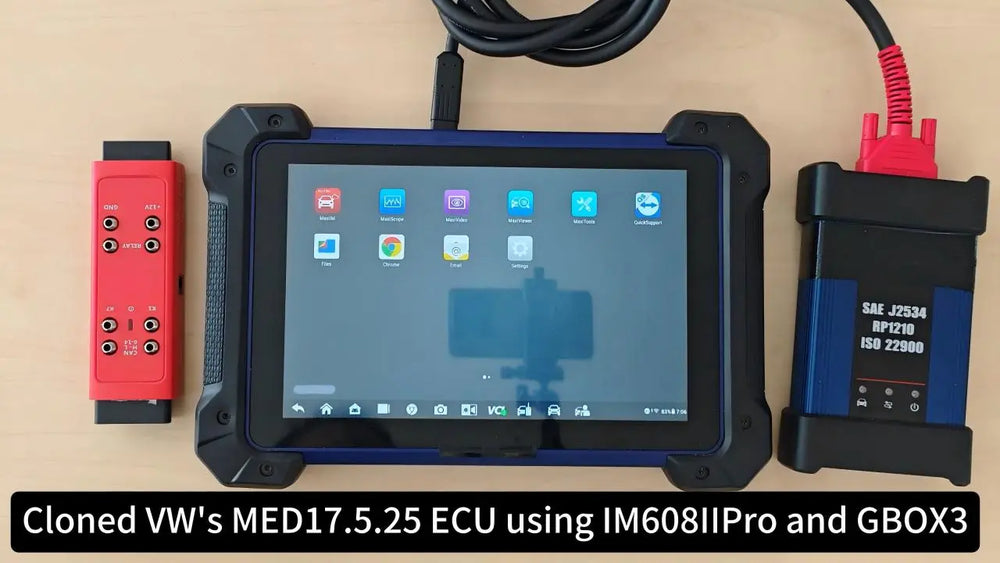
In the following ECU cloning tutorial, I will use the Autel IM608S II scanner to work with a MED17.5.25 ECU from a VW vehicle. This process can serve as a reference for ECUs from other models, though there may be slight variations.
Step 1: Select the Vehicle Model, Year, and Engine Type
Turn on the Autel IM608S II and navigate to the vehicle selection menu. Select the appropriate Volkswagen model, model year, and engine type to ensure compatibility with the ECU cloning process. Here is a reference for the selection path:
MaxiIM > IMMO > Volkswagen > Expert selection > IMMO parts > engine > Bench > BOSCH > MED17.5.25 TC1782

Select the vehicle model, year, and engine type
Step 2: Connect the Key Programmer, G-BOX3, and ECU Correctly
Next, your Autel scanner screen will display the correct wiring and connection method between the Autel G-BOX3 and the ECU module. Different colors will help you identify the wiring locations. Before you begin cloning, be sure to check the diagram carefully to confirm that the wiring is correct. Here are the specific connection steps:
- Connect the Autel IM608S II and MaxiFlash JVCI+ using a data cable, and make sure the VCI indicator on the screen lights up.
- Connect the VCI and G-BOX3 using an OBD II extension cable
- Connect the ECU to the G-BOX3 using the correct wiring configuration. Refer to the diagram displayed on the screen for specific pin assignments; this is the standard wiring diagram. During installation, you must strictly follow this diagram when wiring, ensuring that each wire is connected individually.
- Power on the G-BOX3
Important Note: Before powering on the device, please ensure that all wiring is complete and has been checked and verified as correct.

Connect the Autel G-BOX3 Correctly
Step 3: Read EEPROM and FLASH Data and Save It
Once you have ensured the connection is secure, use the Autel IM608S II to read the EEPROM and FLASH data from the original ECU. This process may take a few minutes, so please be patient. Once the data has been read, save it to the device so that it can be used later during the cloning process onto the new ECU.

Read EEPROM and FLASH Data with Autel IM608S II
Step 4: Prepare the New ECU and Connect It to the G-BOX3
After completing Step 3, turn off the power to the G-BOX3 and disconnect it from the old ECU. Follow the wiring diagram in the user manual to complete the wiring, ensure it is properly connected to the G-BOX3, and then proceed with the programming.
Step 5: Read New ECU EEPROM and FLASH Data and Save Them
As with Step 3, read the EEPROM and FLASH data from the new ECU module and save them to the Autel IM608S II scanner. Please ensure that the filenames differ from those of the old ECU data, as there is a large volume of data and similar filenames may affect the accuracy of subsequent data uploads.
Step 6: Generate New EEPROM Data
For this type of module, the ECU data of the new module needs to be combined with the FLASH data of the original vehicle module to generate new EEPROM data for the original vehicle module; while other types of modules can directly perform the write operation.
Select 'EEPROM cloned data conversion’, then use the buttons below to upload the original EEPROM and FLASH data from the new ECU, as well as the FLASH data from the old ECU, in order to generate the new EEPROM data and save it.

Generate New EEPROM Data
Step 7: Write the New Saved Data to the New ECU
Write the newly generated EEPROM and the saved FLASH data file from the old ECU to the new ECU to complete the entire ECU cloning process.

Write New Data to the New Data
Step 8: Install the New ECU to the Vehicle
After successfully writing the data to the new ECU, disconnect it from the G-BOX3 and install it back into the vehicle. Ensure that all connections are secure and that the ECU is properly seated in its mounting location.
Instructional Video
Conlusion
ECU cloning is a complex process that requires careful attention to detail and the right tools. By following the steps outlined in this guide, you can successfully clone a VW ECU using Autel programming tools. Always ensure that you have the necessary equipment and that you are working in a safe environment to prevent damage to the ECU and ensure a successful cloning process.


Leave a comment