




![IM608 PRO II Full Kit<br>[2-Year Free Update]](http://www.obdprice.com/cdn/shop/files/Autel_IM608S_II_Full_Kit_1_600x600.webp?v=1755662636)

![IM508S PRO<br>[2-Year Free Update]](http://www.obdprice.com/cdn/shop/files/Autel_MaxiIM_IM508S_Pro_600x600.webp?v=1755662755)
![IM508S<br>[2-Year Free Update]](http://www.obdprice.com/cdn/shop/files/AUTEL_MAXIIM_IM508S_600x600.webp?v=1755662895)


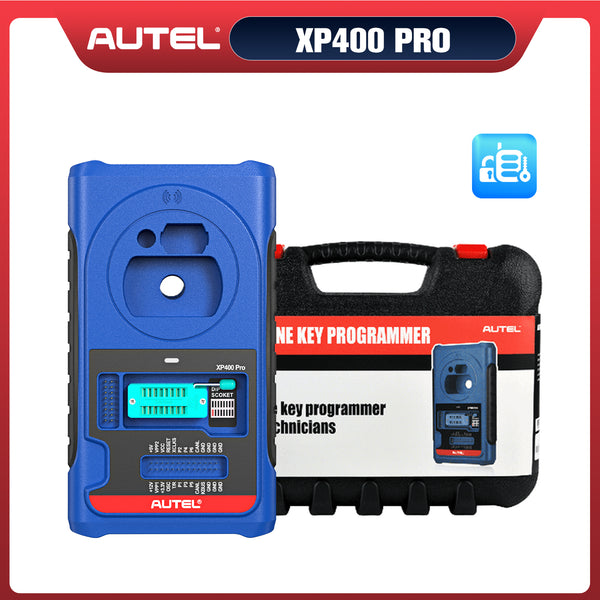


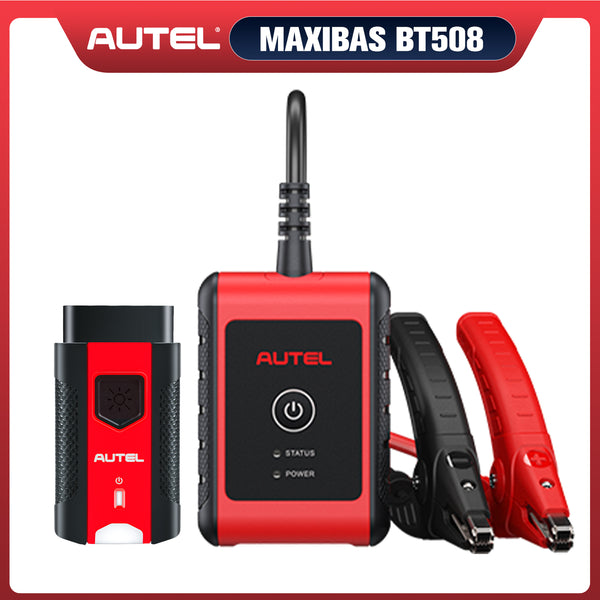
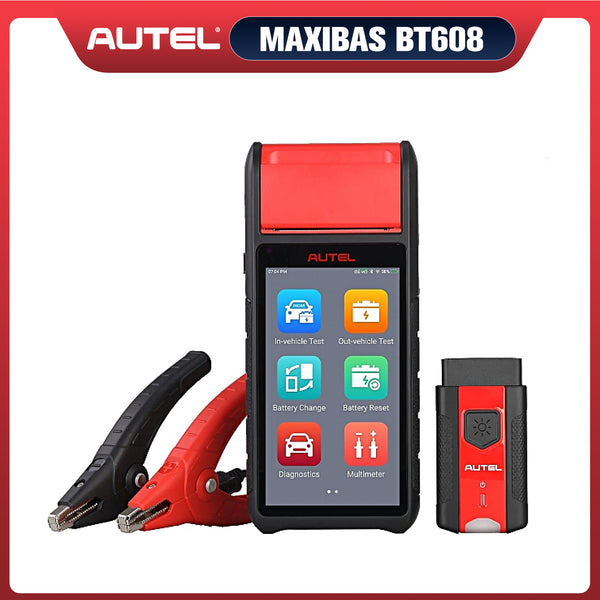





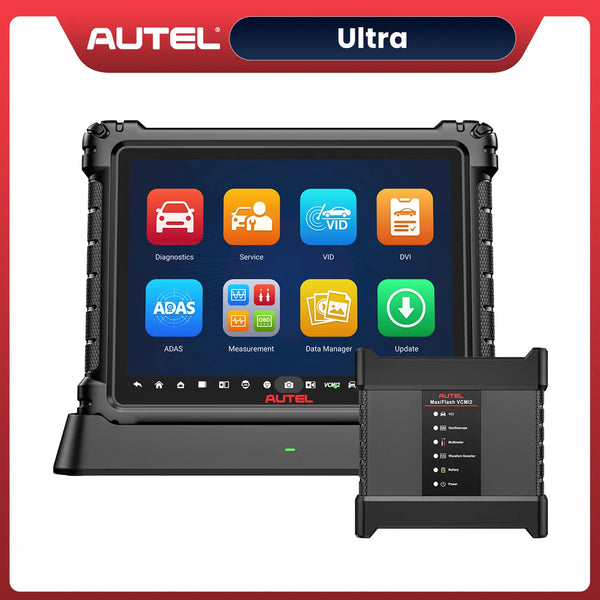
As electric vehicle sales continue to rise, high-voltage batteries—the key power systems in electric vehicles—are placing higher demands on the automotive diagnostics industry. Unlike traditional internal combustion engine vehicles, electric vehicles rely on complex battery systems, power electronics, and intelligent control modules, necessitating the use of specialized tools for maintenance and testing.
Autel EV scanners are equipped with a variety of advanced features that enable safe and accurate diagnostics of electric vehicle high-voltage batteries and related components. From reading battery status data to testing power electronics systems, these tools provide a comprehensive solution for diagnosing modern electric vehicles.
In this guide, we’ll walk you through how to use an Autel EV scanner to diagnose HV battery systems and components step by step.

Understanding EV High-Voltage Systems
The high-voltage system (HV system) of an electric vehicle can be described as its “power heart” and “main arteries.” Currently, the high-voltage systems in pure electric vehicles on the market typically operate at voltages ranging from 400V to 800V, or even higher.
Before beginning fault diagnosis, it is essential to first understand the components of an electric vehicle’s high-voltage system and its core purpose:
What are the Core Components of High-Voltage System?
When diagnostic technicians hook up an Autel EV scanner, they are primarily interacting with the following critical HV components:
1. Battery Pack & BMS
The energy reservoir of the vehicle. While the cells store the heavy DC charges, the Battery Management System (BMS) acts as the brain, regulating cell balance, temperature, and State of Health (SoH)—all of which are read as live data on your Autel screen.
2. Inverter (Motor Controller)
The gateway between the battery and propulsion. It converts the battery's DC power into AC power to drive the electric motor, and reverses the process during regenerative braking.
3. DC-DC Converter
The bridge between high and low voltage. It steps down the 400V/800V DC current to around 14V to keep the standard 12V auxiliary battery charged and power onboard electronics like screens and headlights.
4. Onboard Charger (OBC)
The AC-to-DC translator. When a customer plugs into a Level 1 or Level 2 AC charger, the OBC converts that AC power into high-voltage DC to fill the battery pack.
PDU & HV Accessories (Bonus for Diagnostics)
The Power Distribution Unit (PDU) acts as the high-voltage fuse box, routing power to auxiliary systems like the Electric A/C Compressor and PTC Cabin Heater.

EV HV Components
What is the Purpose of a High-Voltage System?
The core objective of developing and adopting high-voltage systems can be summed up in eight words: improving efficiency and boosting power.
- Delivers ultra-high power for strong performance
- Reduces vehicle weight and lowers costs
- Minimizes energy loss (extends range)
- Enables ultra-fast charging
Why Use an Autel EV Scanner for Diagnostics
Generic OBD2 scanners are limited when it comes to EV systems. They often cannot access high-voltage modules or interpret advanced data streams.

Autel MS909EV Scanner Overview
An Autel EV scanner stands out because it offers:
- OE-level diagnostics for EV systems
- Full system access, including BMS and inverter modules
- Real-time data monitoring for battery performance
- Active tests to verify component functionality
- Wide vehicle coverage, including Tesla, BMW, Volkswagen, and more
Tools such as the MaxiSys Ultra EV and the Autel MS909EV are specifically designed for EV diagnostics, making them ideal for both professional technicians and advanced DIY users.
Step-by-Step Guide to Diagnose HV Systems with Autel EV Scanner
Step 1: Connect the Scanner
The first step in using the Autel EV scanner is to connect it to the vehicle; there are three ways to do this.
- OBD Interface Diagnostics: Please connect the Autel EV scanner to the vehicle OBD Port
- Special Plug Diagnostics: Use the main cable in combination with the BPTC0203/01 cable to complete the connection
- Manual Jumper Diagnostics: Use the jumper wires in the color(s) shown in the diagram to complete the connection

Autel EV Scanner Connection Method
Step 2: Identify the Vehicle
Use Auto VIN detection or manually select the vehicle model to ensure accurate system access. At the same time, ensure that the model information for the car battery pack is correctly identified.
Step 3: Analyze the High-Voltage Battery Pack
Once connected, tap the blue "Battery Pack Information" button to open the core data dashboard, which is divided into key diagnostic tabs:
- Module Status (The Visual Infrastructure): The top of the screen displays overall State of Charge (SoC), State of Health (SoH), and total pack voltage. The bottom displays a grid of all modules. Balanced modules display in green, while out-of-balance modules instantly highlight in red.
- Deep Cell Inspection: Tap any red module to see its individual cells (e.g., cell voltages and localized temperatures). Tap "Module Locations" at the bottom to view the 3D architectural layout of the pack so you can instantly physically locate the bad module.
- Cell Status & Temperature Tabs: View all cell voltages simultaneously across the entire pack. You can toggle between a numerical layout (highlighting the highest cell in red and lowest in blue) or a Bar Graph visual preference. Switching to the Temperature tab reveals data from all internal temperature sensors rather than just a pack average.
- Live Data & Graphing: Use the "Other Live Data" tab to see all remaining streams permitted by the Battery Management System (BMS), with full support for real-time signal graphing.

Analyze HV Battery Pack With Autel EV Tools
Step 4: Perform Accurate State of Health (SoH) Testing
To determine a battery’s true capacity, Autel offers two testing methods:
- The Static Level 2 Charging Test: Plug the vehicle into a Level 2 AC charger and follow the on-screen prompts. The tablet monitors the battery data continuously as it fills to full capacity, generating an ultra-accurate pass/fail SoH report at the end.
- The Dynamic Loaded Test: For supported manufacturers, select the dynamic test. The scanner provides specific real-world driving conditions. Drive the vehicle as instructed until the tool captures enough loaded data to render a final health report.
Step 5: Execute High-Voltage Component Tests
Autel allows you to bypass the car's physical switches and act as the control module to test components on or off the chassis. From the main menu, select High Voltage Component Test and choose your target system:
- Electric A/C Compressor & PTC Heater Tests: Since these are built by third-party manufacturers and shared across vehicle brands, select the specific component manufacturer. Choose Scenario 1 (On-Chassis) or Scenario 2 (Bench Test). The tablet replaces the vehicle's switch circuit, allowing you to command the compressor or the ceramic PTC coolant heater directly to test internal electronics.
- DC-DC Converter & Onboard Charger (OBC) Tests: Select the component maker, follow the on-screen prompt, and view the high-resolution Cable Connection Diagram showing you exactly how to apply the universal pinout tools. The system validates whether a charging or voltage drop fault lies inside the component or on the car's wiring side.
- 48V Systems: For modern mild-hybrids switching away from 12V architectures, utilize the dedicated 48V Battery Test (which offers three specialized diagnostic scenarios) or the 48V Motor Test to isolate component faults seamlessly.

HV Component Test With Autel EV Scanner
Safety Tips When Diagnosing High-Voltage Systems
Working with EV high-voltage systems involves serious risks. Always follow these precautions:
- Wear certified insulated gloves
- Use proper lockout/tagout procedures
- Avoid direct contact with HV components
- Follow OEM safety guidelines
- Use professional tools like an Autel EV scanner
Safety is not optional—it’s essential.
Benefits for Technicians and EV Workshops
Using an Autel EV scanner offers significant advantages:
- Faster diagnostics and reduced labor time
- Improved accuracy with OE-level data
- Expanded service capabilities for EVs
- Increased customer trust and satisfaction
- Future-ready investment as EV adoption grows
For workshops looking to stay competitive, investing in EV diagnostic tools is no longer optional.
Conclusion
As electric vehicles become more prevalent, mastering high-voltage diagnostics is crucial for any automotive technician. An Autel EV scanner provides the necessary tools and features to safely and effectively diagnose HV battery systems and components, ensuring that you can meet the demands of modern EV maintenance and repair.


Leave a comment