









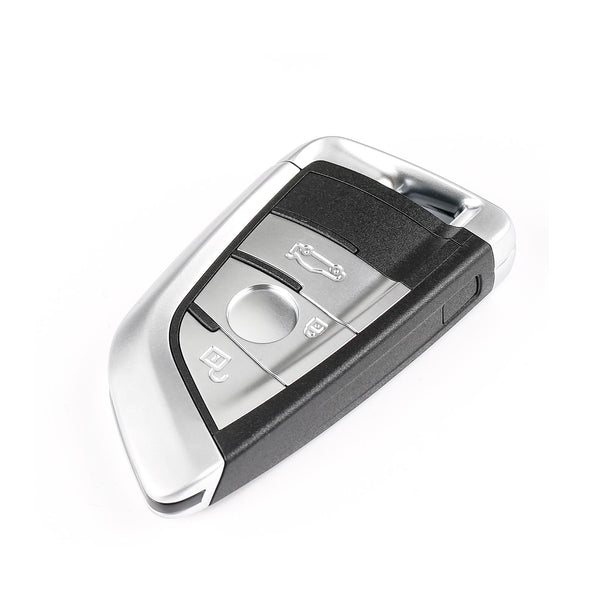
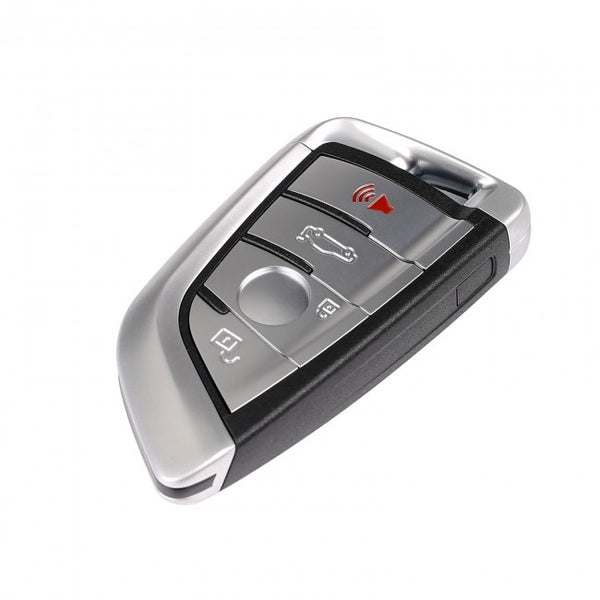




An Autel key programmer can read and write data on supported NCF29XX chips, which are found in some automotive smart keys with keyless entry and push-button start. Before you begin, check the markings on the chip so you can select the correct model in the Autel menu.
Using the NCF29A7 as an example, this guide shows how to connect the key’s circuit board, read and back up the original chip data, write a `.bin` dump file, and confirm that the write was successful.

1. Supported NCF29XX Key Chips and Required Autel Tools
The NCF29XX is a series of key chips that includes many different specific models. So, aside from being able to read from and write to the NCF29A7 key chip, which other NCF29XX chips does this guide apply to? What kind of key programming tool is required throughout the entire process?
Supported NCF29XX Key Chips:
The Autel key programmer’s NCF29XX read/write function currently supports the following chip models: NCF2951, NCF2953, NCF295E, NCF2971, NCF29A1, NCF29A2, NCF29A3, NCF29A4, NCF29A7, and NCF29AE.
Required Autel Key Programming Tools:
- Autel IM608 Pro 2
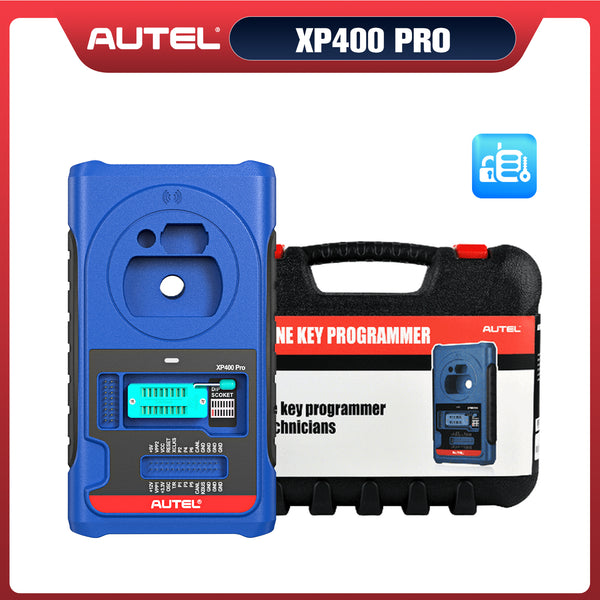
- Autel XP400 Pro Key Programmer
- Autel MAXIIM APB113
- NCF29A7 Key Chip
 40% OFF
Autel MaxiIM IM608S II Full Kit
$5499.00
2026 Autel All-in-One IMMO & Key Programming Tool with IMKPA Accessories, Advanced ECU Coding & 1 Years Free Updates
Note: The Autel XP400 Pro is a key programmer that can read and write NCF29XX chips. The Autel IM608 Pro 2 is a diagnostic tool that can also read and write NCF29XX chips. The Autel MAXIIM APB113 is an adapter that can read and write NCF29XX chips.

2. Select NCF29A7 and Connect the Key Board
Connect the Autel XP400 Pro to the tablet using a cable; if the XP400 Pro's indicator light stays green, the connection is successful.
In the Autel IM608 Pro 2 menu, select "Programmer" to enter. The specific path is as follows: Programmer >> Chip (EEPROM/MCU/ECU) >> Chip Reading/Writing >> MCU >> NXP >> NCF29XX >> NCF29A7 >> Connection Diagram
Connect the Autel APB113 and the key chip to the XP400 Pro key programmer according to the connection diagram shown in the "Connection Diagram"

3. Read and Back Up the NCF29A7 Chip Data
After connecting the APB113 and the key chip according to the wiring diagram, place the chip in the reading area and position the APB113 adapter at the cross-signal pin. Then return to the previous step and select “Read.” Once the reading is complete, save the file to the Autel key programming tablet.

4. Write the BIN Dump File to the NCF29A7 Chip
The BIN file read from key 1 can be written to key 2. Return to the chip read/write menu and click the “Write” option. Select the NCF29A7 .bin file, verify the filename, and confirm. Wait for the “Chip written successfully” message to appear. The entire process is now complete.

How-to Videos
Conclusion
When reading or writing an NCF29XX chip with an Autel key programmer, start by confirming the exact chip model and following its wiring diagram. In the NCF29A7 example, read and save the original chip data before selecting the `.bin` dump file to write. Once Autel displays “Chip written successfully,” keep the original backup so you can refer to it if you need to troubleshoot later.


Leave a comment