




![IM608 PRO II Full Kit<br>[2-Year Free Update]](http://www.obdprice.com/cdn/shop/files/Autel_IM608S_II_Full_Kit_1_600x600.webp?v=1755662636)

![IM508S PRO<br>[2-Year Free Update]](http://www.obdprice.com/cdn/shop/files/Autel_MaxiIM_IM508S_Pro_600x600.webp?v=1755662755)
![IM508S<br>[2-Year Free Update]](http://www.obdprice.com/cdn/shop/files/AUTEL_MAXIIM_IM508S_600x600.webp?v=1755662895)







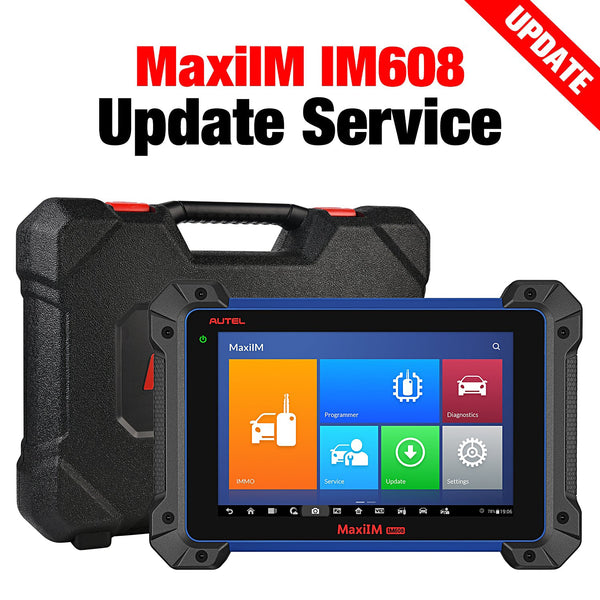
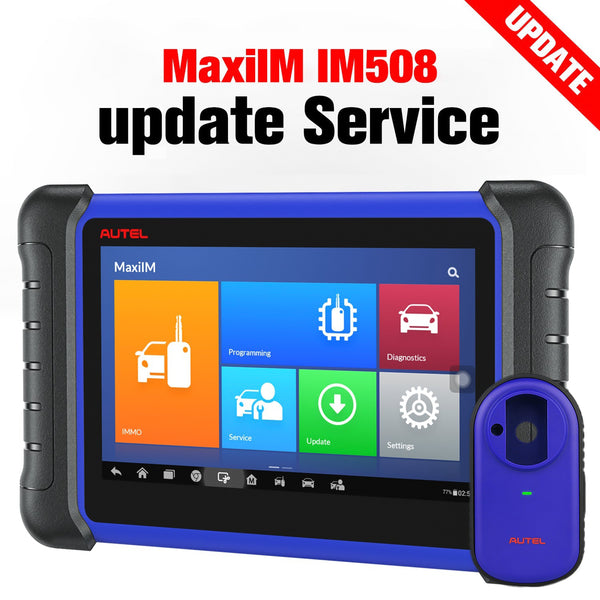
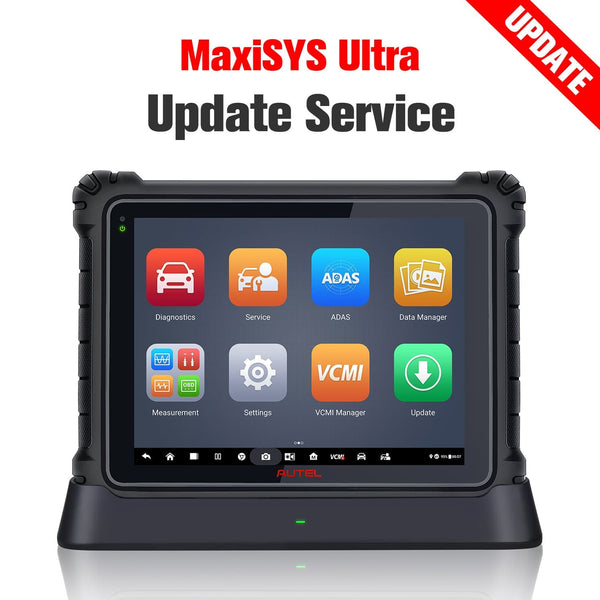
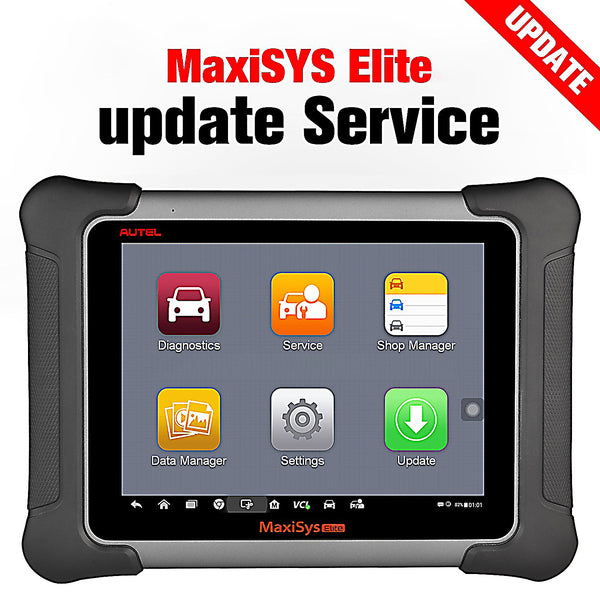
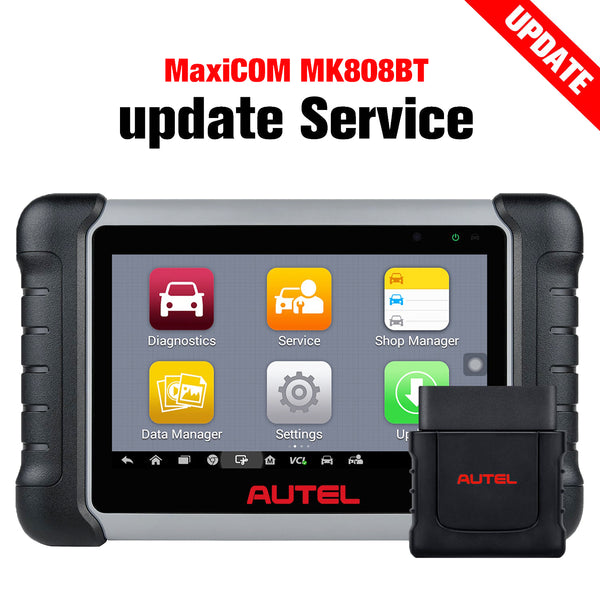
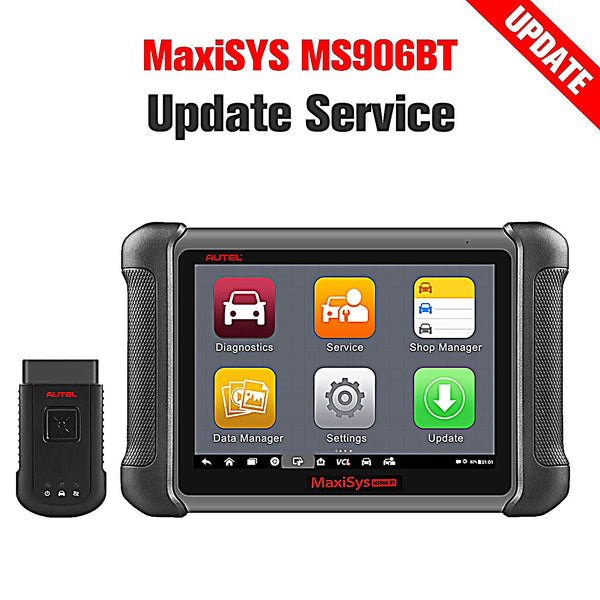


Introduction
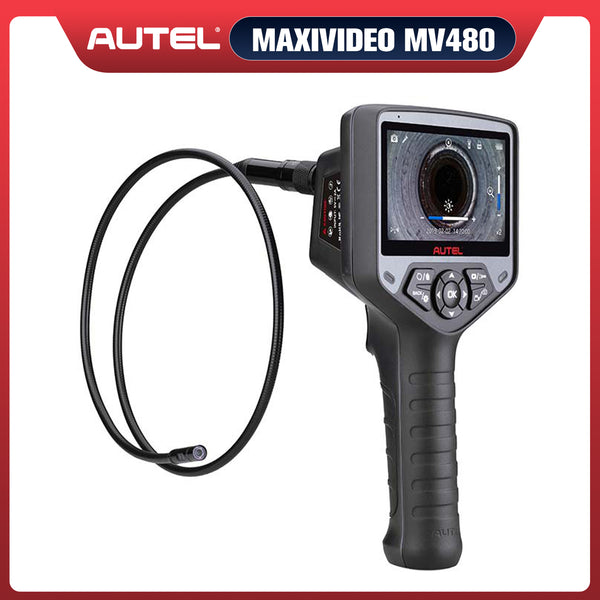
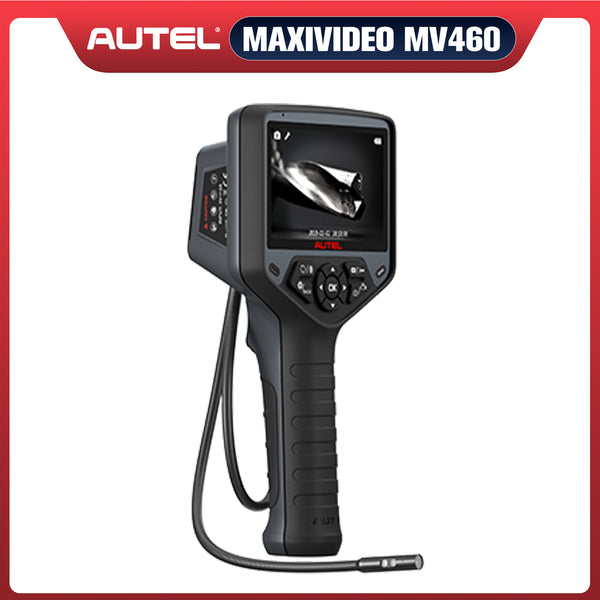
Cars contain numerous precision components, some of which are embedded deep within the vehicle. Without an inspection camera, it would be necessary to disassemble the vehicle to examine the condition of the faulty parts, a process that is extremely complex. Therefore, an inspection camera—which can access narrow or hard-to-reach spaces—plays a vital role in many fields, including pipe repair and automotive diagnostics.
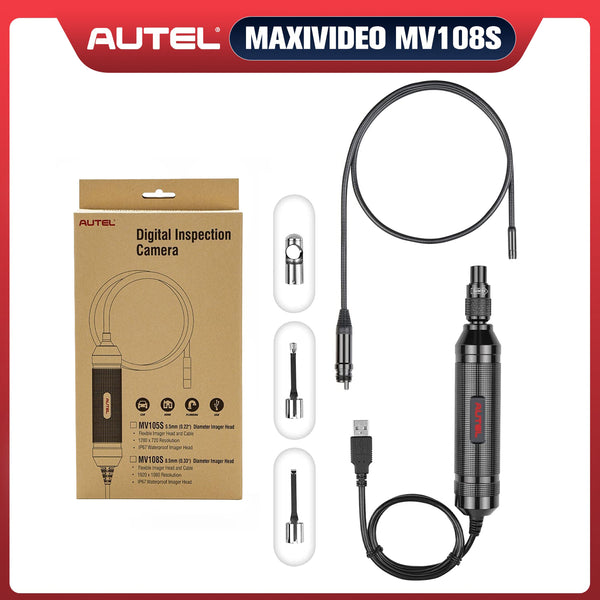
The Autel MV108S inspection camera is a high-quality inspection camera that can be connected to various Autel tablets. This guide will help you determine whether your tablet is compatible with the MV108S and provide tips for connecting the two devices.

What Is the Autel MV108S and What Can It Do?
The Autel MV108S Digital Inspection Camera is designed for use with the Autel scan tool. The camera features an 8.5-millimeter lens and a 2-megapixel sensor capable of capturing images at a resolution of 1920×1080; it also includes LED lighting and comes with a 1-meter-long waterproof USB cable.
It transforms your Autel tablet into a video inspection tool, allowing you to examine hard-to-reach and hard-to-see areas. The camera can capture digital still images and record video. It comes with mirror, hook, and magnet accessories. A one-year limited warranty is included.
What Can Autel MV108S Do?
For Automotive Inspection:
- Check the internal components of your engine for wear or damage without taking the whole thing apart;
- Check the underside of your vehicle for rust, damage, or worn components without having to lift the car up.
- Check the second car before buying; view areas that are normally hidden to avoid future expense and trouble, and more.
For House Maintenance (plumbing, construction, household applications, etc.)
Locate cables, pipes, valves and similar; Locate the source of leaks; Find blockages, damage, and corrosion; Find broken parts; Inspect machinery and manufactured goods; Find missing items; Locate pests …
 41% OFF
Autel MaxiVideo MV108S
$89.99
8.5mm Endoscope Camera Digital Inspection Camera For MaxiSys Tablet Kit
Which Autel Tablets Are Compatible with the MV108S?
The Autel MV108S works with a range of Autel professional diagnostic tools, but compatibility depends on the tablet model and its software version.
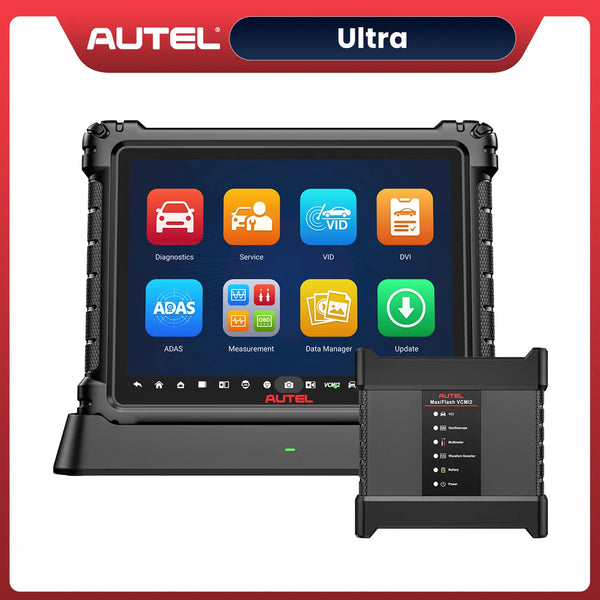
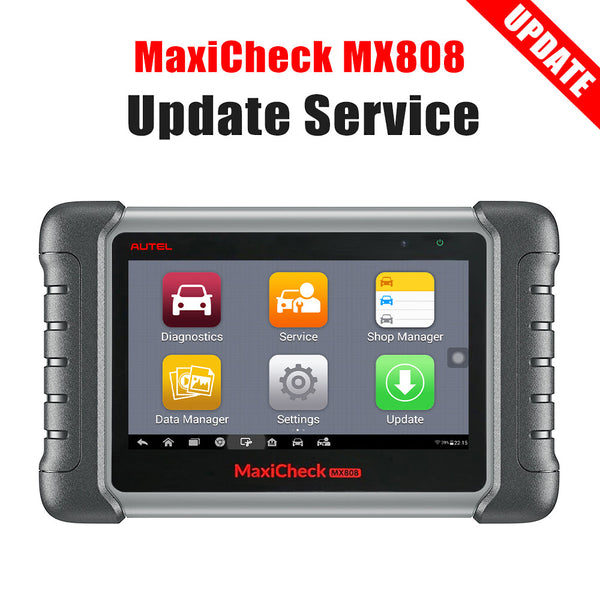
According to Autel's official technical support FAQ, the MaxiVideo/Digital Inspection function is supported on the 808, 900, 906, 908, and Ultra series, with the MS906 and MS906CV specifically excluded.
For the 808 series, the tablet must be running system version V2.62 or later to support digital inspection.
Autel MV108S Compatibility Overview
| Autel Tablet Series | Official Support Information |
| MaxiCOM 808 Series | Supported with system V2.62 or later |
| Autel 900 Series | Supported |
| Autel 906 Series | Supported, except MS906, MD906 Pro and MS906CV |
| Autel 908 Series | Supported |
| Autel Ultra Series | Supported |
| Other Autel Tablets | Confirm with Autel before purchasing |
How to Check Your Tablet Before Buying
Before purchasing the Autel MV108S, open your tablet's main menu and look for the MaxiVideo or Digital Inspection application.
If the application is available, check your tablet's system version and confirm that your specific model supports the MV108S. For 808-series tablets, update to V2.62 or later if necessary.
If the application is missing, do not assume that the camera will work simply because the tablet has a USB port. Contact Autel support or your authorized dealer to verify compatibility.
How to Connect the Autel MV108S to Your Tablet
- Insert the USB cable into the USB port on the tablet.
- Remove the protective cover from the imager head.
- Power up your Autel tablet. Select the MaxiVideo application from the Job Menu. You can use it now

Autel MV108S Connect Guide
Autel MV108S Not Working? Common Connection Problems
If your Autel MV108S isn't working after connecting it to your diagnostic tablet, the issue may be related to compatibility, software, or the USB connection. Before assuming the inspection camera is faulty, try these troubleshooting steps.
1. Tablet Doesn't Recognize the MV108S
If nothing happens when you plug in the camera, first confirm that your tablet supports the Autel MV108S. Check that the USB connector is securely inserted and inspect the port for dirt or damage.
Try disconnecting and reconnecting the camera, then restart the tablet.
2. Camera Shows a Black Screen
If the MaxiVideo app opens but displays a black screen, unplug the MV108S and reconnect it. Close and reopen the application to check whether the live image returns.
Also, make sure the camera lens is clean and the cable is not visibly damaged.
3. MaxiVideo App Is Missing
Not every Autel tablet supports the MaxiVideo function. If you cannot find the app, check your tablet model and software version.
For supported 808-series tablets, Autel specifies system version V2.62 or later. If the application is still unavailable, contact Autel support to confirm compatibility.
4. Camera Keeps Disconnecting
An unstable connection may result from a loose USB connector, damaged cable, or software issue. Make sure the cable is firmly connected and avoid pulling or bending it during inspection.
If the problem continues, test the MV108S with another confirmed compatible Autel tablet to help identify whether the issue is with the camera or the original device.
Quick Tip: Always verify tablet compatibility and check for available software updates before troubleshooting hardware. A USB connection alone does not guarantee that the Autel MV108S will work with your diagnostic tablet.
What to Check Before Buying the Autel MV108S
Before purchasing the Autel MV108S, make sure it works with your existing diagnostic tablet. A few quick checks can help you avoid compatibility issues and unnecessary returns.
- Tablet model: Check your Autel tablet's exact model number against the official compatibility information. Don't assume every tablet in the same series supports the MV108S.
- Software version: Make sure your tablet meets the required system version. For supported Autel 808-series tablets, version V2.62 or later is required for digital inspection.
-
MaxiVideo app: Check whether your tablet includes the MaxiVideo or Digital Inspection application needed to view the camera feed.

- USB connection: Confirm that your tablet has the appropriate USB connection and that the port is working properly.
- Dealer support: If you're unsure about compatibility, contact Autel or an authorized dealer with your tablet's exact model number before ordering.
Taking a few minutes to verify these details can save time and help ensure the Autel MV108S is ready to use when it arrives.
Frequently Asked Questions
Does the Autel MV108S Work with All Autel Tablets?
No. The Autel MV108S is designed for compatible Autel diagnostic tablets that support the MaxiVideo function. Autel lists support for the 808, 900, 906, 908, and Ultra series, with certain model exceptions. Always confirm your specific tablet model before purchasing.
Can I Connect the Autel MV108S to a Laptop?
The Autel MV108S is primarily designed for compatible Autel diagnostic tablets. Although this inspection camera uses a USB connection, that doesn't automatically mean it will work with a Windows or Mac laptop. Check with Autel before attempting to use it with a computer.
Does the Autel MV108S Need a Separate App?
The MV108S uses the MaxiVideo application on supported Autel tablets to display live images and capture photos or videos. The application is typically integrated into compatible diagnostic tablets rather than downloaded separately.
What Should I Do If My Tablet Cannot Detect the MV108S?
First, confirm compatibility and check your tablet's software version. Then reconnect the USB cable, restart the tablet, and reopen the MaxiVideo app. If the problem continues, contact Autel support or test the camera with another compatible tablet.
Final Thoughts: Is the Autel MV108S Right for Your Tablet?
The Autel MV108S can be a useful addition to a compatible Autel diagnostic tablet, especially when inspecting hard-to-reach areas without removing surrounding components. However, compatibility should always come first.
Before buying, confirm your tablet model, software version, and MaxiVideo support. If everything matches, the MV108S can make routine visual inspections more convenient.
Still unsure whether your tablet supports the Autel MV108S? Contact the OBDPRICE team with your tablet model for help checking compatibility before placing your order.


