




![IM608 PRO II Full Kit<br>[2-Year Free Update]](http://www.obdprice.com/cdn/shop/files/Autel_IM608S_II_Full_Kit_1_600x600.webp?v=1755662636)

![IM508S PRO<br>[2-Year Free Update]](http://www.obdprice.com/cdn/shop/files/Autel_MaxiIM_IM508S_Pro_600x600.webp?v=1755662755)
![IM508S<br>[2-Year Free Update]](http://www.obdprice.com/cdn/shop/files/AUTEL_MAXIIM_IM508S_600x600.webp?v=1755662895)







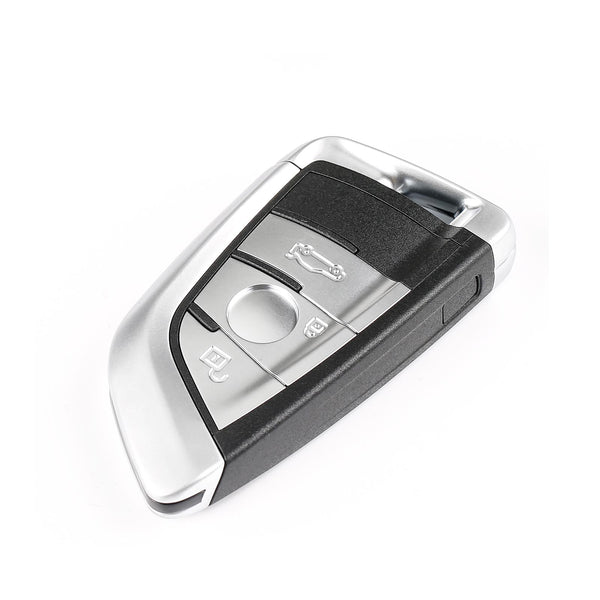

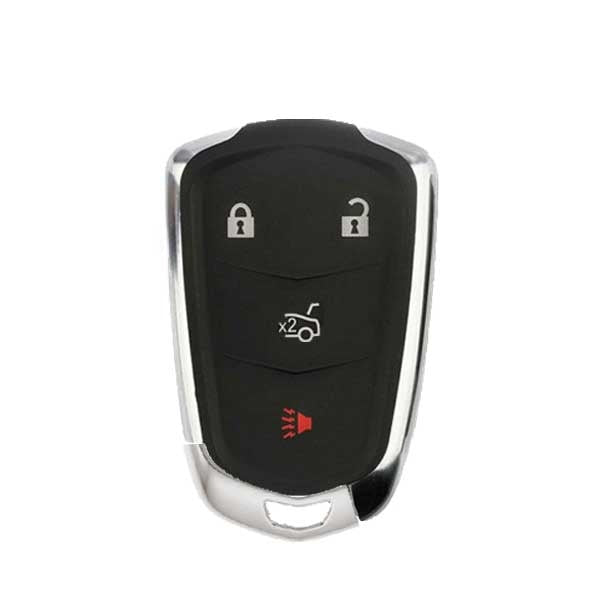
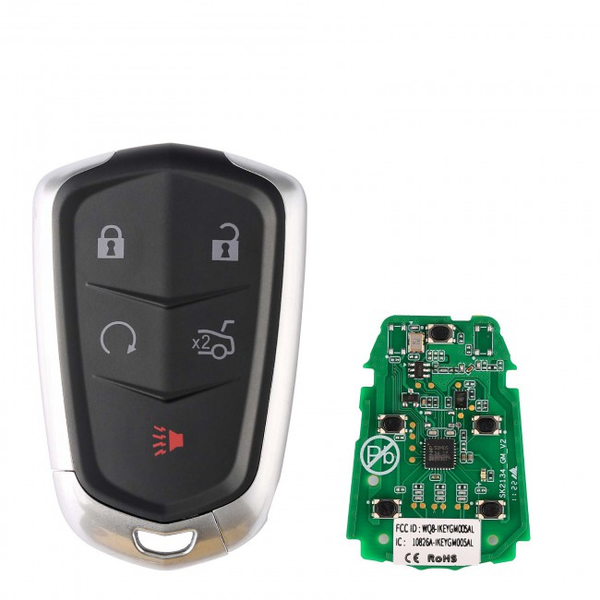




To add a new smart key to a 2017 Lexus RX 350, connect the Autel KM100 to the vehicle's OBDII port, select the correct vehicle model, follow the on-screen immobilizer instructions, and complete the key registration process. Before programming, ensure the vehicle battery is fully charged, all existing keys are available, and the replacement key is compatible with the RX 350.
Lexus is a luxury brand under the Japanese automaker Toyota, and there are many Lexus vehicles on the road in the United States. If you lose a key and need to program a new one, how do you go about it? In addition to visiting a dealership, you can also use key programming tools to add a new key.
Today, we’ll use the Autel KM100 to program a key fob for a 2017 Lexus RX350. This tutorial assumes that you haven’t lost all your Lexus car keys, that you have an Autel KM100, and that you have a new blank key that matches your original key.

Preparations Before Programming the Key
Vehicle and Environmental Preparation
-
Stable Voltage (Critical)
Ensure the battery voltage is ≥ 12V (12.4V or higher recommended). Connect a regulated power supply if necessary (power loss during programming = failure or even module lockup) -
Locate the OBD port
Typically located below the steering wheel. Ensure the port is secure and free of corrosion -
Correct ignition status
Follow vehicle-specific requirements (ON or OFF). For vehicles with push-button start, press the button twice to enter the ON state (without pressing the brake pedal) -
Safe environment
Avoid environments with strong electromagnetic interference (e.g., near large equipment). Keep the vehicle stationary to prevent accidental operation
Preparing Keys and Security Systems
-
Prepare all keys
- Original Lexus Key
- New Blank Key
-
Ensure the new keys are properly matched
- Same frequency (315MHz / 433MHz)
- Matching chip type (e.g., 4D, 8A, etc.)
- While satisfying the two requirements mentioned above, you can also directly opt for Autel IKeys.
-
Ensure the key batteries are fully charged
- Low battery power in the remote key can cause recognition failure

Key Information Confirmation
Equipment Preparation (Using Autel KM100 as an Example)
Ensure that:
- The software is updated to the latest version.
- The vehicle model database is complete.
- The Bluetooth/VCI connection is working properly.
We recommend logging into the system in advance to test whether the connection is working properly.
Step-by-Step Lexus Key Programming Guide
Step 1: Connect VCI to the Car
Connect the Autel KM100 to the MaxiVCI V200. Once you have located the OBD port on the Lexus vehicle, insert the VCI device into the port. A green light on the VCI device indicates a successful connection, and the VCI icon in the upper-right corner of the Autel KM100 will also appear normally.
This is the first and most important step in establishing a connection between the vehicle and the Autel KM100. If the connection fails, you will be unable to retrieve information from the vehicle’s IMMO system. For issues related to the VCI device, please refer to this article for troubleshooting and resolution.
Step 2: Verify Lexus Key Information
Place the original key on the Autel KM100's sensor pad, then tap "Reading/Cloning" to enter the menu. Select "Reading" in the lower-left corner of the screen to begin the reading process. You can view information such as the chip type. Similarly, place the new blank key on the sensor pad to further verify whether it matches.

Read Lexus Key Information
Step 3: Generate a Universal Key
- Click the Universal key to enter.
- Manually select the car's make, model, and year of manufacture
- Place the blank key in the sensor area of the Autel KM100
- After selecting the appropriate key, click “Generate Universal Key” in the lower-right corner, then click “Completed.”
Step 4: Program Lexus New Blank Key
Navigation Path: IMMO >> Lexus >> Automatic Selection >> Read VIN >> IMMO status scan >> Add key >> Start
The following steps must be completed within a specific time frame, Follow the on-screen instructions to perform the following steps:
- Place the original key on the start button
- Place the new blank key to be programmed on the start button
- Displays “Learning Succeeded”
Step 5: Check Key Button Functions
Before testing, take the original key outside the vehicle to avoid false readings.
Sequentially test the lock, unlock, and start functions on the newly programmed Lexus key to ensure that all key functions operate correctly. This verifies the successful programming of the Lexus key fob.
Reference Video:
Conlusion
Using the Autel KM100 to program a new key for a 2017 Lexus RX350 is a straightforward process when you follow the steps outlined above. Always ensure that you have the correct tools, a stable connection, and that you follow the instructions carefully to avoid any issues during programming. If you encounter any problems, refer to the user manual or contact Autel support for assistance.


Leave a comment