




![IM608 PRO II Full Kit<br>[2-Year Free Update]](http://www.obdprice.com/cdn/shop/files/Autel_IM608S_II_Full_Kit_1_600x600.webp?v=1755662636)

![IM508S PRO<br>[2-Year Free Update]](http://www.obdprice.com/cdn/shop/files/Autel_MaxiIM_IM508S_Pro_600x600.webp?v=1755662755)
![IM508S<br>[2-Year Free Update]](http://www.obdprice.com/cdn/shop/files/AUTEL_MAXIIM_IM508S_600x600.webp?v=1755662895)


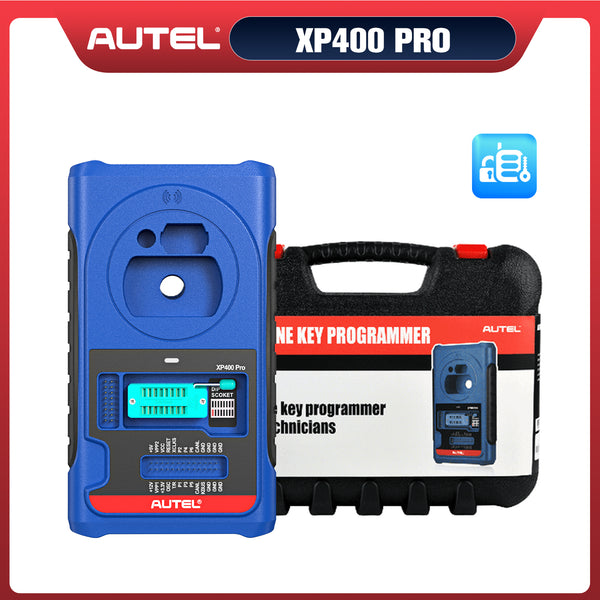





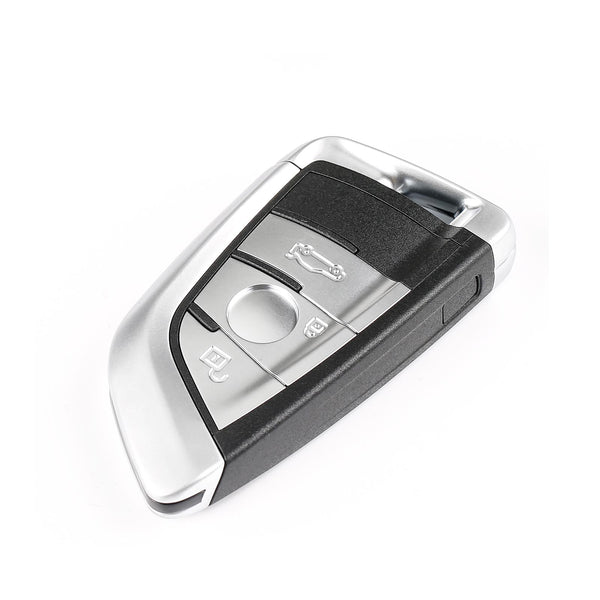
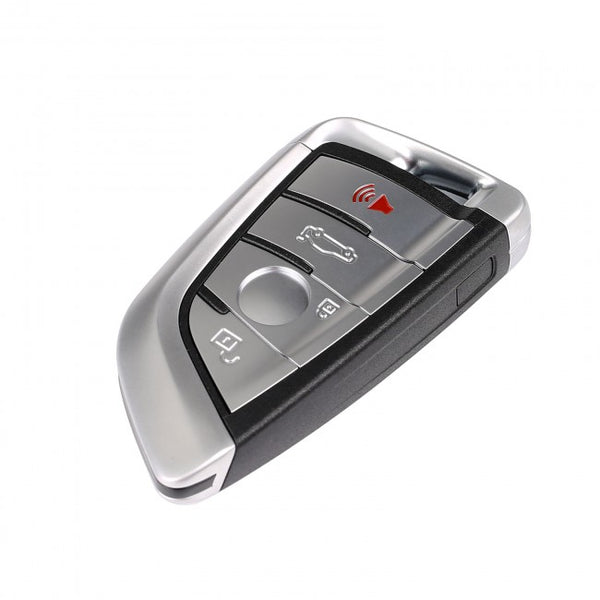
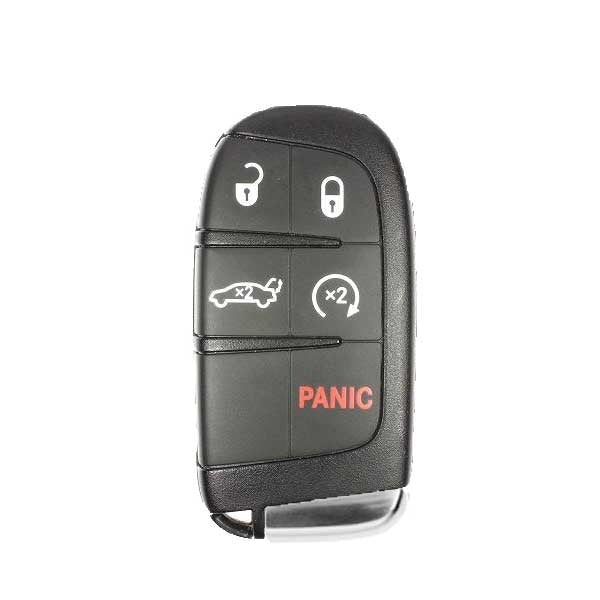
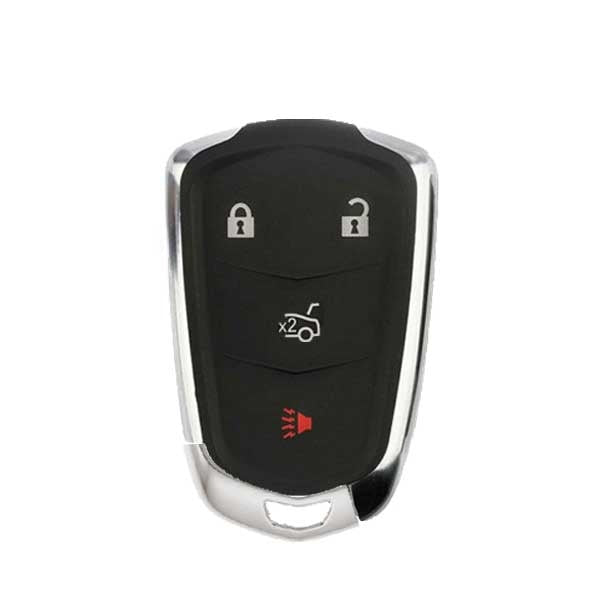
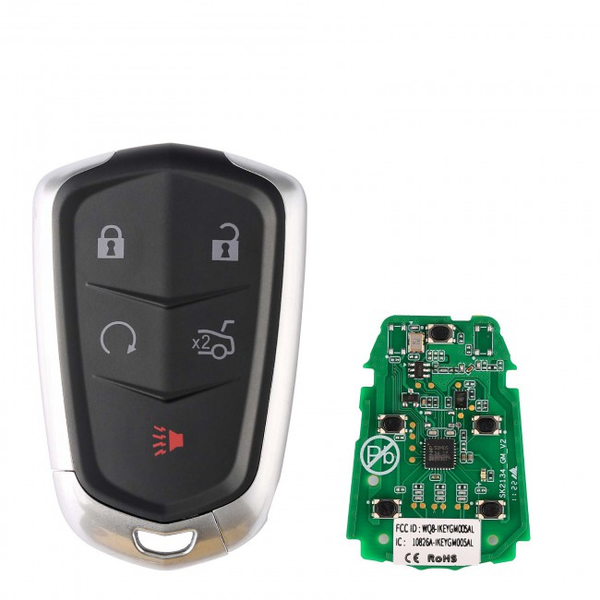


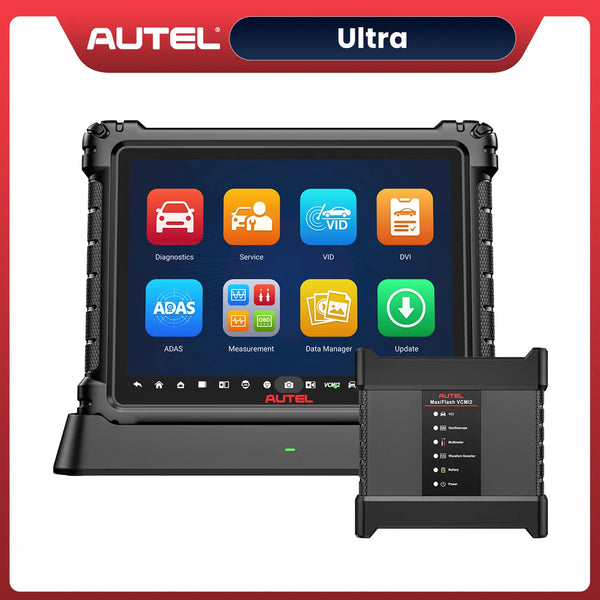
Some Kia key fobs can be programmed using a vehicle-specific DIY procedure, while newer smart keys may require a professional key programmer. For compatible Kia models, Autel tools such as the KM100, IM508S, and IM608 Pro 2 can provide key and immobilizer programming functions. Always verify your exact Kia model, year, key type, and Autel coverage before programming.
In previous articles, we’ve covered how to program key fobs for various car brands, including Hyundai, Honda, Nissan, and BMW, covering methods ranging from DIY approaches to the use of professional key programming tools. Although we’ve explained how to program key fobs in previous articles, the specific methods vary depending on the car brand.
Today, we’ll walk you through the detailed steps for programming a Kia key fob—a vehicle from the South Korean brand. This way, whether you’ve lost a key or want to add a new one for a family member, you can easily program it yourself without having to spend time and money visiting a dealership.
How do you program a Kia key fob? Today, we’ll cover two methods for doing this. One is a DIY approach using the official tutorial to program the key, and the other involves using an Autel key programming tool to add a new key. Let’s take a look!

Kia Key Fob Types
Before you start programming a KIA key, you need to know what type of key fob you have. Some may require cutting in addition to programming, while others may not be suitable for DIY programming.
| Kia Key Type | Main Features | Programming Considerations |
| Traditional Key + Remote Fob | Metal key with separate or integrated remote buttons | Remote and immobilizer may require different procedures |
| Flip Key Fob | Folding mechanical key with built-in remote | Usually requires both key cutting and electronic programming |
| Smart Key Fob | Keyless entry and push-button start | Typically requires immobilizer/key registration |
| Proximity Smart Key | Allows passive entry and push-button starting | Often requires professional key programming equipment |
| Digital Key | Uses a compatible smartphone or digital device | Setup depends on vehicle model and supported digital-key system |
Can You Program a Kia Key Fob Yourself?
Whether you can program a Kia key fob yourself depends on the Kia model, model year, key type, and the function that needs to be programmed. In some cases, a DIY procedure may be enough, while newer Kia vehicles with immobilizer or smart-key systems may require specialized equipment.
For some older Kia models, the remote portion of the key fob may be programmed using a vehicle-specific procedure without a diagnostic scanner. This can make DIY programming relatively simple if you already have a compatible replacement fob.
However, programming a smart key or registering a key with the vehicle's immobilizer system is different. If the vehicle does not recognize the new key, a dedicated key programming tool may be required. This is where professional devices such as Autel key programmers can be useful.
Before attempting to program a Kia key fob yourself, check:
- Vehicle model and year: Programming procedures can vary significantly between Kia models.
- Key type: A basic remote fob may have different requirements from a smart/proximity key.
- Replacement key compatibility: The new fob must be compatible with the vehicle.
- Programming method: Some keys can be programmed manually, while others require diagnostic equipment.
- Immobilizer requirements: If the key contains a transponder, additional key registration may be necessary.
In short, DIY Kia key fob programming is possible for some vehicles, but not every Kia key can be programmed without specialized equipment. If the manual procedure does not work or the vehicle requires immobilizer registration, an appropriate key programming tool may be the better option.

Check Your Kia Key Type Before Programming
What You Need Before Programming a Kia Key Fob
Before you start programming a Kia key fob, make sure you have the correct key, the necessary vehicle information, and the right programming method. Preparation is especially important because Kia key systems vary between models and model years.
-
A Compatible Kia Key Fob
The replacement key fob must be compatible with your specific Kia. Check the model year, trim, key type, frequency, FCC ID, and part number where applicable. A key that looks identical to your original may still be incompatible with the vehicle.
-
The Original Key, If Available
If you still have a working key, keep it nearby during programming. Some procedures require an existing programmed key, while having the original key also makes it easier to verify whether the new key has been successfully registered.
-
Vehicle Information
You may need the Kia's model, year, VIN, and immobilizer system information to determine the correct programming procedure. This is particularly important when using a diagnostic key programmer.
-
A Stable Vehicle Battery
Make sure the vehicle battery has sufficient voltage before starting. Interrupting a key programming procedure because of low battery voltage can cause communication or programming problems. If the battery is weak, charge or replace it before proceeding.
-
A Key Programming Tool, If Required
Some Kia models may support a manual procedure for certain remote functions, but smart keys and immobilizer-related functions may require specialized equipment.
For compatible vehicles, an Autel key programming tool such as the KM100, IM508S, or IM608 Pro 2 can provide guided key programming functions. The exact functions available depend on the vehicle and tool coverage.

Autel Key Programming Tools Overview
-
A Suitable Programming Environment
Keep the key fobs away from other electronic keys and unnecessary radio-frequency devices during programming. Follow the on-screen or vehicle-specific instructions carefully, and avoid switching off the ignition or disconnecting the programming tool while the procedure is running.
Tip: Before buying a replacement Kia key fob or starting the programming process, verify both key compatibility and vehicle coverage. This can save you from purchasing a key that cannot be programmed to your vehicle.
How to Program Kia Key Fob
Although Kia cars have a variety of key types, traditional mechanical keys do not require programming. However, the most common types that can be programmed are semi-mechanical keys and smart keys. Their programming methods are similar, so we combine them together for a unified explanation.
How to Program a Kia Key Fob: DIY Methods
Whether you can program a Kia key fob yourself depends on the model, model year, and key type. Some older Kia models may allow certain remote functions to be programmed manually, while newer smart keys often require specialized equipment.
Method 1: Follow the Vehicle-Specific Procedure
If your Kia supports manual key fob programming, check the owner's manual for the correct procedure. The steps vary between models, but the process may involve:
- Insert the existing key or turn the ignition on as instructed.
- Enter the vehicle's programming mode.
- Press the required button on the replacement key fob.
- Repeat the procedure for additional compatible fobs.
- Exit programming mode and test the key.
Do not use a programming sequence from another Kia model, as the procedure can vary significantly by year and key system.
Method 2: Check and Re-Synchronize the Key Fob
If the fob suddenly stops working, you may not need to program it again. First, replace the fob battery and make sure it is installed correctly. Then test the lock, unlock, and trunk buttons.
If the remote functions work but the vehicle does not recognize the key or allow the engine to start, the problem may involve the immobilizer or smart-key system.

replace kia key fob battery
When DIY Programming Isn't Enough
For many newer Kia models, registering a replacement smart key may require a dedicated key programming tool. In this situation, a professional device such as an Autel key programmer can provide a more practical solution when the specific Kia is supported.
Tip: Always verify your Kia's exact model, year, key type, and programming requirements before purchasing a replacement fob. A compatible-looking key is not necessarily a programmable key.
How to Program a Kia Key Fob with an Autel Key Programmer
For compatible Kia models, an Autel key programmer can simplify the process of adding a new key or programming a replacement key when all keys are lost. The exact steps vary by model and year, so always follow the instructions displayed by the tool.
Add a New Kia Key Fob
If you still have a working key, adding a spare key is generally the simpler option.
Step 1: Identify the Vehicle
- Connect the Autel key programmer to the Kia's diagnostic port.
- Turn on the ignition with the learned key, if required.
- Use Auto VIN or manually select the Kia model and year.
- Enter the IMMO or Key Programming menu.
Step 2: Select Add Key
- Select Add Key or the corresponding key-learning function.
- Follow the on-screen instructions.
- Keep the new key available as instructed by the tool.
- Avoid unnecessary wireless interference during the procedure.

Add a Kia Key Using an Autel Scanner
Step 3: Register the New Key
- Follow the tool's instructions to place or operate the new key.
- Allow the Autel device to communicate with the vehicle's immobilizer system.
- Wait for the tool to confirm that the key has been successfully registered.
Step 4: Test the Key
After programming, test the new key for:
- Lock/unlock
- Trunk or liftgate release
- Keyless entry or proximity functions
- Engine starting
If all functions work normally, the new Kia key fob is ready to use.
All Keys Lost
Programming a Kia when all keys are lost can be more complicated and may require advanced immobilizer functions. For supported vehicles, an advanced Autel key programmer such as the IM608 Pro 2 can help access the appropriate key programming functions.
The general process is:
- Identify the Kia model and year.
- Enter the IMMO/Smart Key System.
- Select the appropriate All Keys Lost function, if supported.
- Follow the on-screen instructions to register the replacement key.
- Wait for programming to complete.
- Test the new key's remote and engine-start functions.
Important: All-keys-lost procedures are highly vehicle-specific. Check Autel's current vehicle coverage before programming, and always follow the instructions provided by the tool for your exact Kia model.
Which Autel Key Programming Tool Is Best for Kia?
Which Autel scanners can program keys? Do these tools support Kia key programming? Check the coverage of Autel key programming tools to confirm whether they can be used to program your Kia keys. Here are some recommendations for Autel key programming tools:
| Autel Key Programming Tools | Best For |
| Autel KM100 / KM100E | DIY users and basic key programming |
| Autel IM508S | More advanced immobilizer work |
| Autel IM608 Pro 2 | Professional locksmiths and advanced key programming |
Before purchasing a tool or attempting to program a Kia key, check the official Autel vehicle coverage database for your exact Kia model, year, key system, and required function. Coverage can change with software updates, so the official coverage information should always be treated as the final reference.
Final Thoughts
Some Kia key fobs can be programmed through DIY procedures, while newer smart and immobilizer-equipped vehicles may require specialized equipment. If a manual procedure is not available, an Autel key programming tool can provide a more practical solution for compatible vehicles.


Leave a comment