




![IM608 PRO II Full Kit<br>[2-Year Free Update]](http://www.obdprice.com/cdn/shop/files/Autel_IM608S_II_Full_Kit_1_600x600.webp?v=1755662636)

![IM508S PRO<br>[2-Year Free Update]](http://www.obdprice.com/cdn/shop/files/Autel_MaxiIM_IM508S_Pro_600x600.webp?v=1755662755)
![IM508S<br>[2-Year Free Update]](http://www.obdprice.com/cdn/shop/files/AUTEL_MAXIIM_IM508S_600x600.webp?v=1755662895)









In the past, losing a car key was a real headache, because not only did you have to pay a hefty fee to get a replacement, but it also cost you time and effort. Nowadays, key programming tools are no longer just for professional locksmiths; they’ve also become handy tools for DIY beginners, allowing you to program a new key right at home.
In previous articles, we covered key programming methods for various brands—including BMW, Mercedes-Benz, Nissan, and Honda. Today, focusing primarily on Toyota vehicles, we will demonstrate how to add a new key using Autel key programming tool: the Autel KM100.

Which Toyota Key Types Does the Autel KM100 Support?
As an entry-level scanner in Autel key programming tools, the Autel KM100 does not support programming for all Toyota models and keys. For example, it cannot program the earliest mechanical keys, as these consist solely of metal components. Additionally, programming is restricted for certain Toyota models; vehicles equipped with advanced anti-theft systems cannot be programmed.
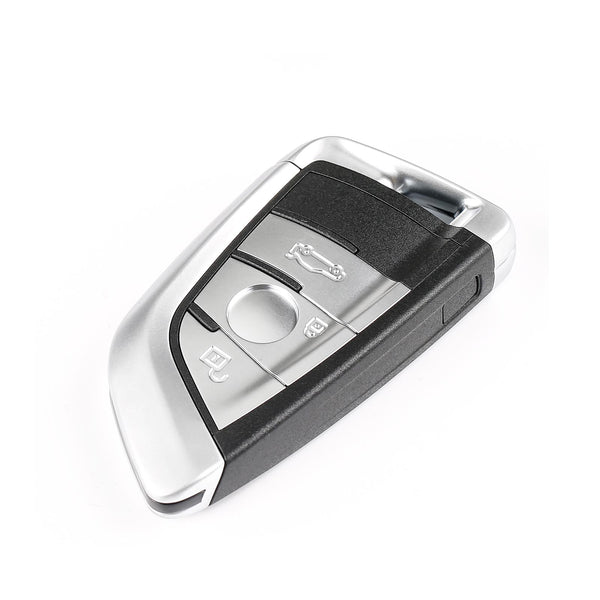
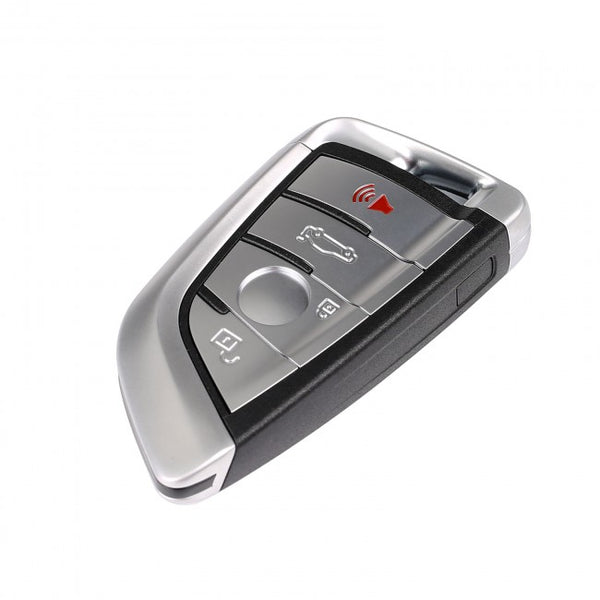
- Smart Key: Designed for vehicles with push-button start, supporting keyless entry and ignition. Commonly found in models such as the Camry, Corolla (high-end trims), and RAV4. The KM100 supports adding new smart keys and partial key replacement.
- Remote Key Fob: Features remote locking and unlocking; must be inserted into the ignition to start the engine. Commonly found on older Toyota models. The KM100 supports remote key pairing and basic programming.
- Transponder Key: Equipped with an anti-theft chip, it must be paired with the vehicle to start the engine. The KM100 supports transponder identification, generation, and partial cloning functions.
- All Keys Lost: Applicable when all keys are lost. The Autel KM100 supports rematching for “All Keys Lost” scenarios on select Toyota models, but there may be restrictions on newer models.
Note: You can use the document’s search feature to quickly find your vehicle, as shown in the image below.

You can search function to directly look up vehicle.
Preparations Before Key Programming
Tools Required:
- Autel KM100 Key Programmer
- New blank key
- Old keys that still work
- Stable power supply
- Data cable
Environmental Requirements
- Keep the vehicle's voltage stable
- Make sure to park your car in a level and safe spot
- Ensure a stable internet connection
Once you have met the above tool and environmental requirements, you can begin preparing for the subsequent key programming work.
Step-by-Step Guide to Programming Toyota Keys Using the Autel KM100
Next, I followed a YouTube video tutorial to program a new key for a 2019 Toyota Corolla using the Autel KM100. The programming process for keys may vary slightly depending on the Toyota model, but overall, the steps are quite similar. Here is a detailed step-by-step guide:
Step 1: Properly Connect the VCI Device
The Autel KM100 includes the MaxiVCI V200 VCI unit. To use it, insert the VCI unit into the vehicle’s OBD port so that the Autel KM100 can connect to the VCI via a data cable or Bluetooth, establishing a connection with the vehicle to read the vehicle’s IMMO system information and status.

Autel MaxiVCI V200 Connection Guide
Step 2: Verify The Frequency Of The Original Key
Toyota keys typically operate on two different frequencies. If you do not verify the key’s frequency beforehand, errors may occur during key programming, rendering the key inoperable.
Open the “Frequency Detection” menu on the Autel KM100’s main screen, hold the original key near the Autel KM100’s antenna, and press the unlock and lock buttons to confirm the key’s frequency.
Step 3: Generate a Universal Key
1. Go to the “Universal Keys” section on the Autel KM100 homepage, select the car's make, model, and year, and make sure the key frequency matches the frequency you measured in Step 2.
2. Insert the blank key into the slot on the Autel KM100 (make sure the blank key has a battery installed), and wait for the universal key to be generated. For the universal key, you can choose the Autel IKEY smart key or purchase another brand—just make sure it works.
3. Generation complete. Verify that the frequency of the newly generated universal key matches that of the original key.

Programming Toyota Keys Guide Step 1
Step 4: Go to the “IMMO” Section to Obtain Your PIN
1. Enter the "IMMO" section, select the control unit, and enter "Keyless System (CAN)."
2. Back up IMMO data; select the OBD backup method. Turn off the ignition, then turn the hazard lights on and off once.
3. Turn off the Bluetooth function on the Autel KM100 and connect the VCI device using a data cable instead. Wait for the Autel KM100 to read the EEPROM data, then save the data file.

Programming Toyota Keys Guide Step 4
Step 5: Select “Add Smart Key” and Follow the On-Screen Instructions
1. Confirm the vehicle VI. Turn off the ignition switch and turn on the hazard warning lights. Select the EEPROM data file saved in the previous step.
2. Hold the original key near the ignition switch, and the buzzer will beep once. Then hold the unprogrammed key near the ignition switch, and the buzzer will beep twice.
Turn the ignition switch on. Hold the key you want to program near the start button; once programming is complete, you will hear a buzzing sound.

Programming Toyota Keys Guide Step 5
Step 6: Test the New Key
Try out the new programming key to see if all the buttons work properly and if the car starts normally.
Video Reference
All of the steps above are based on a video by the YouTube creator "Entry Expert." The video tutorial is provided below:
Conlcusion
Programming a new key for a Toyota vehicle: The overall difficulty of the process depends on your vehicle model. Some models have such advanced IMMO systems that the Autel KM100 may not support them. Before selecting a key programming tool, you need to confirm that the tool is compatible with your vehicle. If you find the process too difficult, you can also seek help from a professional locksmith.


Leave a comment