




![IM608 PRO II Full Kit<br>[2-Year Free Update]](http://www.obdprice.com/cdn/shop/files/Autel_IM608S_II_Full_Kit_1_600x600.webp?v=1755662636)

![IM508S PRO<br>[2-Year Free Update]](http://www.obdprice.com/cdn/shop/files/Autel_MaxiIM_IM508S_Pro_600x600.webp?v=1755662755)
![IM508S<br>[2-Year Free Update]](http://www.obdprice.com/cdn/shop/files/AUTEL_MAXIIM_IM508S_600x600.webp?v=1755662895)


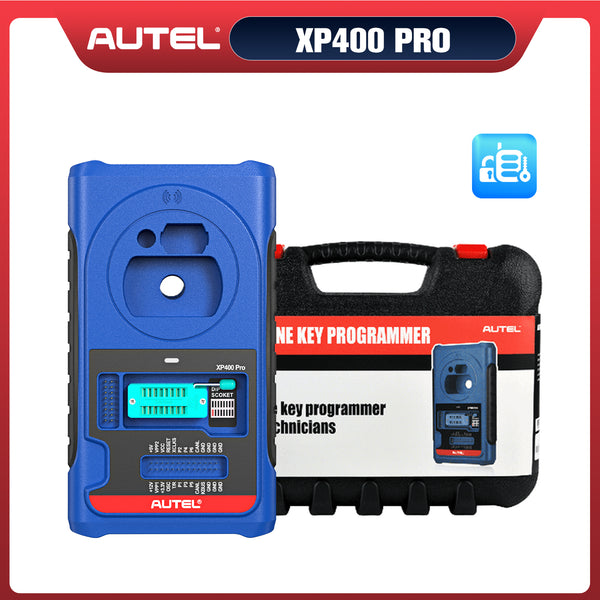


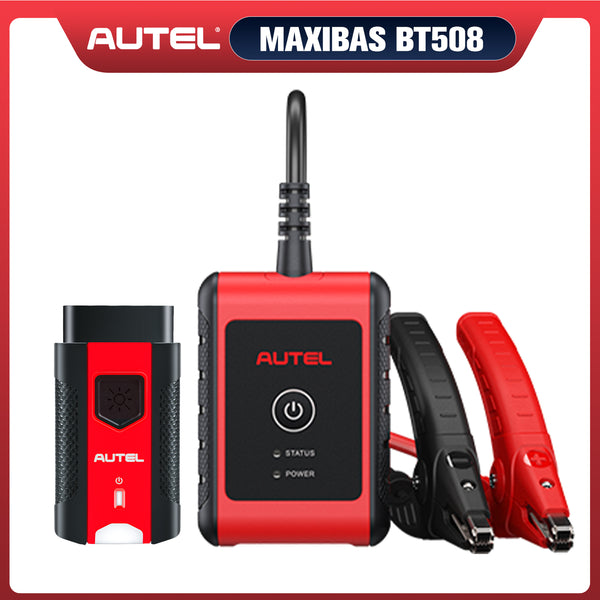
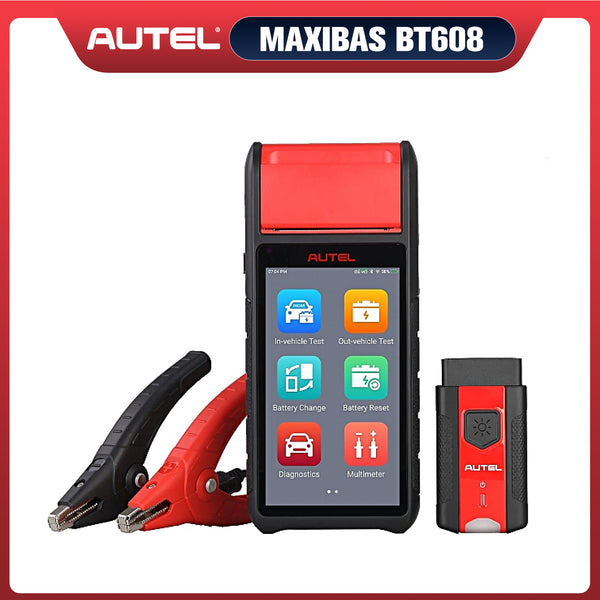





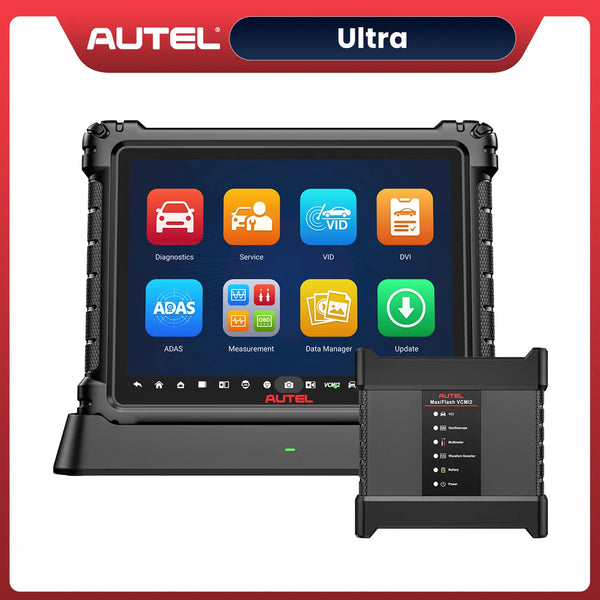
Autel TPMS Tools is a professional TPMS programming tool that not only offers comprehensive TPMS diagnostics, sensor programming, sensor relearning, and sensor activation/reading functions, but also includes user-friendly tire-related features: it can quickly identify vehicle information via the VIN code, modify TPMS modules, and perform four common tire maintenance operations.
In 2026, Autel upgraded the programming methods for TPMS sensors. Previously, some Autel TPMS tools only offered two options: automatically generating 1–16 sensor IDs and copying data via the OBD interface. Now, all Autel TPMS tools in the U.S. version support two additional programming methods: “Copy by Activation” and “Copy by Manual Input.”
Today, we’ll take a detailed look at these four methods for programming TPMS sensors: how they work, what their respective advantages are, and how to choose the right one for different situations. Let’s dive in.

How to Program TPMS Sensors-4 Ways
Before performing TPMS programming, ensure that the vehicle is in a safe condition. You must also select the appropriate vehicle information, including the make, model, year, and VIN. Some Autel TPMS programming tools, such as the Autel ITS600E, support VIN scanning, enabling quick identification of vehicle information.
Method 1: Auto-Generate Sensor IDs
The Auto Create function is used to automatically create new sensor IDs to program new Autel MX-Sensor. Maximum of 20 MX-Sensors can be programmed at once.
Specific Steps for Programming TPMS Sensors:
- Step 1: Select to enter the Programming screen
- Step 2: Select “Auto-create” below
- Step 3: Place the required sensors within 4 inches of the tool, and keep other sensors at least 4 feet away.
- Step 4: If you need to automatically generate 20 sensor IDs, place all the sensors within 4 feet of the tool to enable one-click programming.

Auto Create Sensor IDs
Method 2: Copy by Activation
This method can only be used if the original sensor is active, because the copy activation method requires the original sensor to be activated.
Specific Steps for Programming TPMS Sensors:
- Step 1: Use the Autel TPMS tool to activate each of the four original TPMS sensors by bringing the tool close to them.
- Step 2: Select to enter the Programming screen
- Step 3: The sensor ID will appear in the second column to the right of the tire label. Tap the tire location on the screen and place the new TPMS sensor above the tool.
- Step 4: Select “Copy by Activation” below
- Step 5: The original sensor's ID will be programmed into the Autel MX sensor.

Program TPMS Sensors by Activation
Method 3: Copy by OBD
When your original sensor data cannot be retrieved, you will need to use the “Copy via OBD” method to read the data stored in the vehicle's ECU directly from the OBD port.
Specific Steps for Programming TPMS Sensors:
- Step 1: Connect the Autel TPMS tool to the vehicle's OBD port. Some TPMS tools require the use of the included main cable, while others can be connected by plugging in the VCI.
- Step 2: Select to enter the Diagnostics screen, Read the original sensor ID
- Step 3: Click “Programming” to see the sensor IDs in the ECU displayed on the right side of the second column.
- Step 4: Select the corresponding tire, place the new Autel MX sensor above the tire, and tap the “Copy by OBD” option at the bottom of the screen.
- Step 5: Programming complete

Program TPMS Sensors by OBD
Method 4: Copy by Manual Input
The Copy by Input allows users to manually enter the Sensor ID and program a new MX-Sensor with the ID of an original TPMS sensor
Specific Steps for Programming TPMS Sensors:
- Step 1: Select to enter the Programming screen
- Step 2: Tap the tire location on the screen and place the new TPMS sensor above the tool.
- Step 3: Select “Copy by Manual Input” below
- Step 4: Manually enter the original sensor ID, and then select “OK” to program the new Autel MX-Sensor with the original sensor ID.

Program TPMS Sensors by Manual Input
The Benefits of Four TPMS Sensor Programming Methods
Each of the four TPMS sensor programming methods has its own advantages and is suitable for different situations:
-
Auto-Create Sensor IDs:
This method is used for complete replacements, batch programming, or large-scale installations of TPMS sensors. This feature allows technicians to generate new sensor IDs on demand, without relying on existing sensors and without any delay.
It is particularly valuable in environments where consistency, speed, and control must be maintained across multiple vehicles simultaneously. -
Copy by Activation:
This method is ideal when the original sensors are still active and can be easily accessed. It allows for quick programming without the need for OBD connection or manual input, making it a convenient option for many users. -
Copy by OBD:
By pulling IDs directly through OBD, technicians can keep the original configuration intact—without removing tires or slowing down the job. -
Copy by Manual Input:
This method offers flexibility for users who may not have access to the original sensors or OBD connection. It allows for manual entry of sensor IDs, making it a useful option in situations where other methods are not feasible.
The following instructional videos demonstrate four methods for programming TPMS sensors, using the Autel ITS600 as an example:
How to Choose Among Four Methods for Programming TPMS Sensors
When deciding which method to use for programming TPMS sensors, consider the following factors:
- If the original sensors are accessible and active: The Copy by Activation method may be the most convenient.
- If you need to manage a fleet or work across multiple vehicles: Methods for auto create are more suitable. They enable efficient batch programming and simplify the process of replacing all sensors.
- If the original sensor cannot be read: The copy by OBD method may be the best option. Technicians can keep the original configuration intact—without removing tires or slowing down the job.
- If the sensor cannot be read digitally: The copy by Manual Input method may be the best option. This allows for manual entry of the sensor ID, ensuring that the new sensor is programmed correctly even if it cannot be read through other means.
Conclusion
All U.S. versions of Autel TPMS Programming Tools now support the four methods described above for programming TPMS sensors. However, the specific method to use depends on the actual situation.
With one sensor and four programming methods, the TPMS workflow becomes more intelligent, TPMS service is simplified, and everything becomes more efficient. This is precisely where the value of Autel TPMS Programming Tools lies.


Leave a comment