




![IM608 PRO II Full Kit<br>[2-Year Free Update]](http://www.obdprice.com/cdn/shop/files/Autel_IM608S_II_Full_Kit_1_600x600.webp?v=1755662636)

![IM508S PRO<br>[2-Year Free Update]](http://www.obdprice.com/cdn/shop/files/Autel_MaxiIM_IM508S_Pro_600x600.webp?v=1755662755)
![IM508S<br>[2-Year Free Update]](http://www.obdprice.com/cdn/shop/files/AUTEL_MAXIIM_IM508S_600x600.webp?v=1755662895)







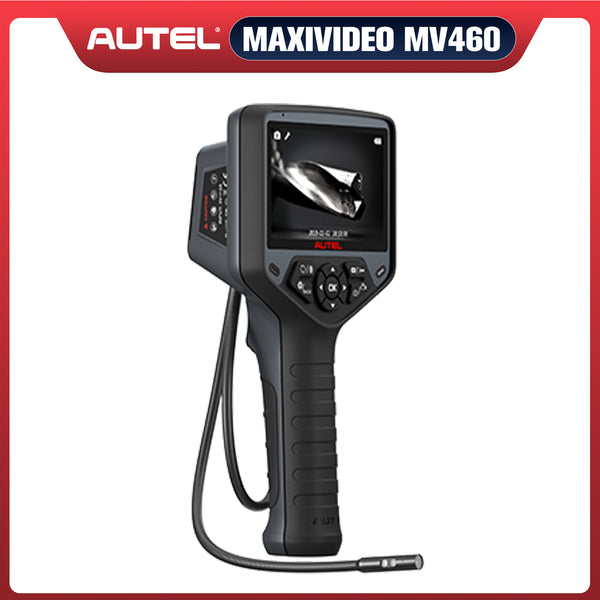
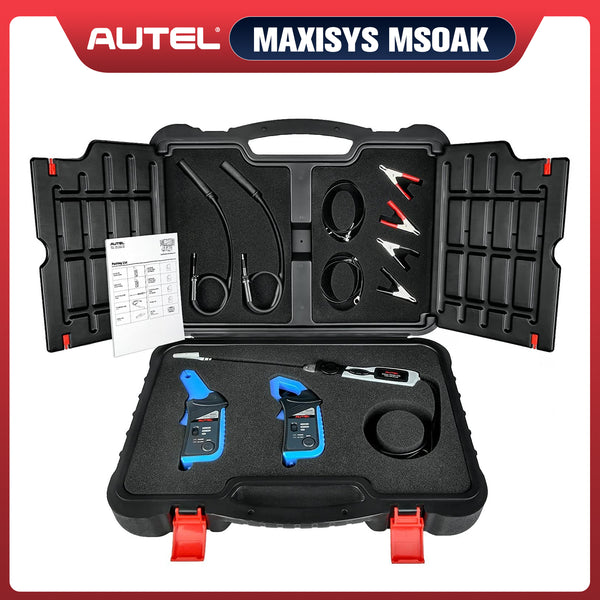
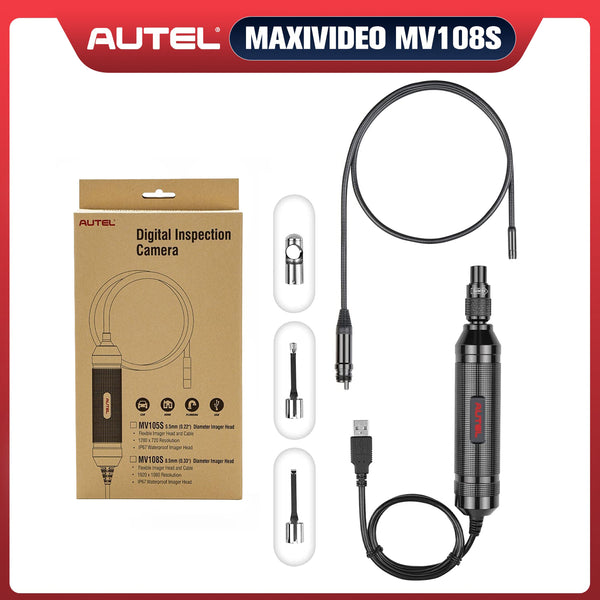
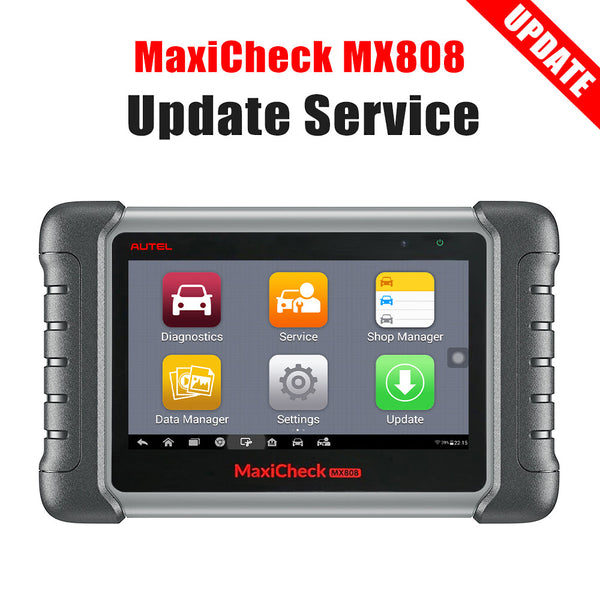
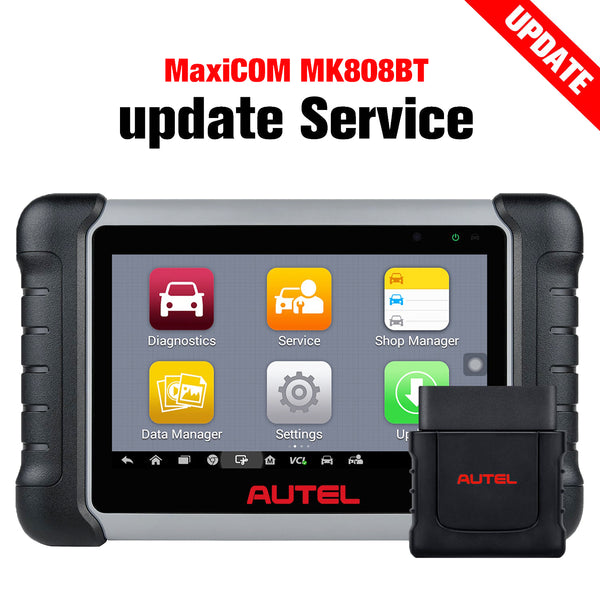
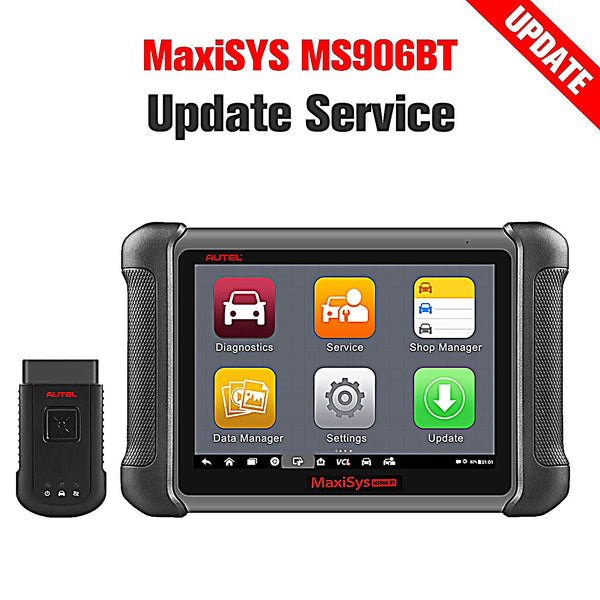


The storage space of Autel flatbed scanners ranges from 16GB/32GB/64GB/128GB. When the scanner memory is insufficient, installing an SD card to increase the storage space will effectively alleviate the problem.


What happens when the scanner runs out of memory?
When the scanner memory is insufficient, it will not be able to download any software, and a prompt will pop up to delete the vehicle software or add an SD card to expand the memory.
When the scanner's memory is seriously insufficient, the operation will become very laggy and prompts will appear more frequently.
How do I add an SD card to my scanner?
Autel flatbed scanners support expansion of memory cards. The card slot is usually located on the back of the fuselage. Add the appropriate memory card correctly to release the memory.
Take installing an SD card in MaxiSYS Elite as an example

Turn off the Autel MaxiSYS Elite scanner, flip the tool to the back, remove the screws on the back cover, remove the back cover and expose the battery.
At this time, the microSD card slot will be exposed. Remove the battery of the Elite scanner to reveal the complete microSD card access slot. Insert the Sandisk micro SD card (level 10) 16 GB/32GB. After confirming that it is inserted correctly, restore rear shell.
Turn the scanner on again, enter the data manager, and then enter the vehicle management. Select the vehicle software you no longer need and move it to the SD card.
At this time, you can again select the vehicle software you need to download for download. You can also choose whether the priority download location of the vehicle software is the scanner's onboard memory or the SD card.
If you have any questions, please contact us via email sales@obdprice.com.
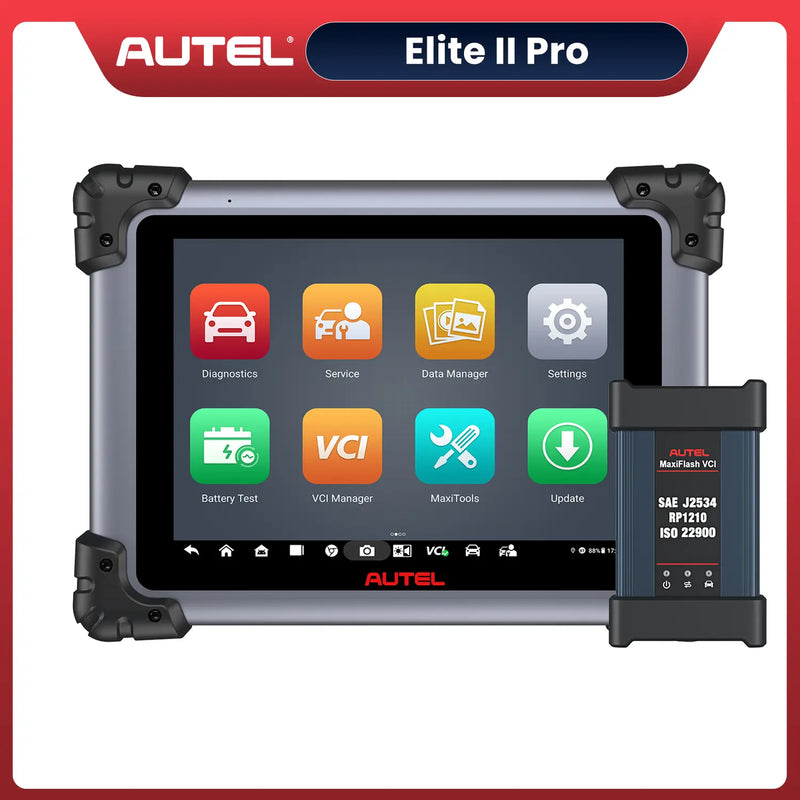 $760 OFF
Autel Maxisys Elite II Pro
$2799.00
[2-Year Free Update] Automotive Diagnostic Tool | Bi-Directional Scanner With MaxiFlash VCI | ECU Programming & Coding | Auto Scan 2.0 | 38+ Reset Services


